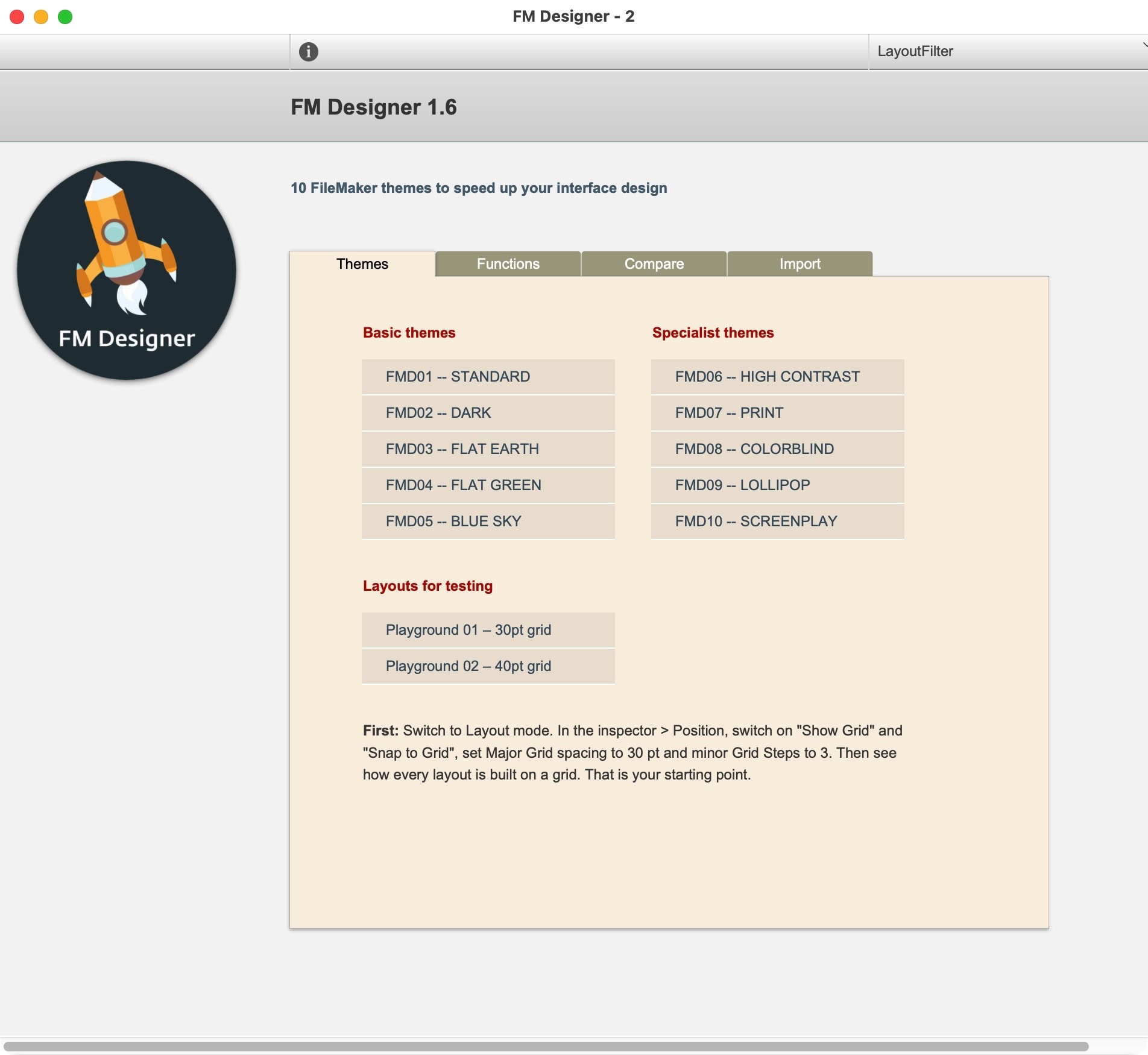
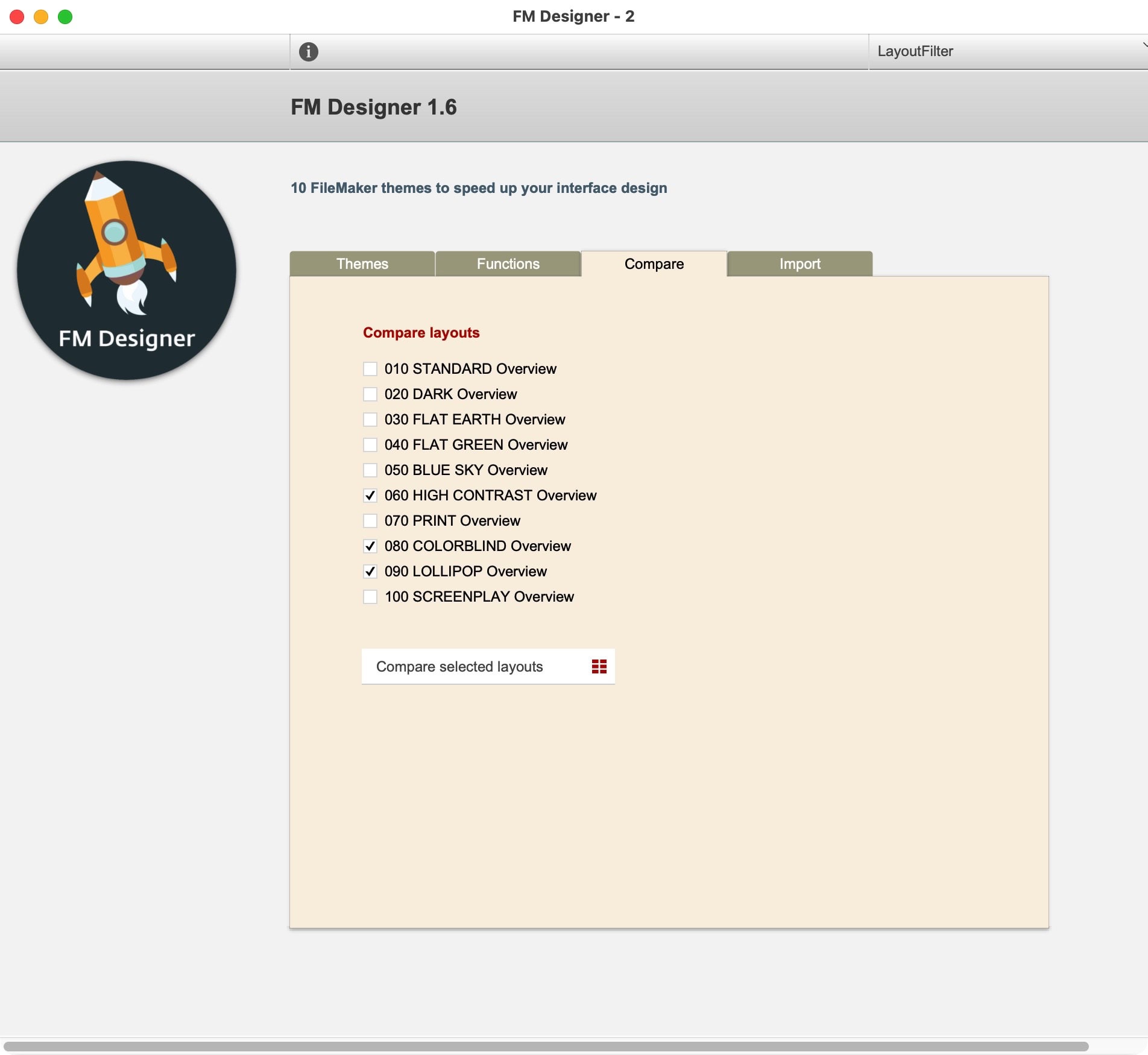
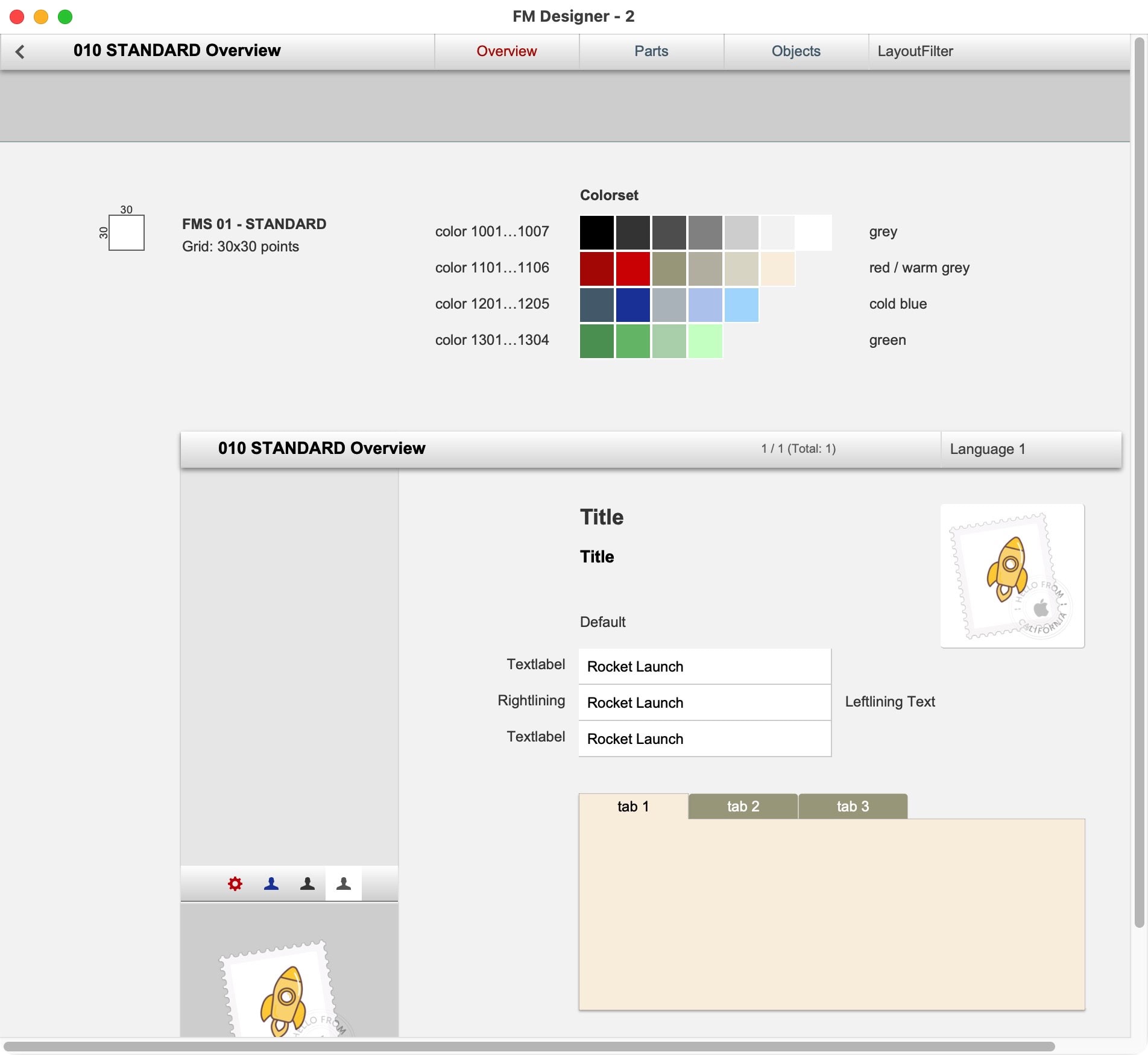
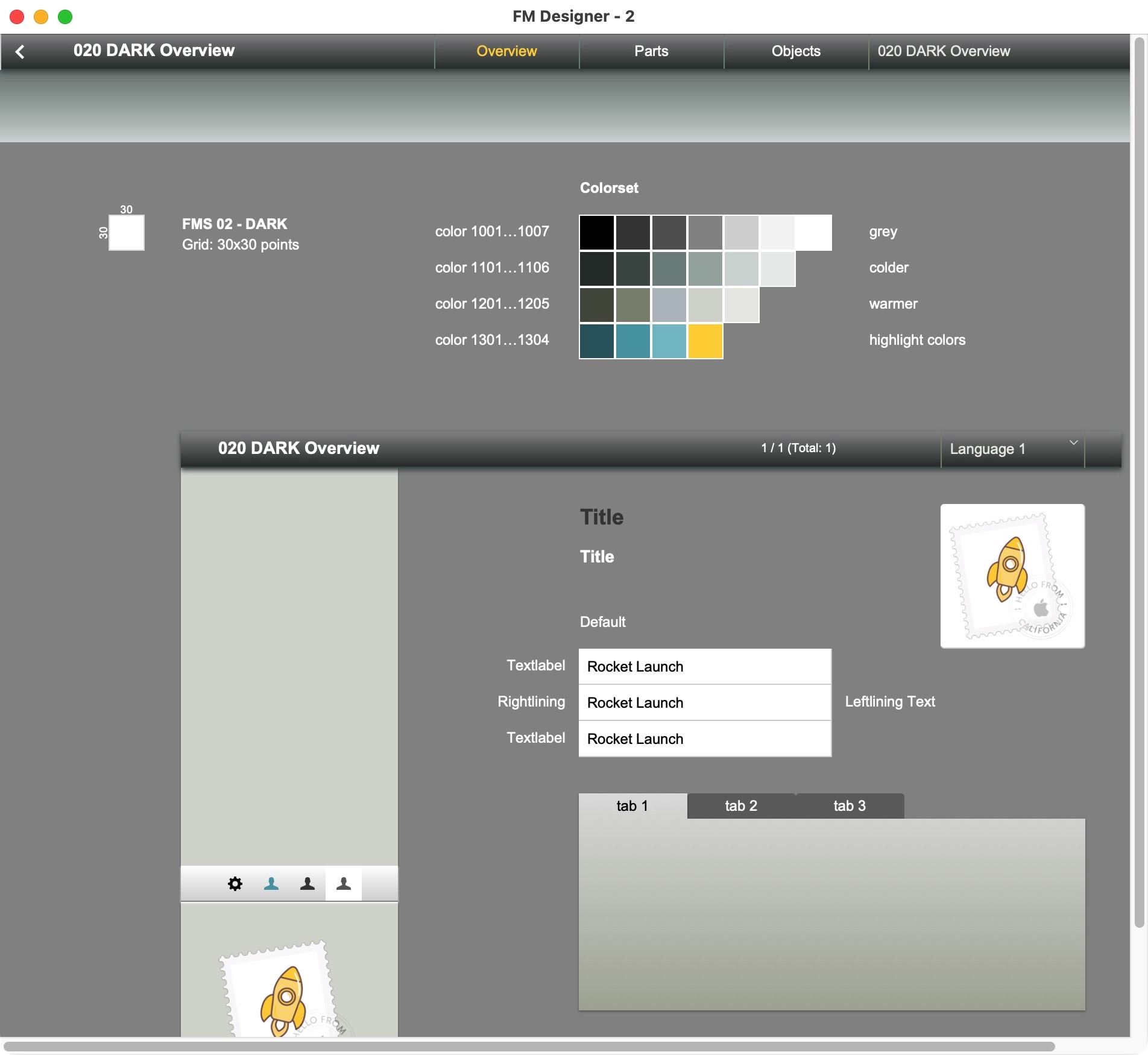
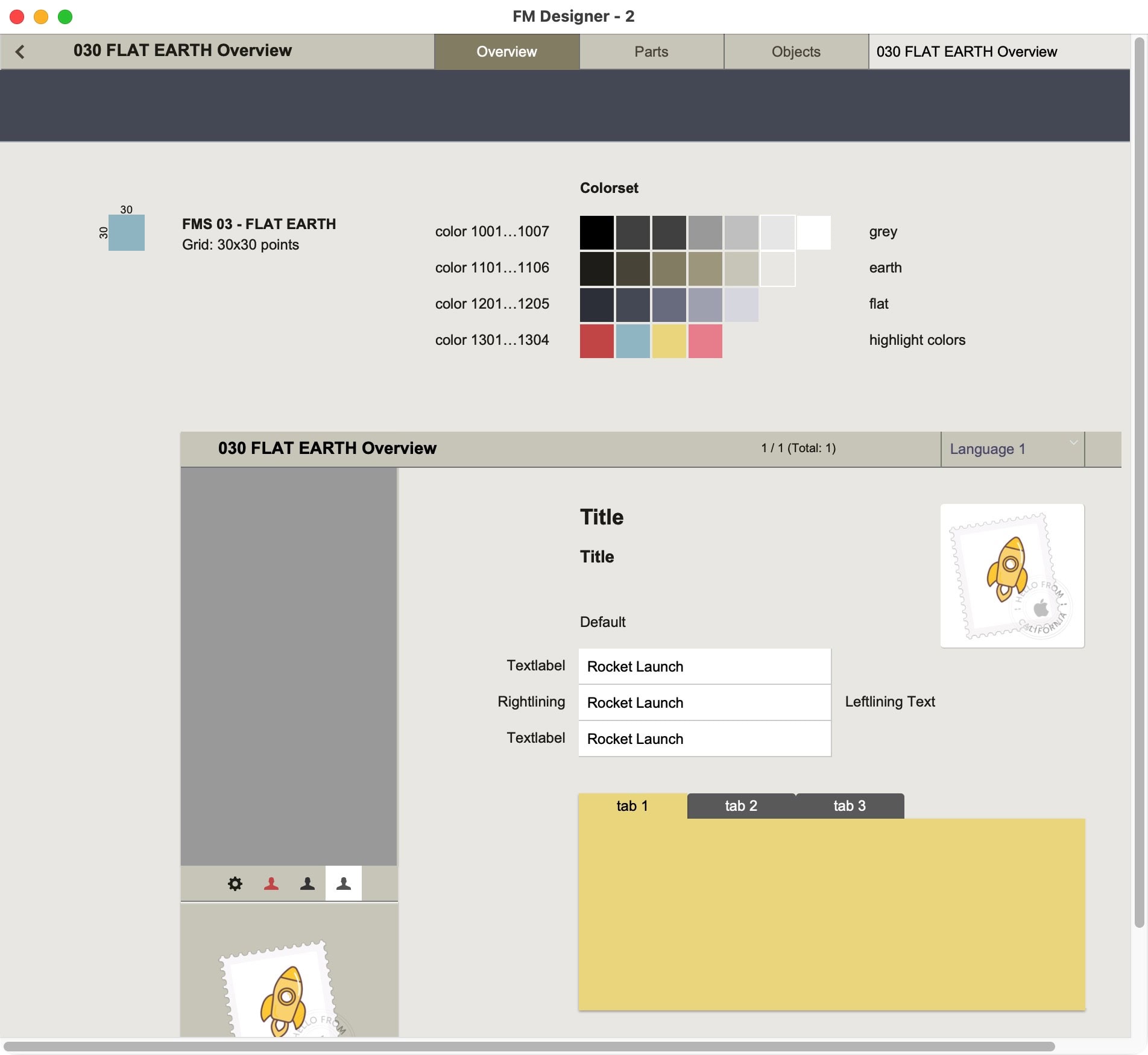
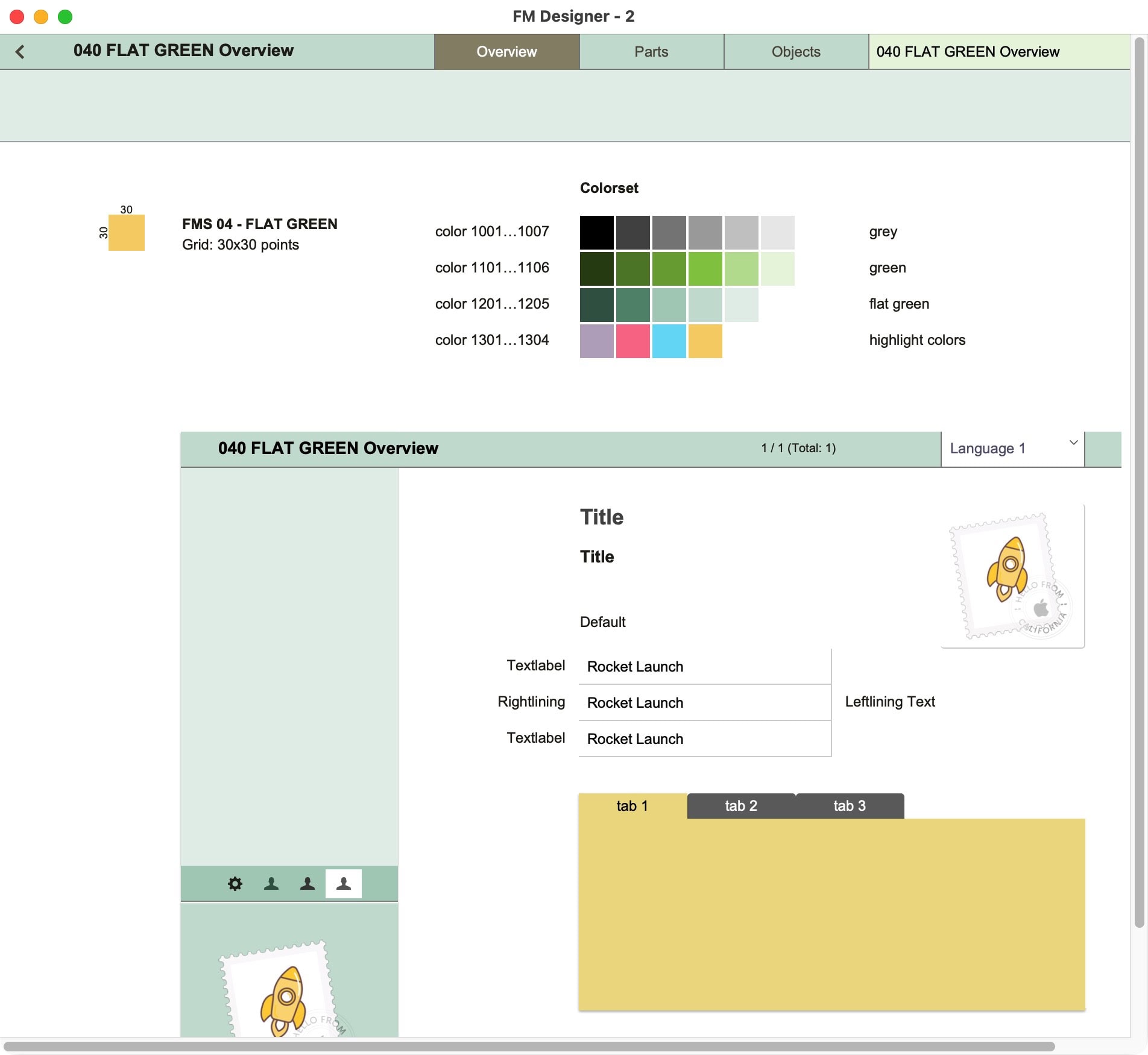
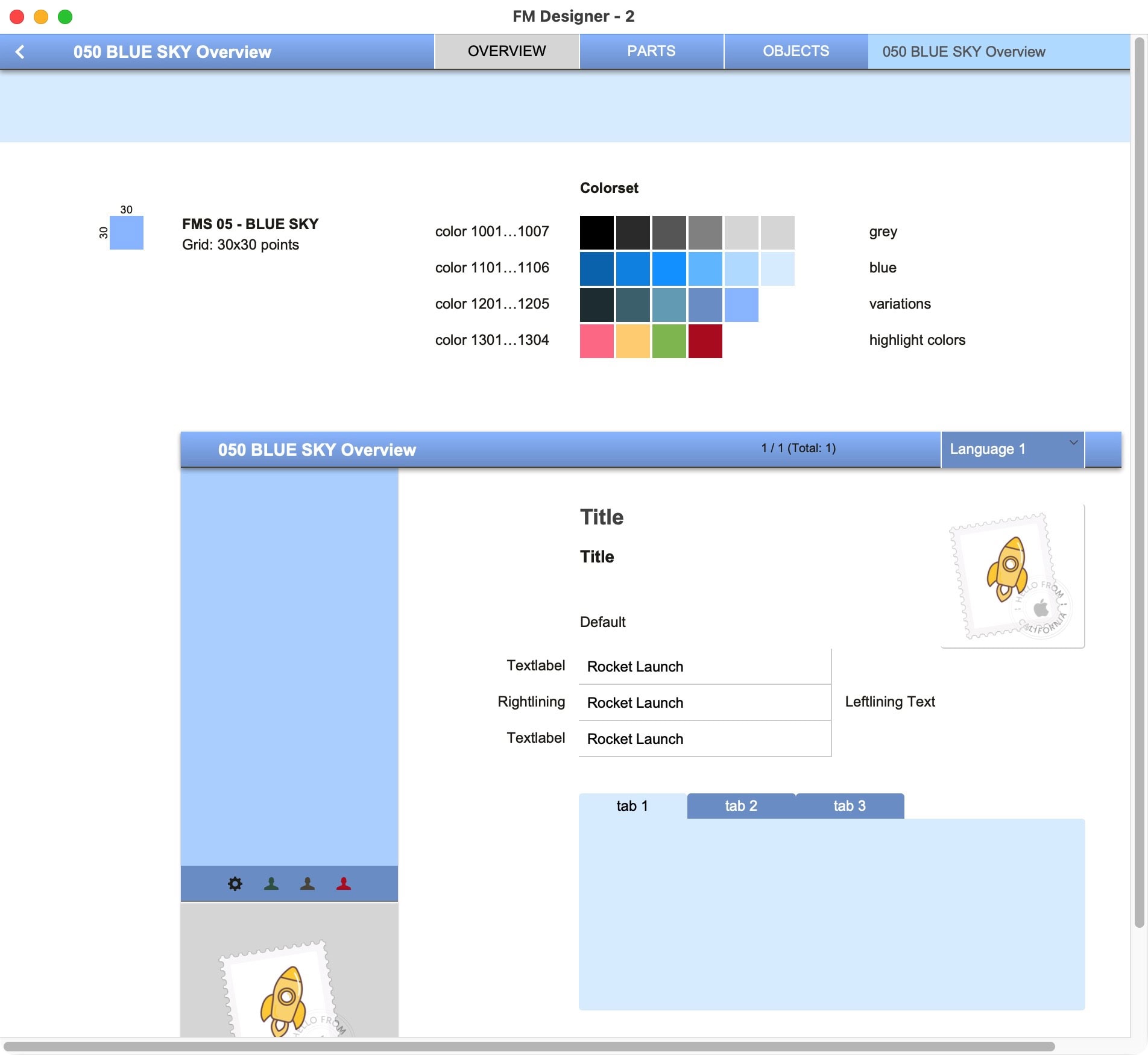
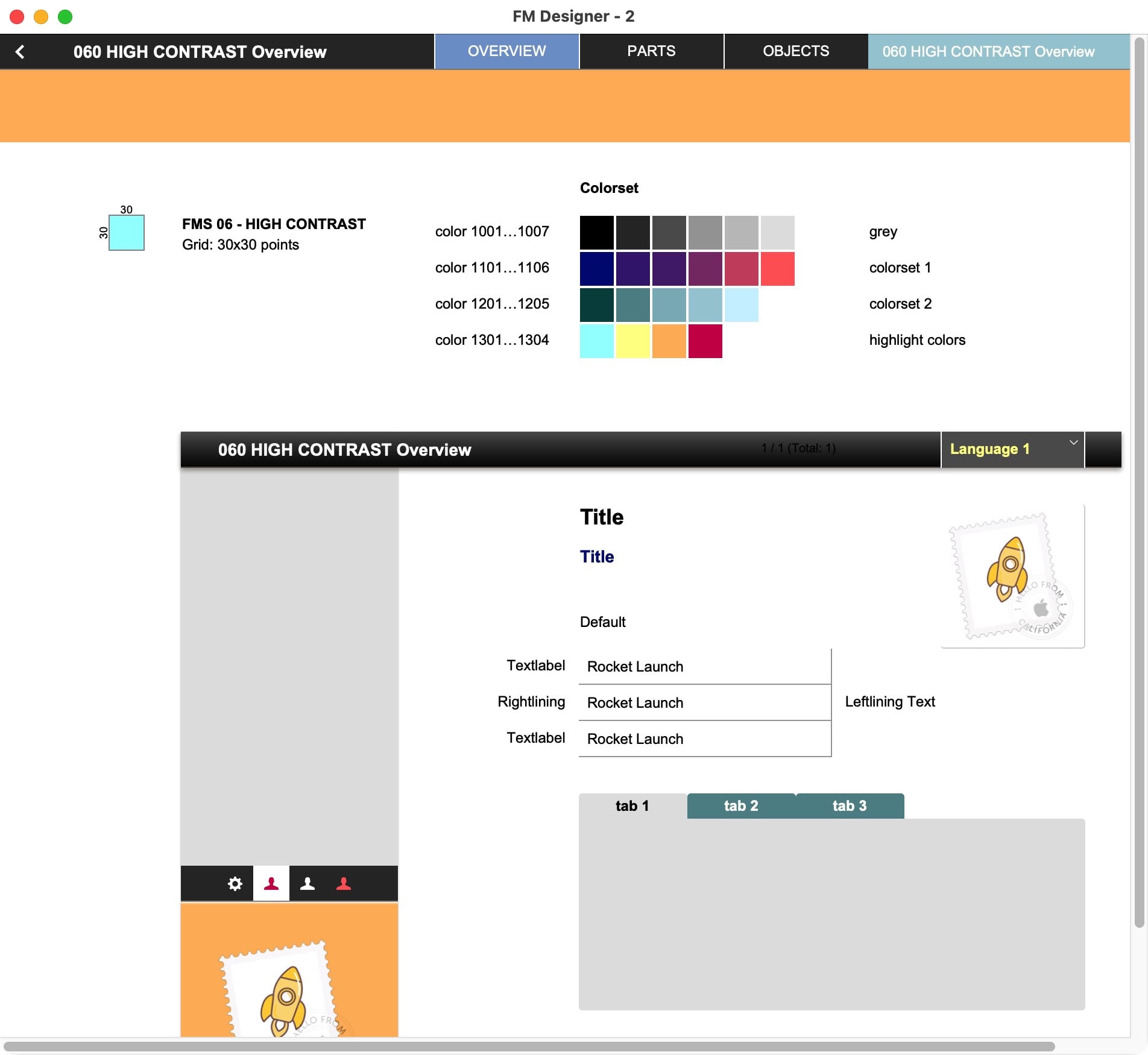
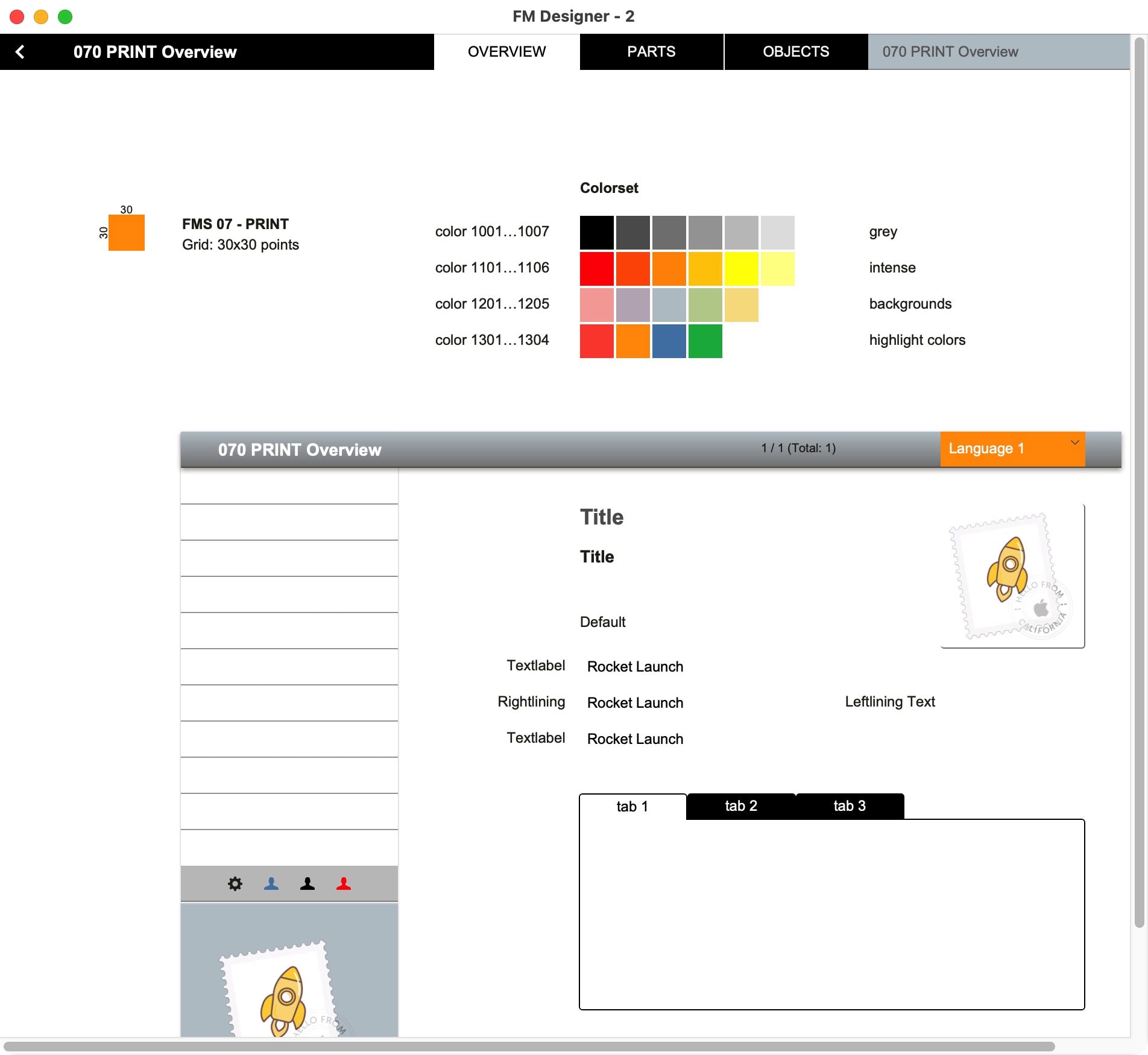
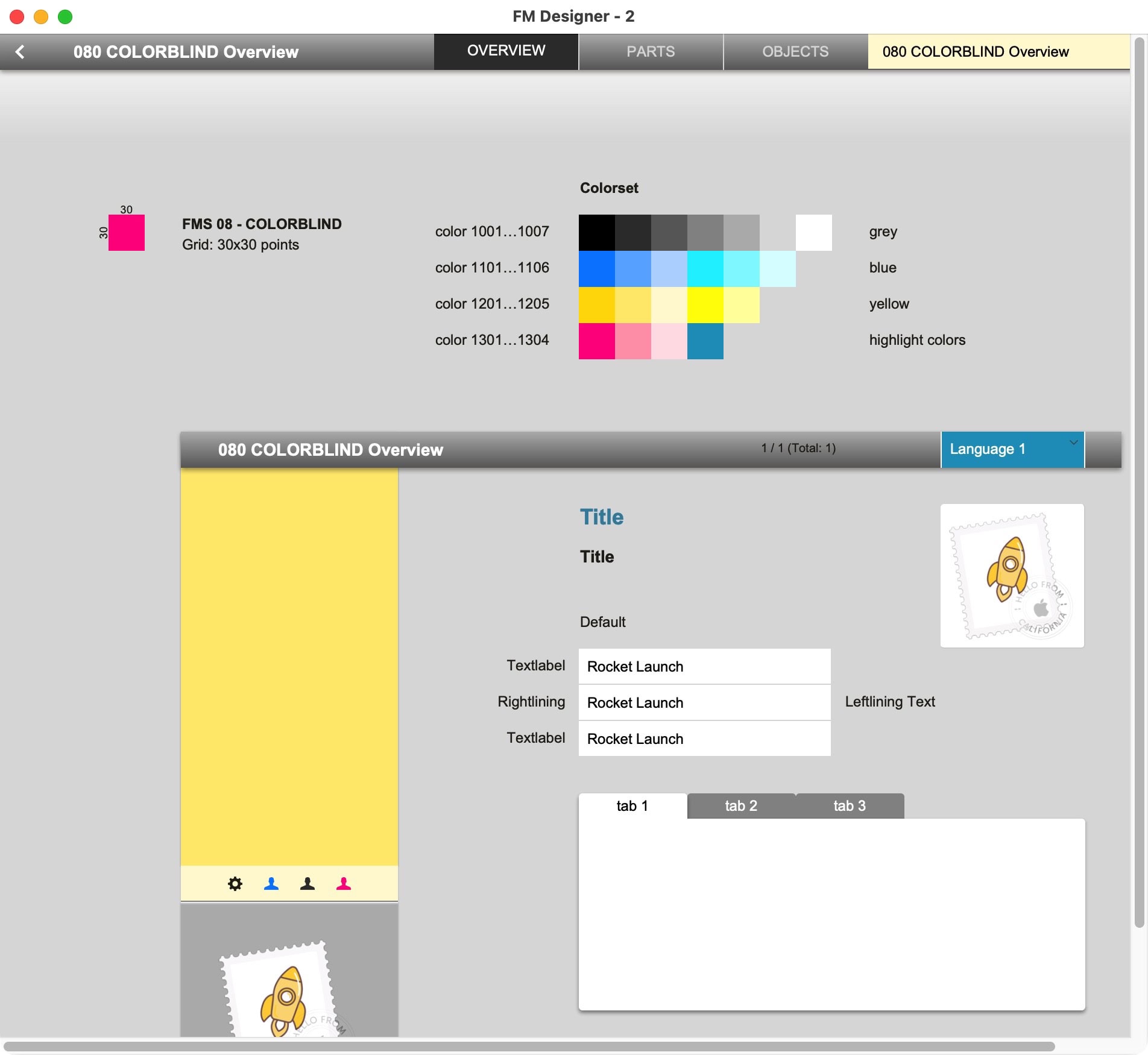
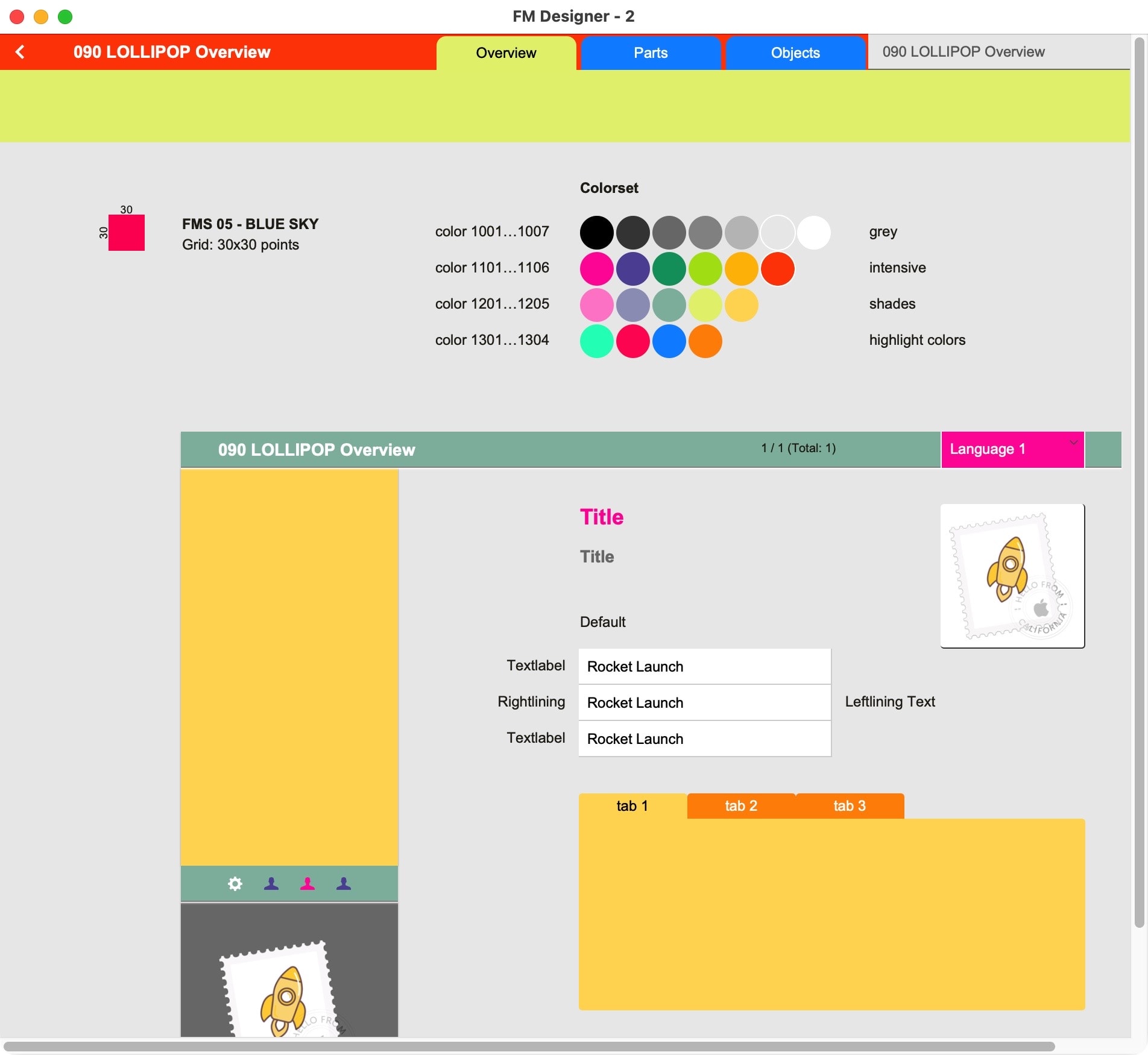
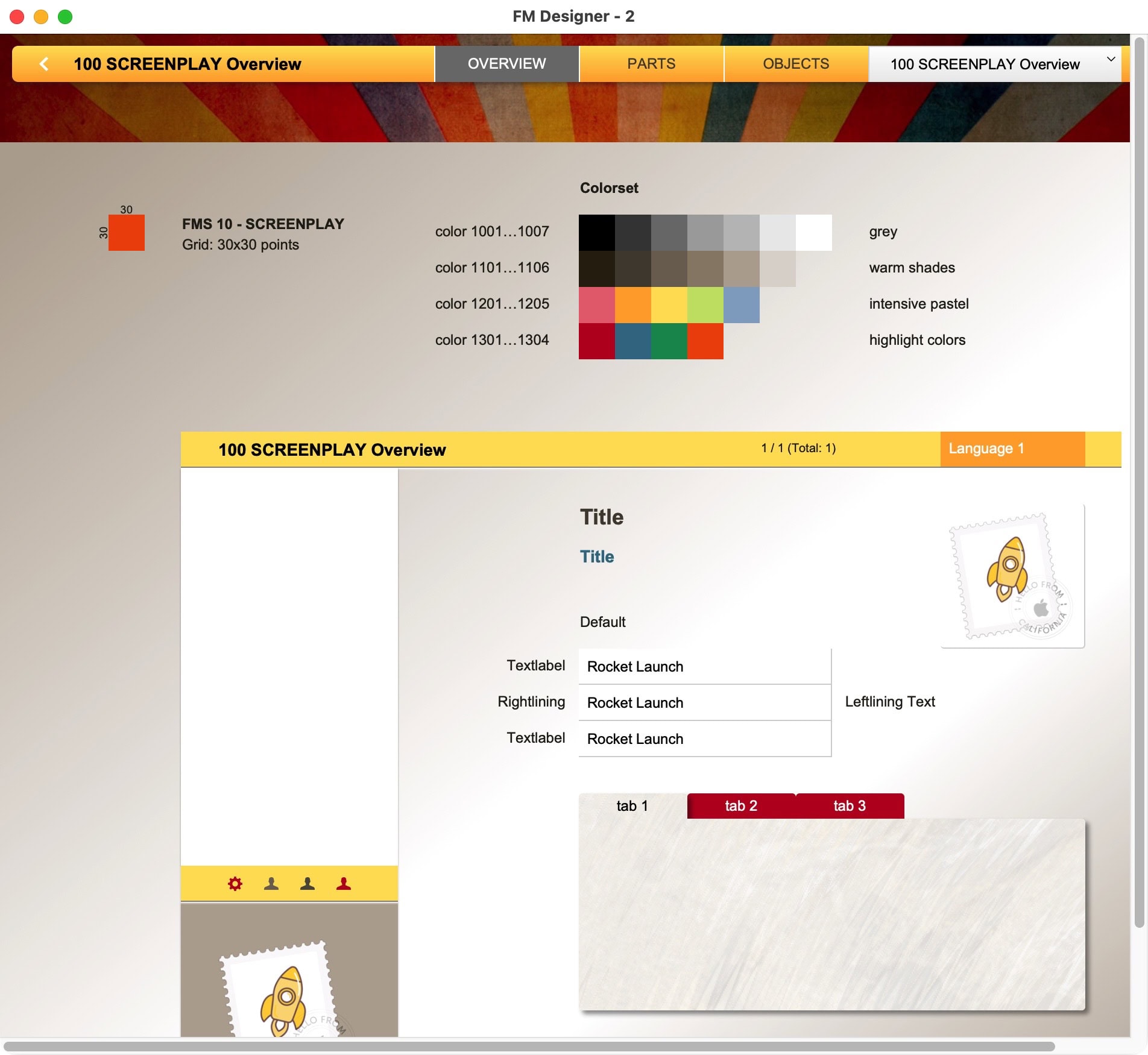
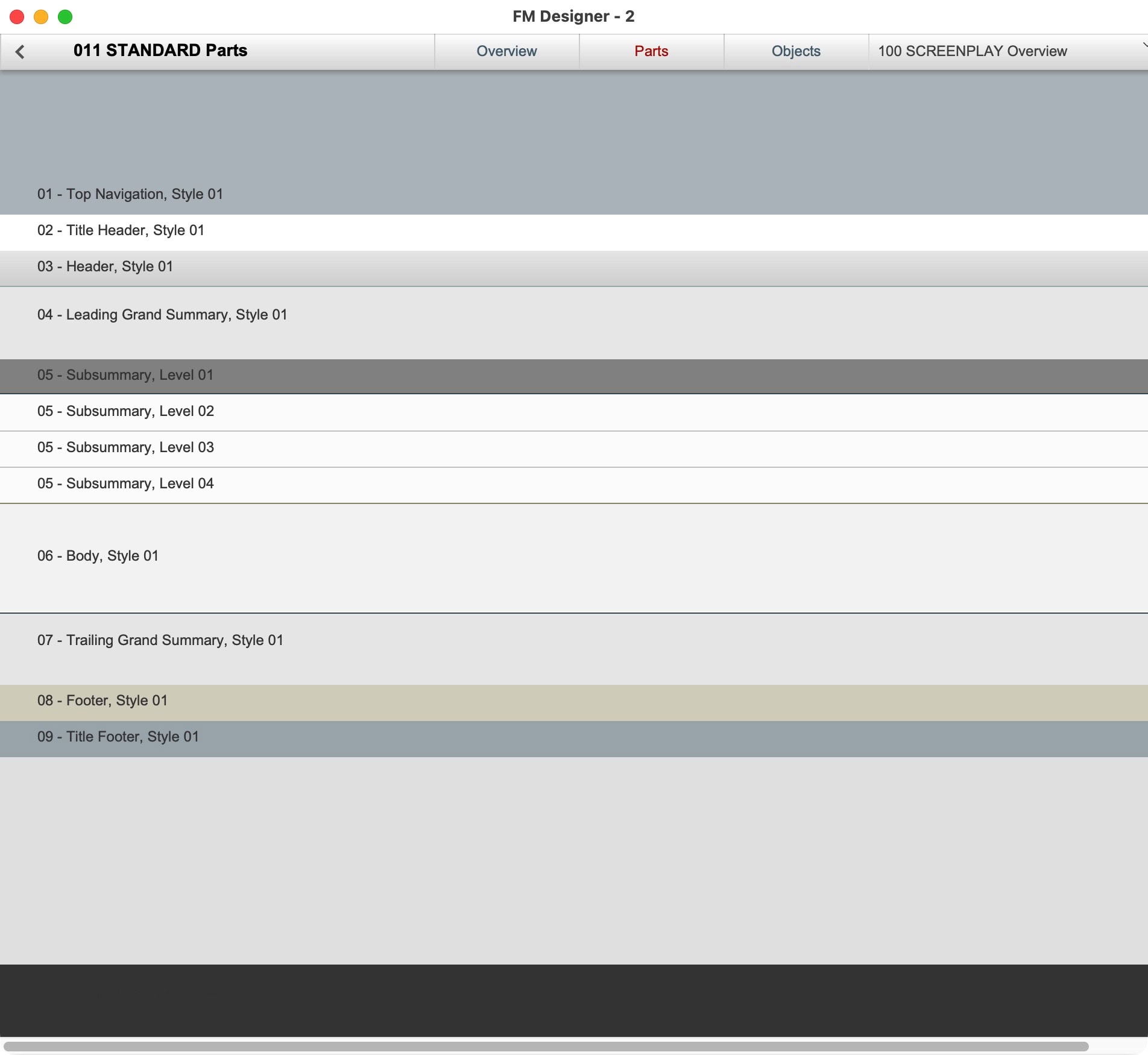
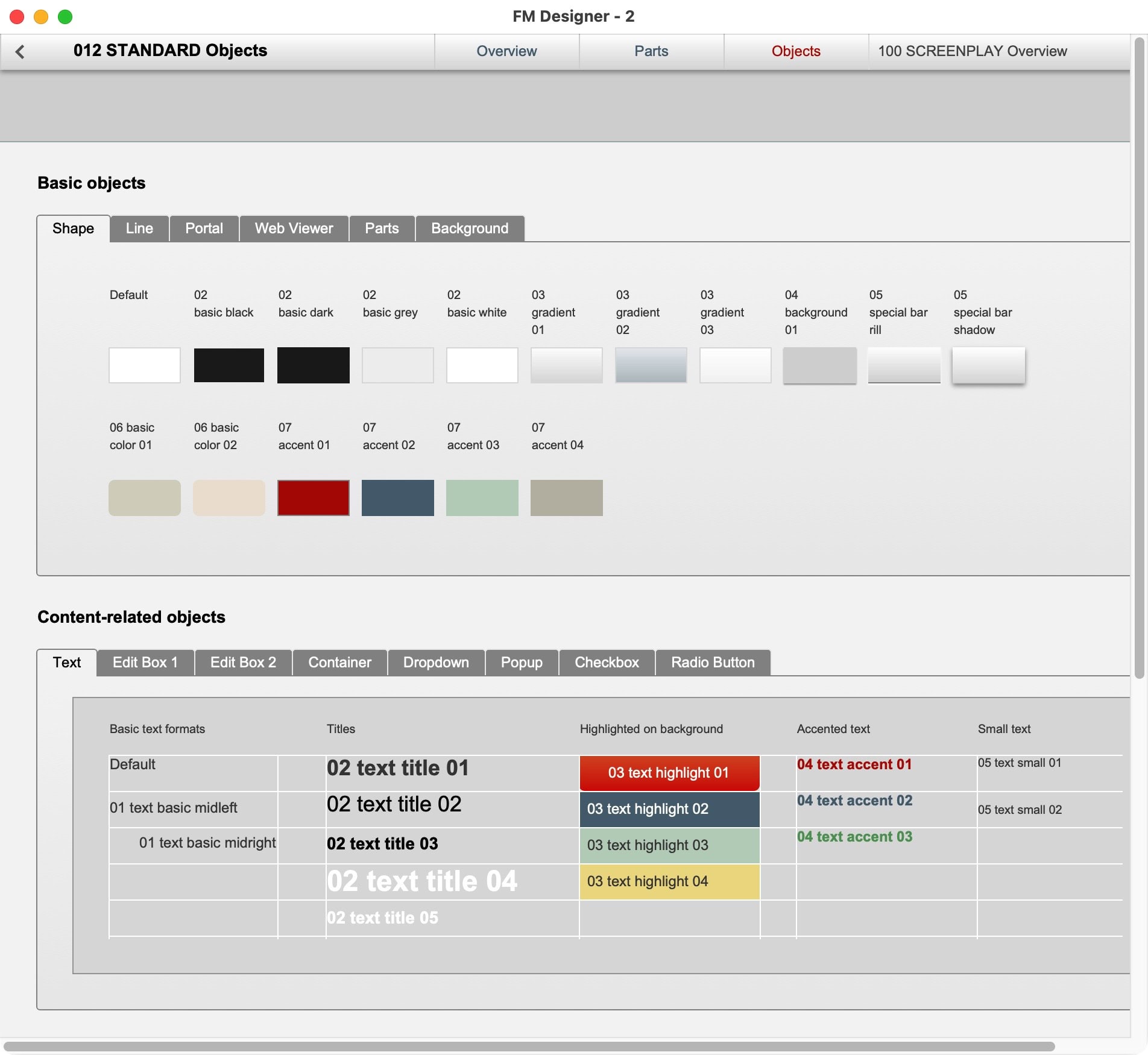
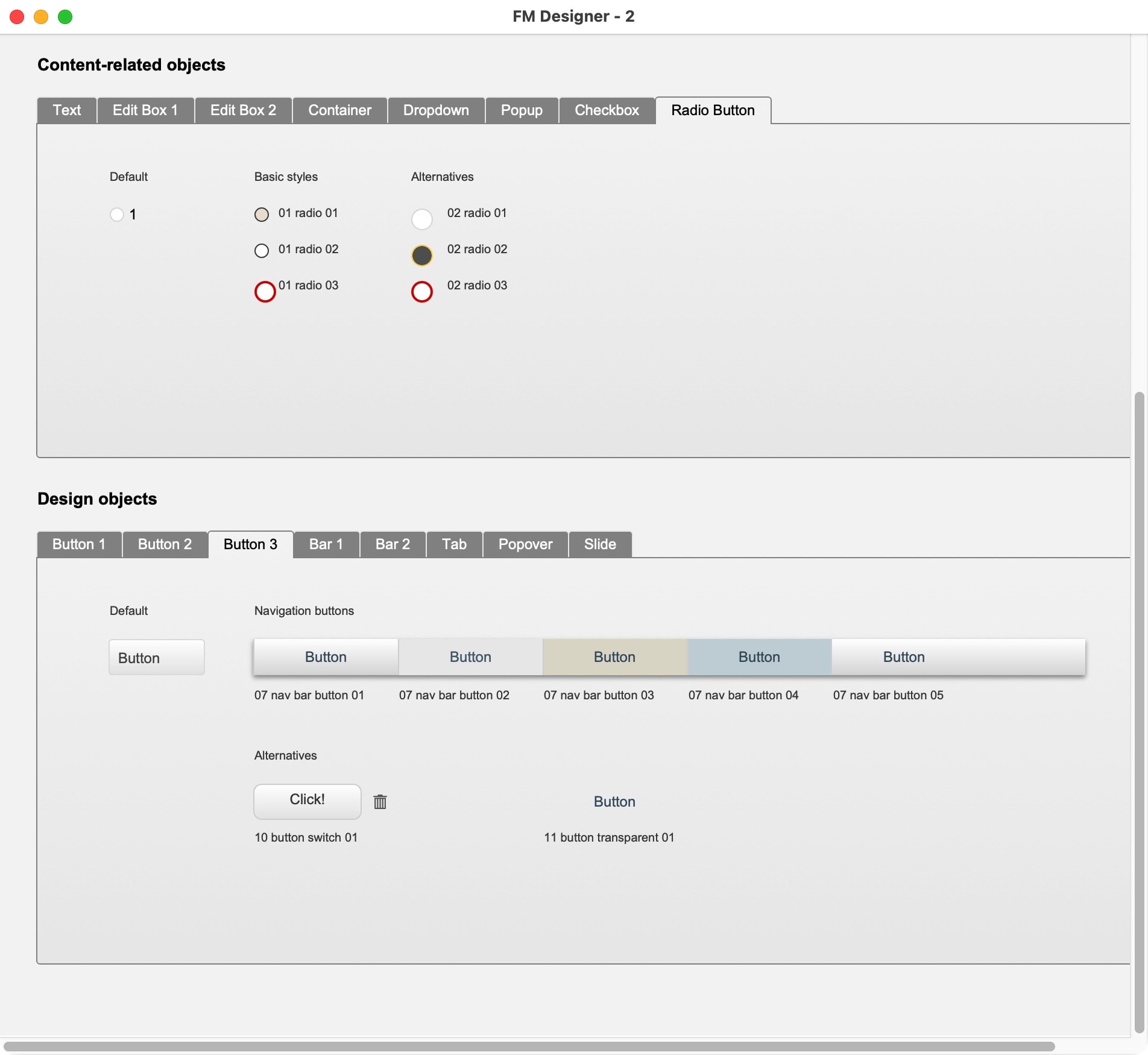
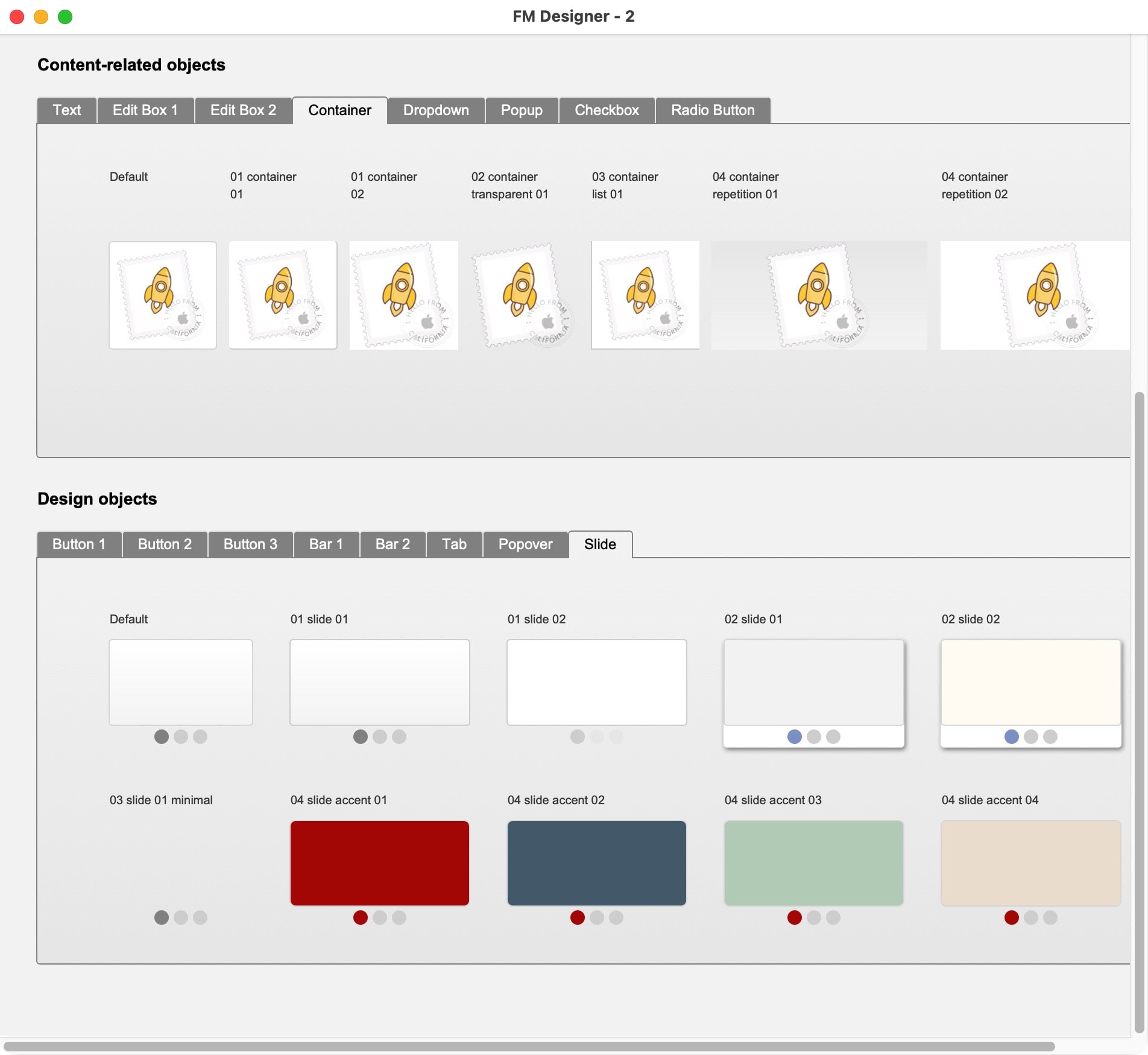
FM Designer helps you to create consistent interfaces for your FileMaker solution. The tool comes with 10 different themes, which can be easily applied to your projects. The tool also allows you to adapt, edit or create themes and comes with a visual catalog for every styled object or layout part.
Design in FileMaker
In FileMaker, the design is linked to a layout. Any layout is linked to a table. It is inevitable that FileMaker developers are encountering design questions because it is one giant application that covers it all. FileMaker developers do the engineering part and have to engage with the look and feel of a solution. Engineering and designing, though, are entirely different tasks. You do the math, as well as the UIX.
FileMaker has great design options, which are not as sophisticated as professional design apps, but which are quite usable for creating good interfaces. Here are some notable differentiations between phrases:
- The interface design is the look and feel and usability of the entire software or website.
- The design organizes and stylizes elements in a way that instead of distracting, it is guiding the user.
- Design is not "making it pretty". Neither using colors nor ornaments equals design.
- Design is not how it looks and feels like. Design is how it works (famous saying by Steve Jobs).
- Themes stylize objects and layout parts to make them look coherent for the user.
- Each theme is a stylesheet consisting of many styles for objects, layouts, or parts thereof.
- Themes help to standardize the outward appearance of FileMaker layouts.
- Themes help to implement your design. Using themes does not replace design.
- Themes make your layouts faster. This is important for mobile devices and web.
Consider themes as a tool to help create a design. They are not the design itself but support creating it consistently.
To support a consistent design, stylesheets are the way to go. A set of stylesheets can be combined in a single theme. Themes are linked to layouts. First, each object gets the default design from the applied theme for that particular object type. New styles can be created and saved within a theme. A well-designed theme has styles that work well together.
No theme will magically create an award-winning design. Design is not just about stylesheets but about how to use them. If you use a well-configured theme to polish your design, it will quickly improve results. Use it, and you will benefit from it. In this regard, FM Designer will greatly improve the final result of your solution design.
An important notice: There is no magic involved. Using themes does not mean you are designing, but themes help you to standardize the design of your interface.
Using themes does not mean you are designing, but themes help you to standardize the design of your interface.
In FM Starter and FrankCRM all objects have a style from a theme attached. Only in rare occasions, settings only apply for a single object. Using themes will optimize page speed as it decreases the visual code of any page, specifically for hosted solutions and display on iOS and Web.