FM Registrations lets you create licenses for your FileMaker solutions. Let your customers purchase a FileMaker solution first. Let them download the file, then provide a license key to unlock your solution. That is the beginning of what you can do with FM Registrations.
How FM Registrations works
FM Registrations let you create unlock keys by which you can unlock your solutions. To get to the final result, there are two pieces of software needed:
- FM Registrations encodes a license key with your settings.
- FM Unlock decodes that key into the original information.
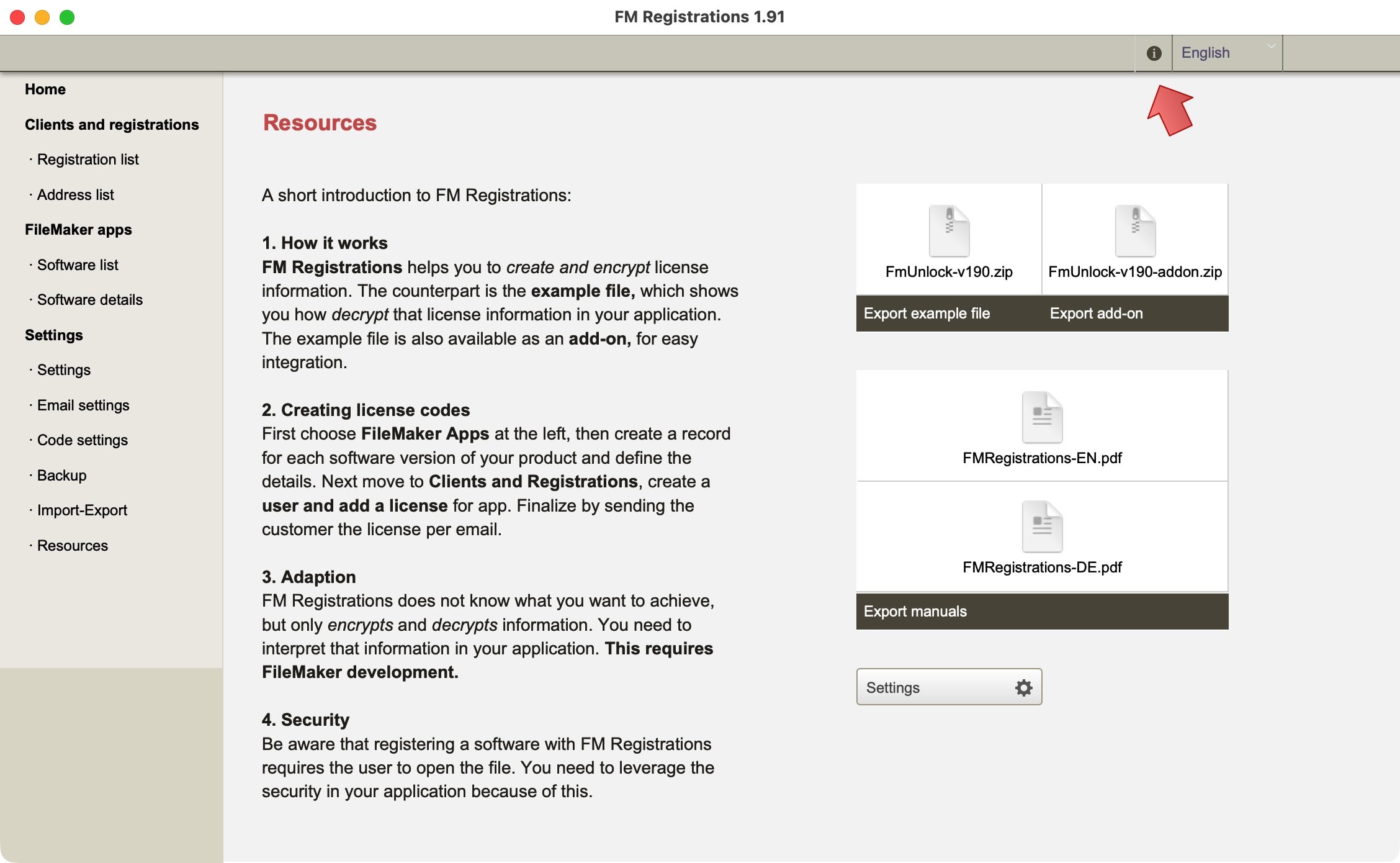
FM Registration is a FileMaker file (without administration access) that allows you to encrypt license codes and FM Unlock is the counterpart, which will let you decrypt such codes. Behind this wizardry are secret keys.

Secret keys
The secret keys of FM Registration allow the magic to happen:
- FM Registrations is used to create and encrypt license information into a license code.
- FM Unlock is the counterpart, which will decrypt the license code and turn it into the original information.
In other words, the secret key is used to encode and decode the license information. Without a matching key in FM Registrations and FM Unlock, a license cannot be activated.
Example 1
An unlock key for a version 2 will not work on a version 3 for that same software if each version has its own secret key.
Unlock and configure
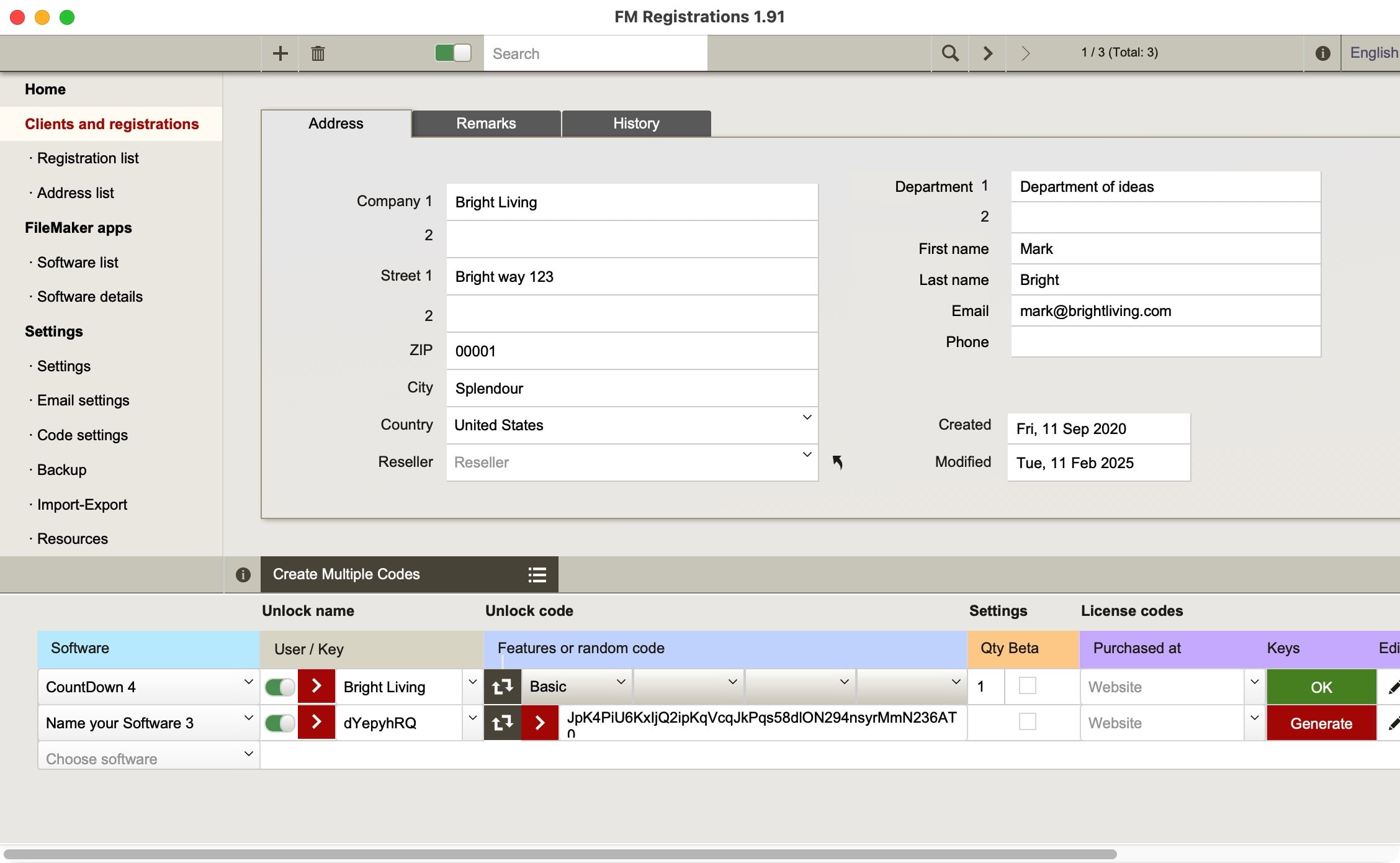
FM Registration handles several scenarios by creating different kinds of keys. You can create standalone keys or two-part keys for better safety, similar to a login name and login password.
This is what you can do with the different settings in FM Registrations:
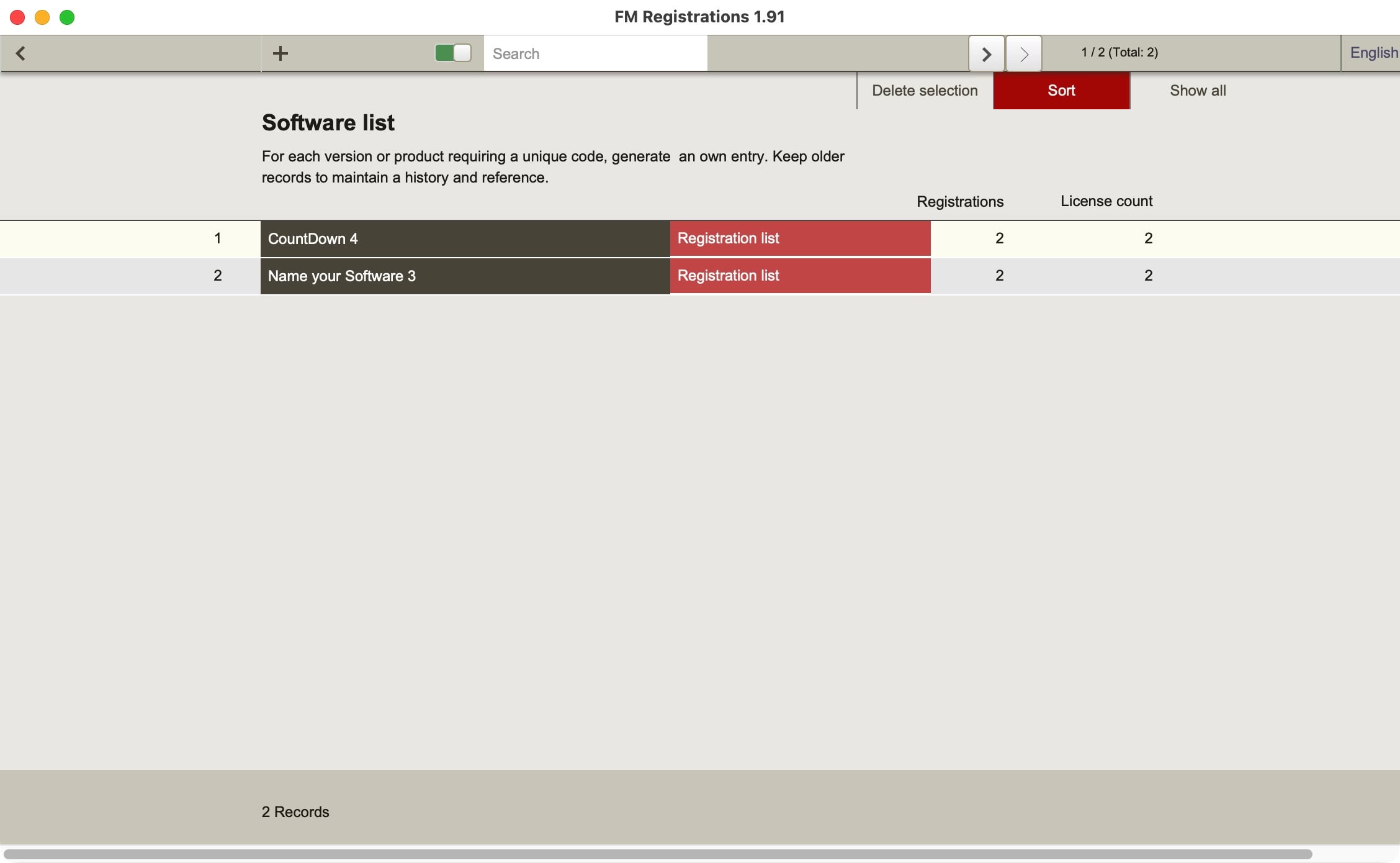
- Create solutions and versions with unique secret keys.
- Create one- or two-part keys.
- Unlock only key.
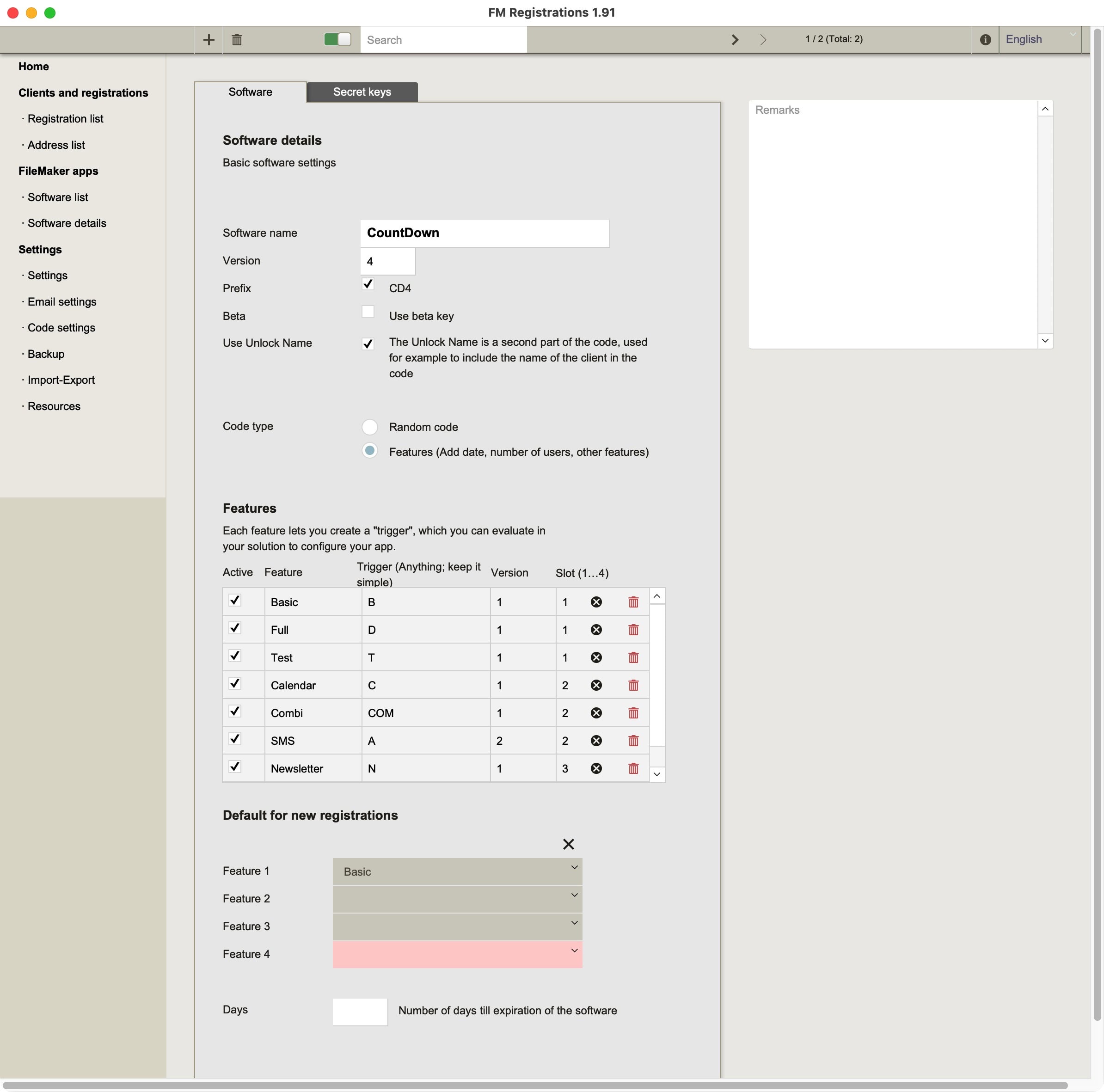
- Simple configuration settings (number of users, timely limited license, beta versions).
- Advanced settings to encode/decode up to 4 different functions at once (like unlocking new functions).
These options allow you to sell, for example, a license for a year. After passing the license end date, the software should be configured to no longer be usable, except for a registration layout, where a new code could unlock another year. Codes can be used to do specific things, like upgrading the number of users, adding new expiry dates, or unlocking new functions. All these options must be available in the file, of course.
The scenarios sketched here are typical for standard software solutions, available for download on the internet. These files should be locked down completely, after which configurations with license codes could be implemented. The license code then is the tool to lock or unlock options within your software. There is no other way. This is quite different from what many FileMaker developers do, who are working on FileMaker files for clients directly.
Maximum flexibility
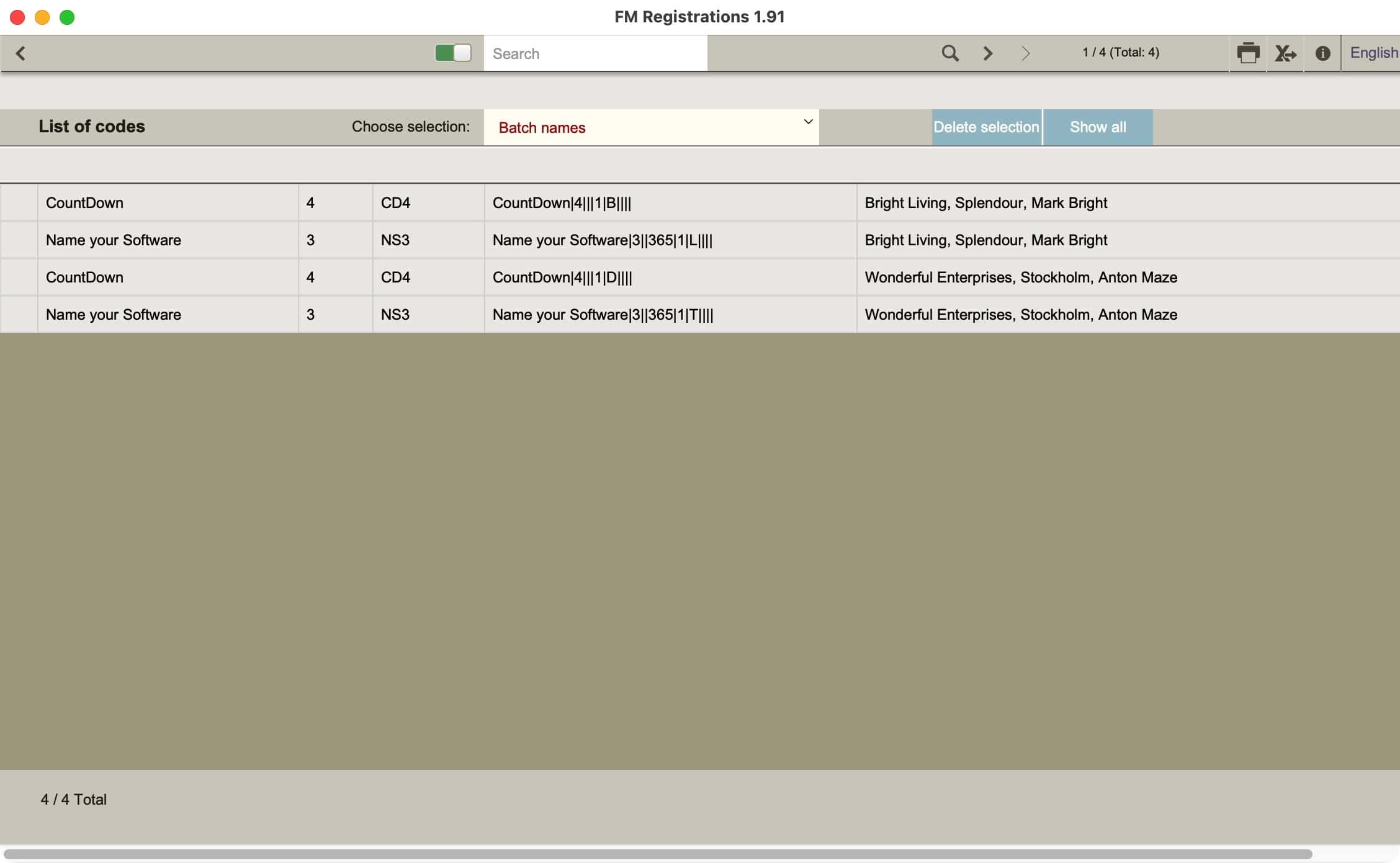
FM Registration offers maximum flexibility when creating license codes. It offers more options than any other solution I have known over the past few decades. As a software distributor for many products, I have seen as many variations. All of these can be matched by FM Registrations. A few more tricks are included.
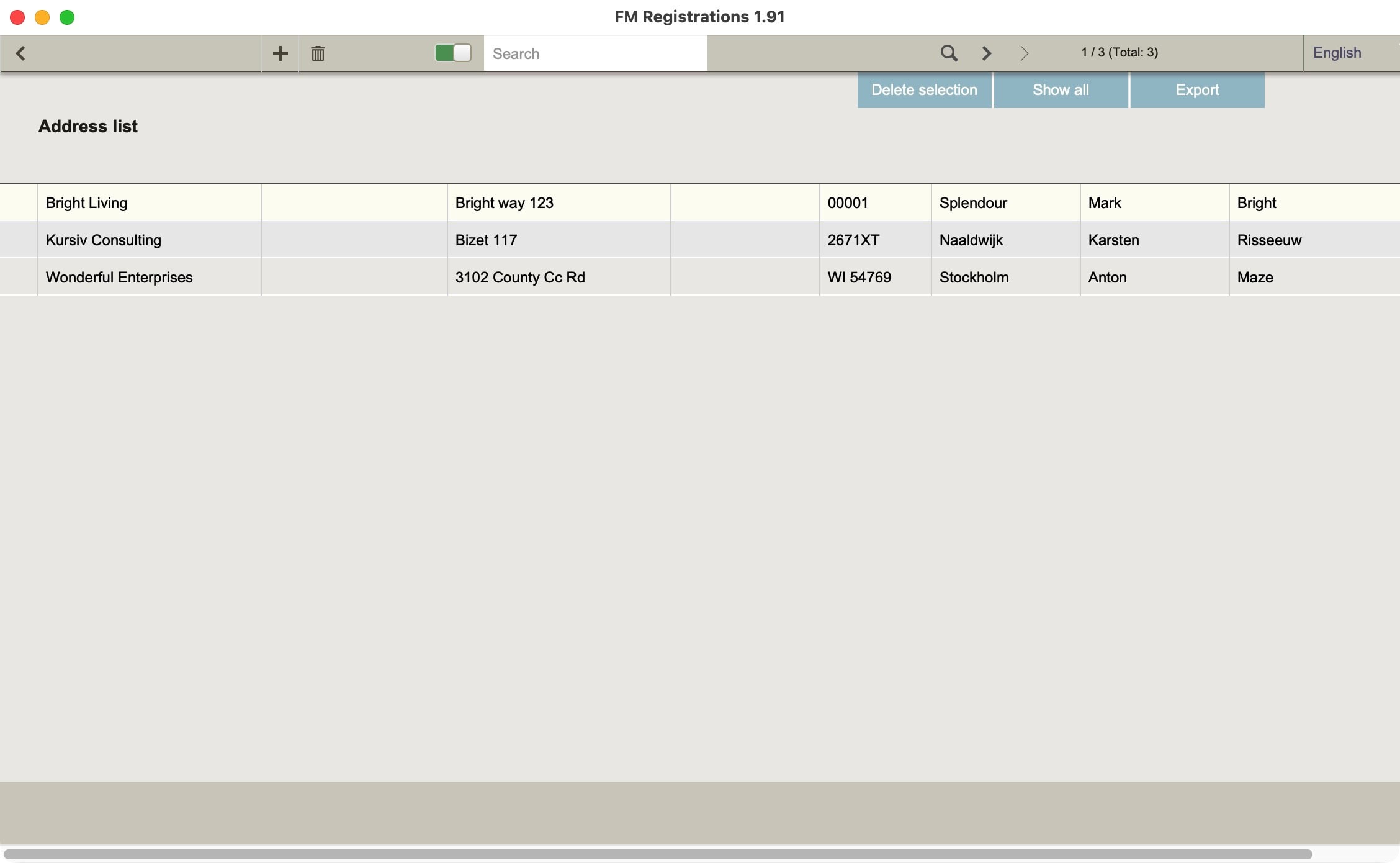
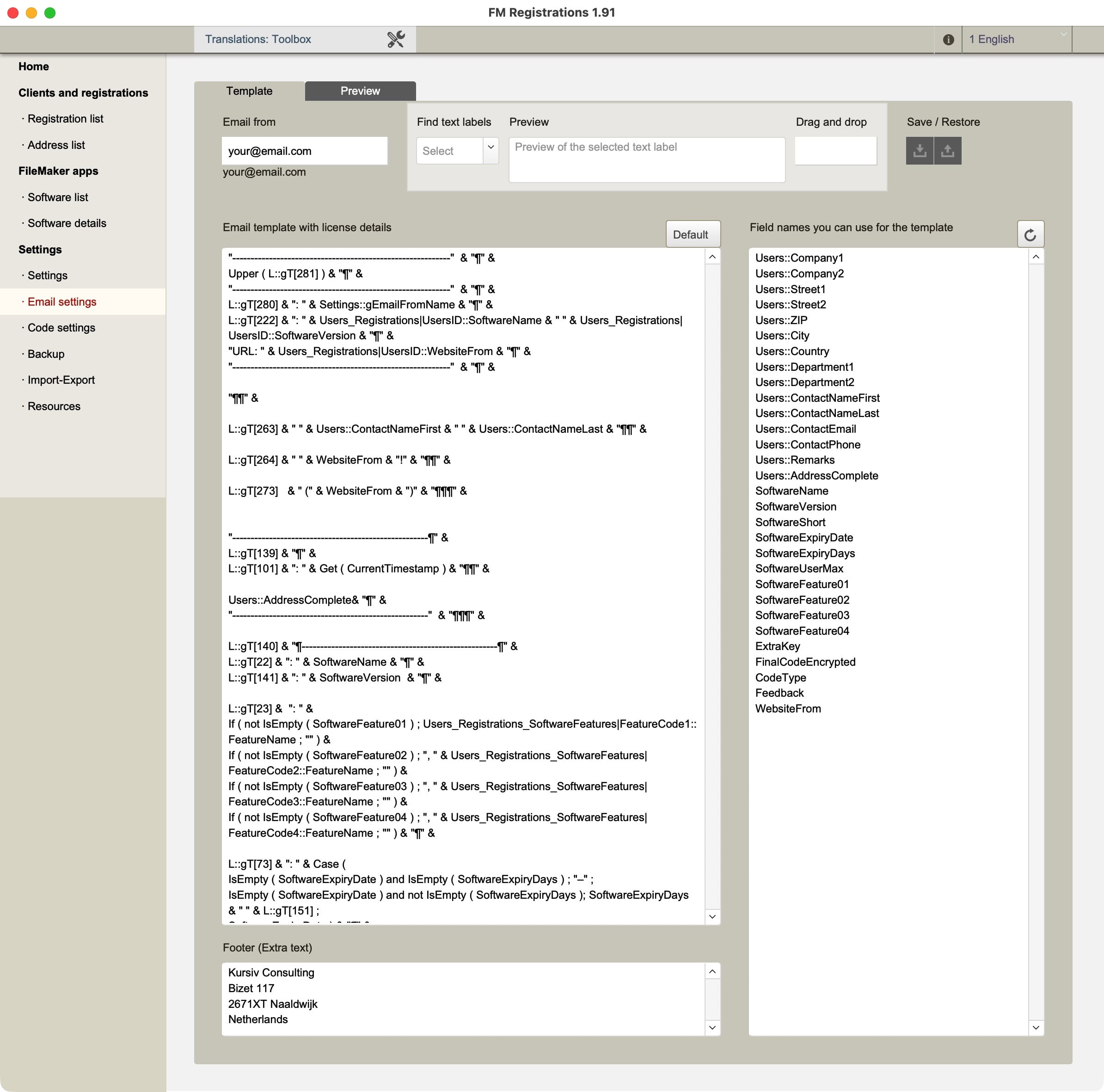
More complexity is not always needed. Sometimes less complexity is a better way to go. There is no obligation to make everything complex. FM Registrations is easy to use, creates license codes quickly, and even in bulk. It also has all the registration details and customers listed. Keep track of license codes, visually deactive them when updates are ordered. Send out license information per email easily.