

Addons are great to transfer reliable building blocks to multiple FileMaker solutions. However, the documentation is scattered across the internet. What we found is combined in this file.
What are addons?
Addons are files that FileMaker exported into an addon folder. The result is a series of files that together make up the original file and functionality (file types: XML, PNG, JSON). These addon folders can be created to transport a certain functionality to another file easily. Think of addons as building blocks. You first create a reliable and good functioning file with a certain functionality, then export an addon package of that file.
If you create an addon, the exported package is a folder plus an addon file (.fmaddon). Once you created such an addon, you can install the addon as a resource for your FileMaker application. Do so by double-clicking the fmaddon-file. Then restart your FileMaker application and the addon will be accessible as a resource.
Configure Addons
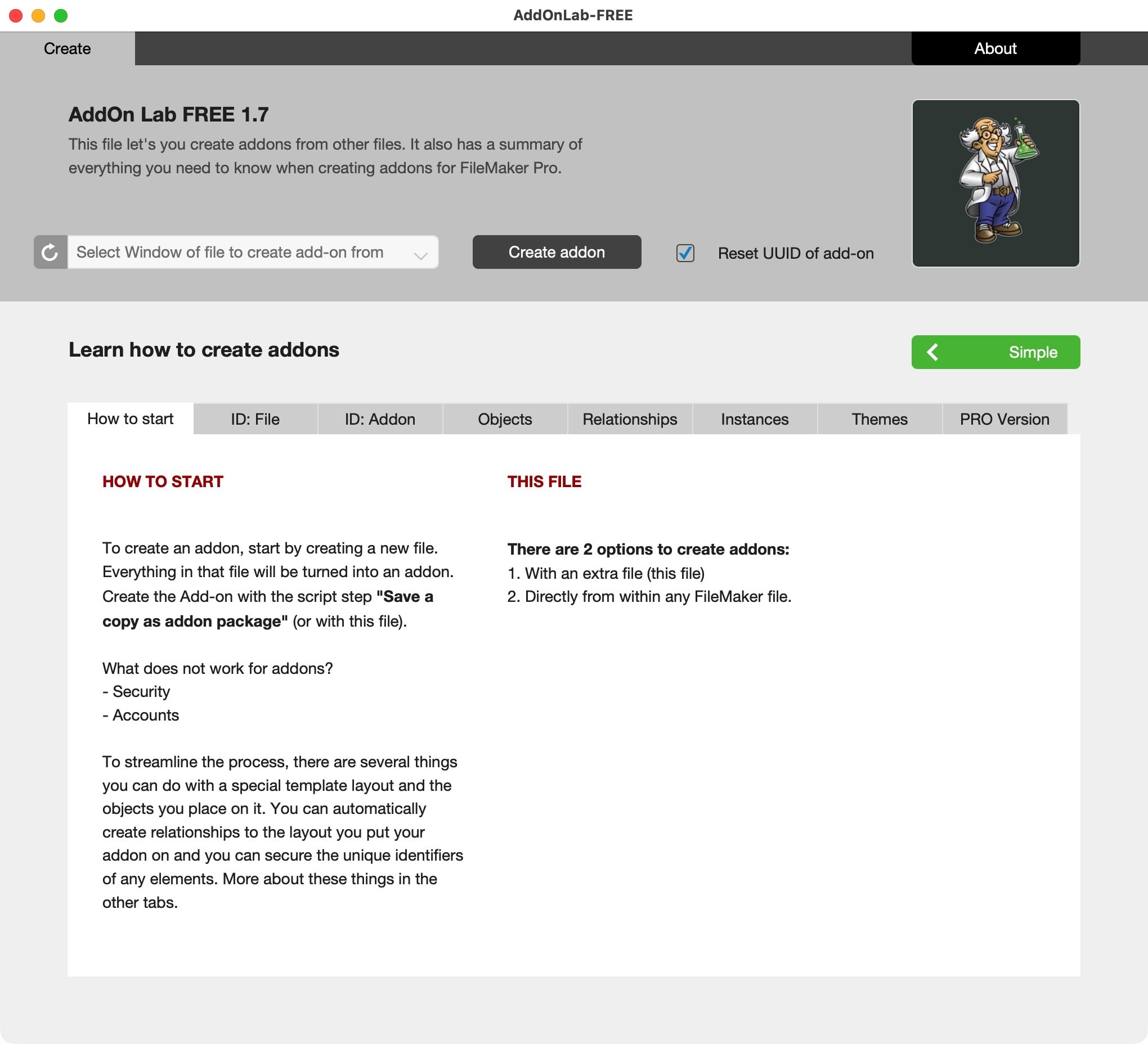
FileMaker has a single script to create an addon from any open file. That is not very precise. Additional options are available by naming layouts and functions. There are rules that apply and provide options like a drag-and-drop object, and dynamic linking to tables.
The configuration of an addon is not done by some settings, but you follow naming conventions to make it happen. This is the kind of information you find in AddOn Lab FREE.

Creating addons
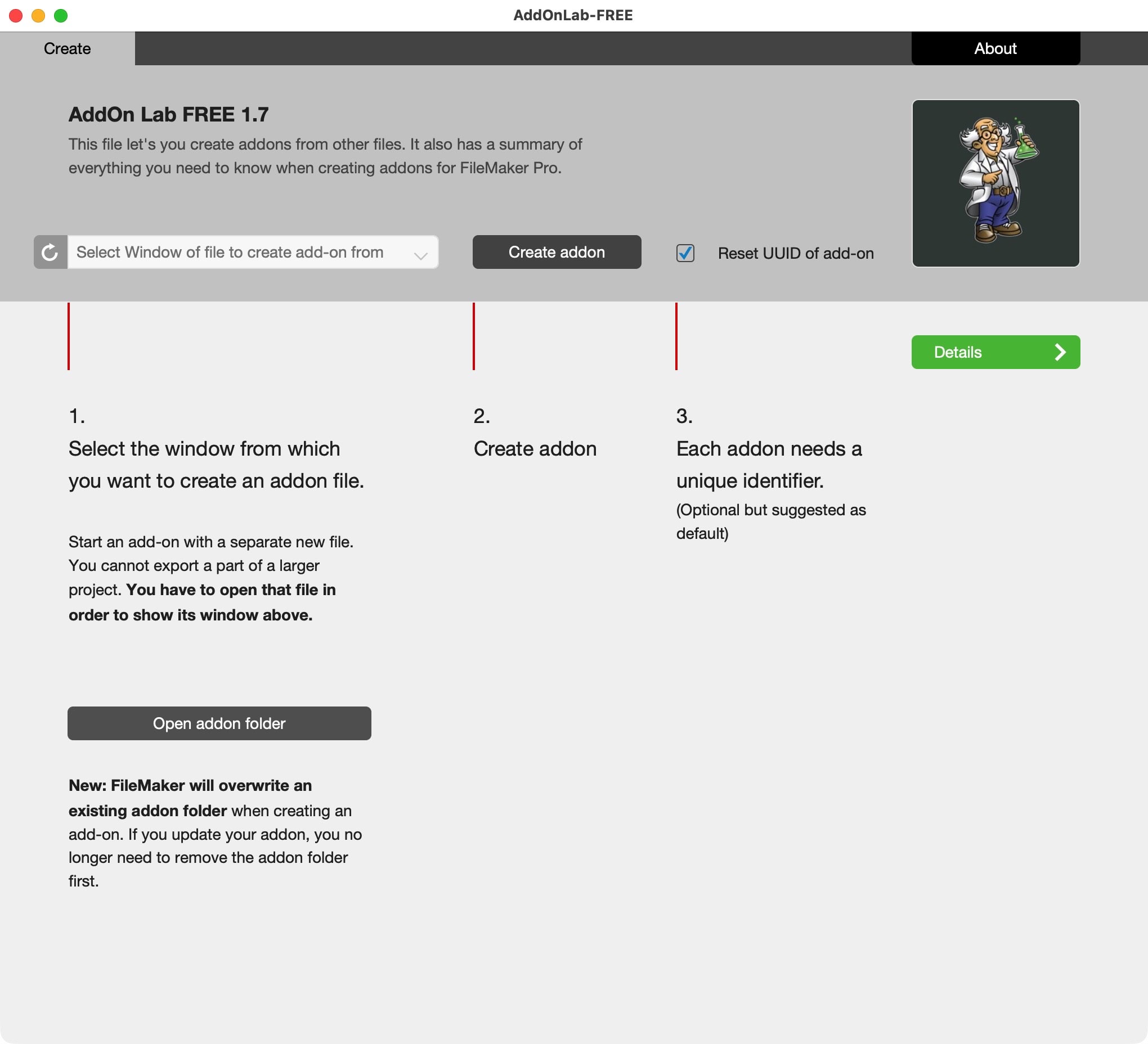
AddOn Lab FREE has a simple function to create an addon out of any open FileMaker file. Just select the file and create the addon.
Open addon folder
On the start page of AddOn Lab FREE you will find a button to open the addon folder on your machine. This will work on Mac and Win. Here you will find your addons.
Email does not work?
We are happy to send out free content but sometimes require you to provide a valid and personal email address. This excludes free, gibberish, or discardable email addresses. Usually a business address works well, as long as it is personal and not a generic address (like info@ or tech@, which are considered unsafe). We will then send you the download link. Enjoy your free software.