


License codes for your own FileMaker applications
Protect, configure and unlock your FileMaker solutions
FM Registrations is the perfect solution for distributing your own FileMaker solutions. Sell the same product to multiple customers, distribute it over the Internet, sell upgrades, or designate additional features for use. FM Registrations makes it possible.
FM Registrations was developed to complement FM Starter, the startup file for new FileMaker projects. However, it can also be used as a standalone solution. Decryption is already built into FM Starter, which makes it quicker to get started.
All beginnings are easy
FM Registrations consists of two parts:
- FM Registrations, the code generator. License codes are created and encrypted here.
- FM Unlock, a decryption module for your software. License codes are decoded here.
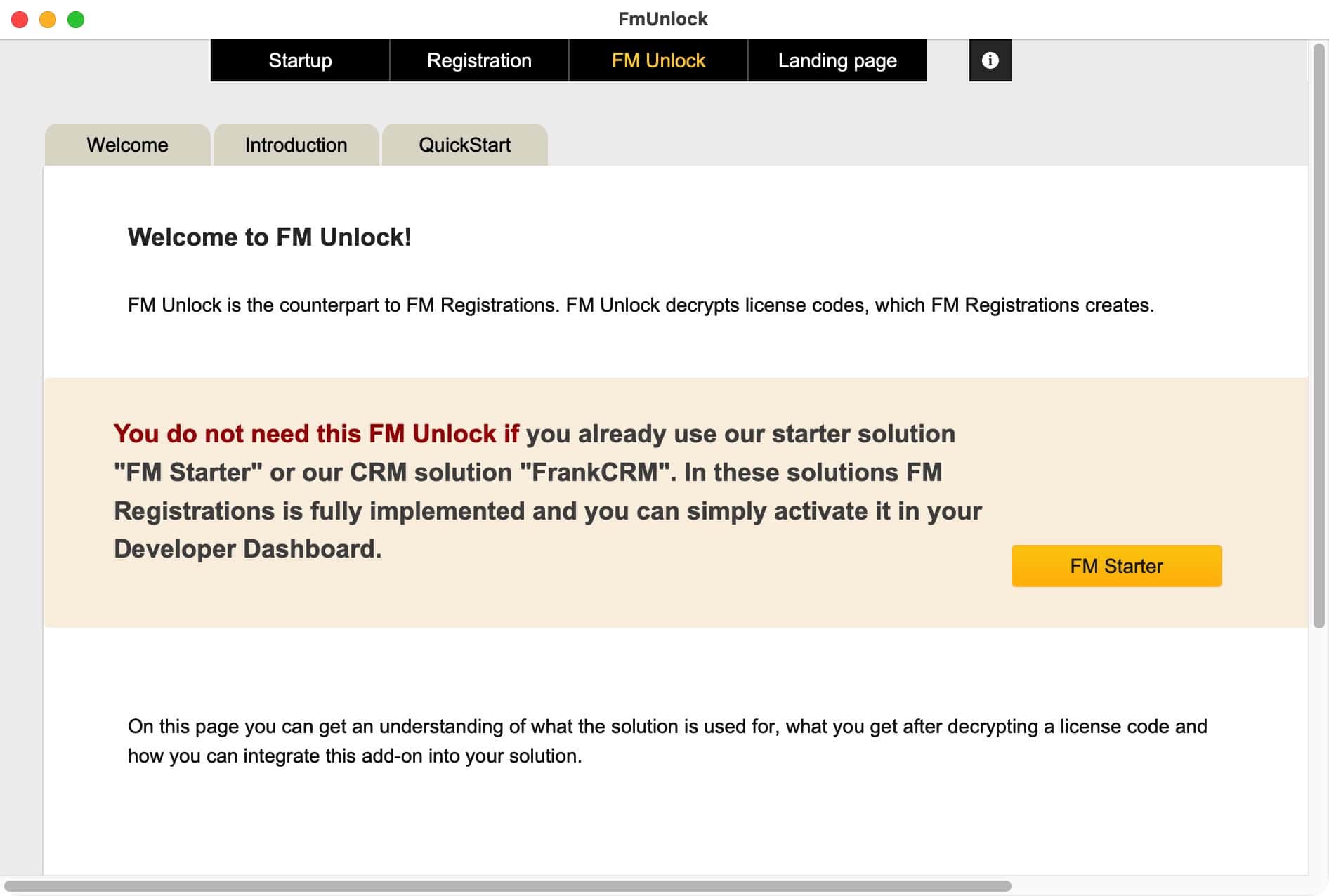
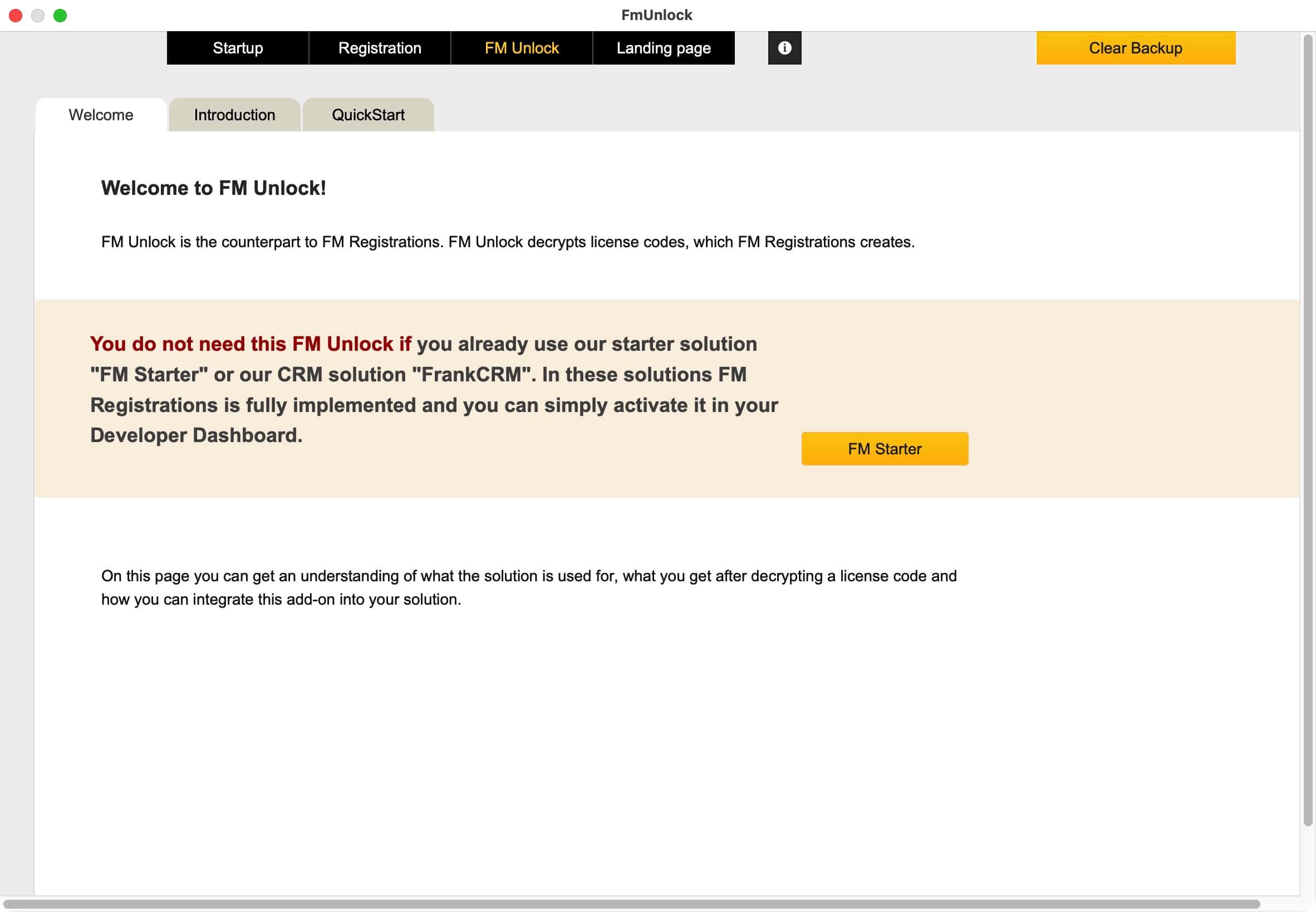
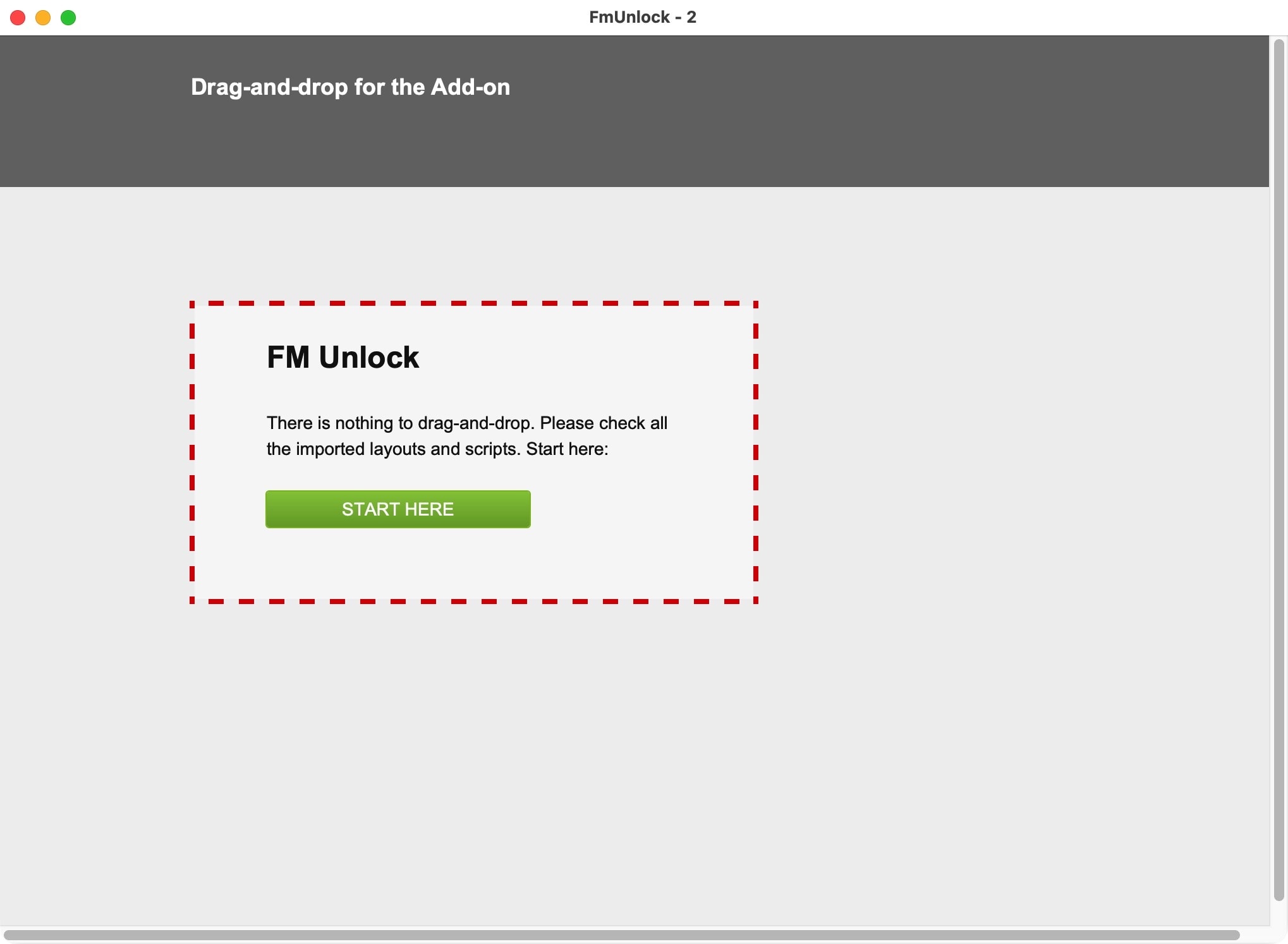
FM Unlock is part of a sample file. It is very easy to see how it works. FM Unlock is also supplied as an add-on. The add-on makes it particularly easy to integrate the functions into your FileMaker solution from FileMaker 19.1 onwards.
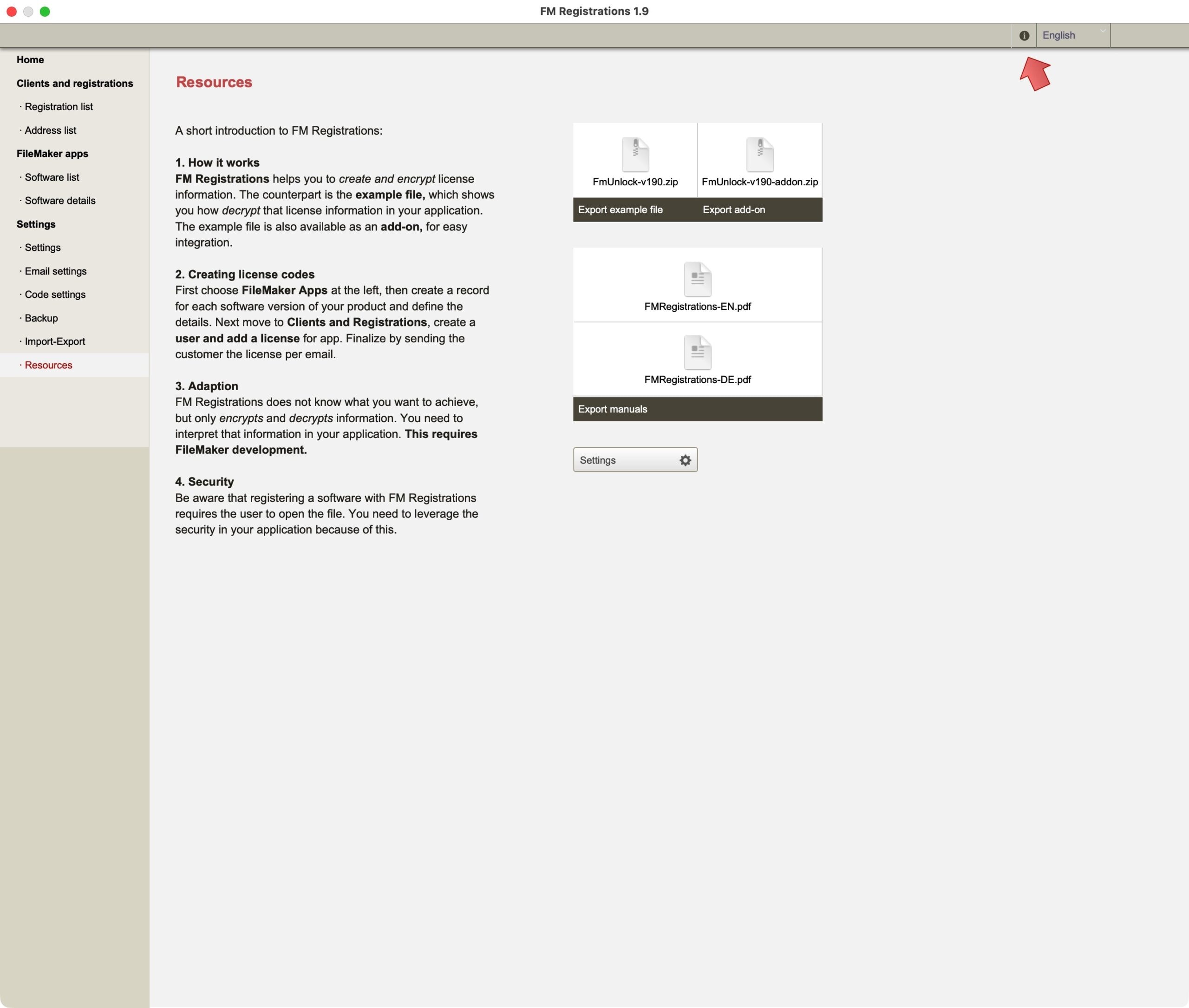
Documents
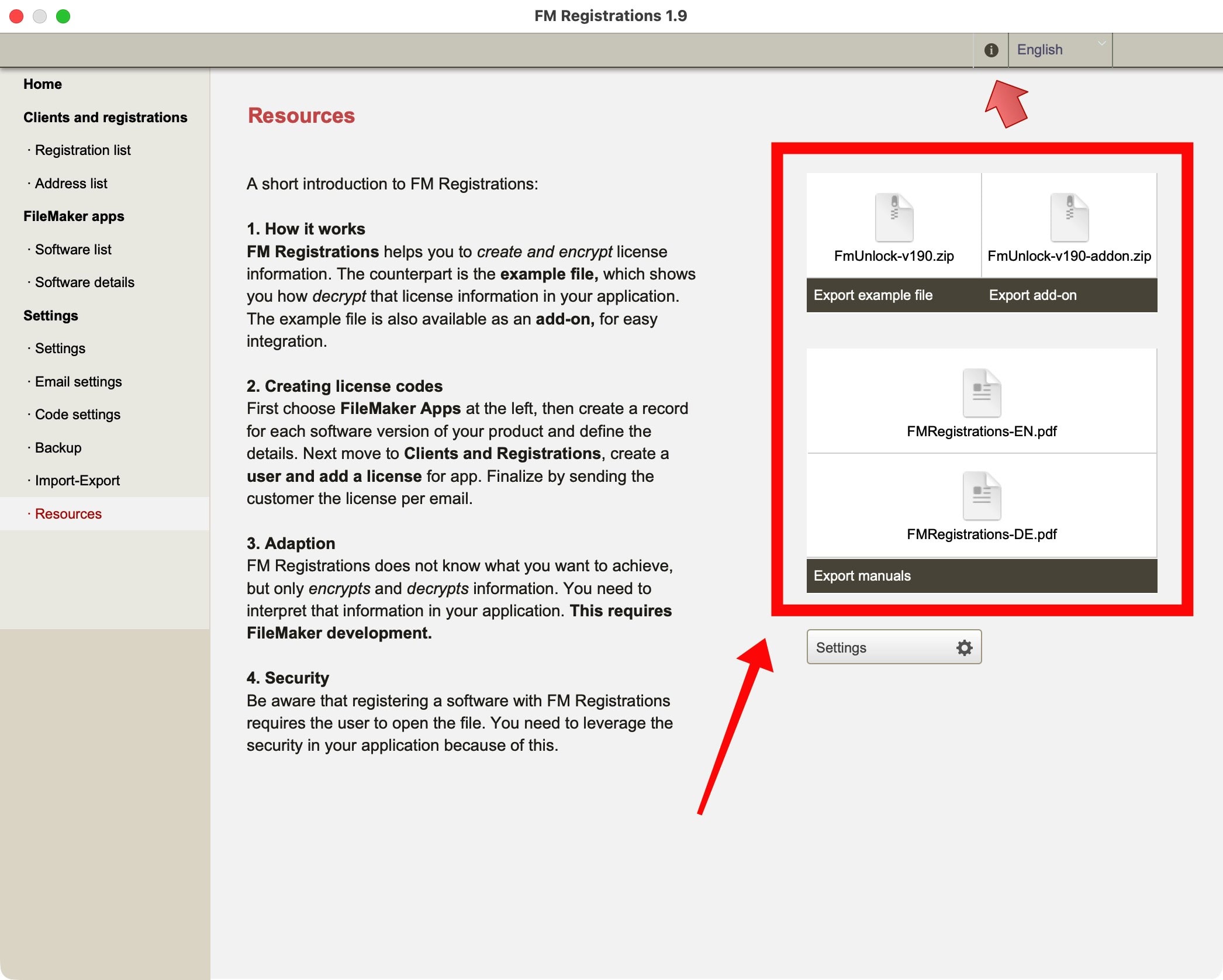
The required files and documents are contained directly in FM Registrations. Look under “Resources” in the navigation bar. See screenshot.
Where everything is set
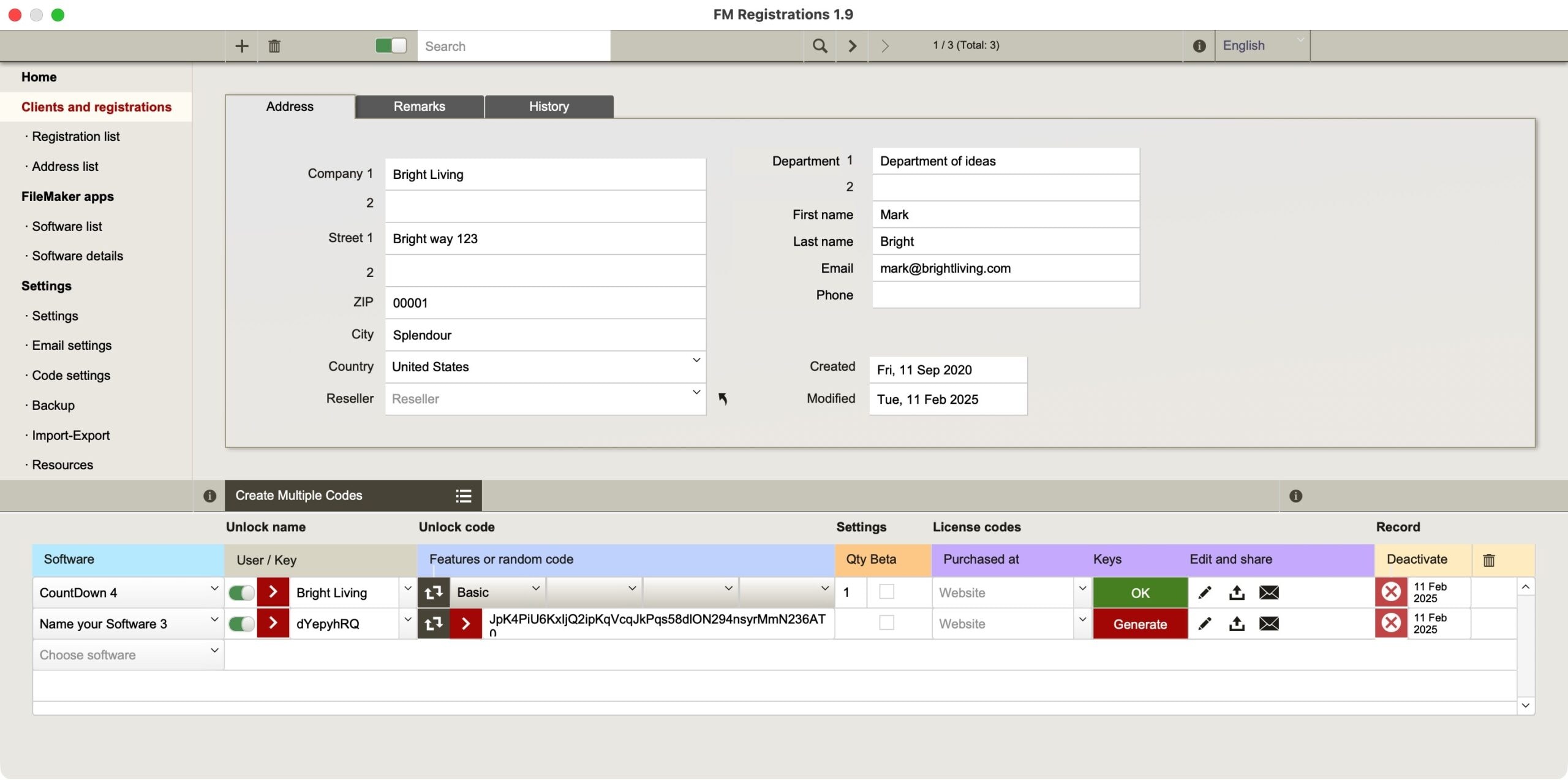
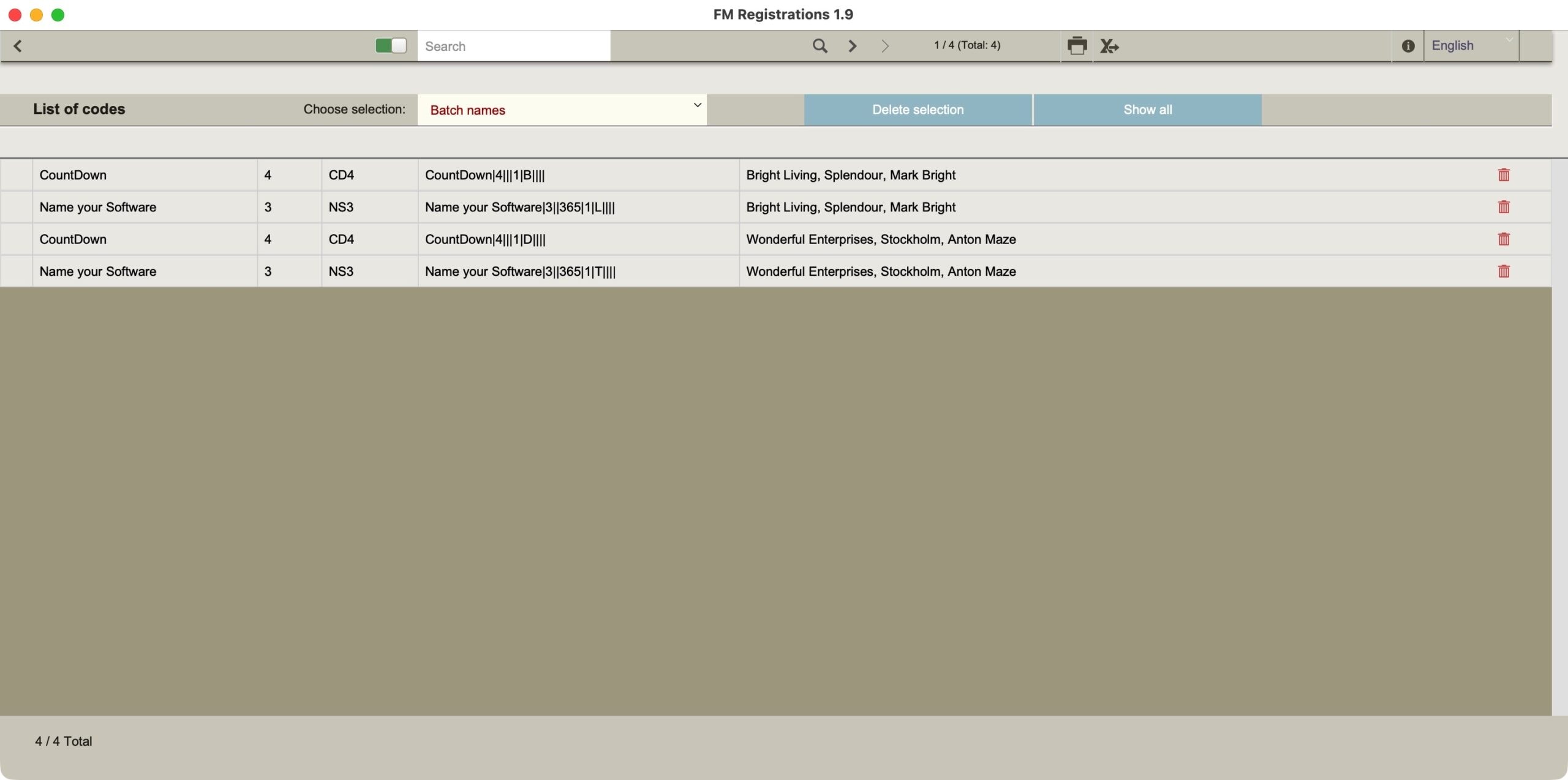
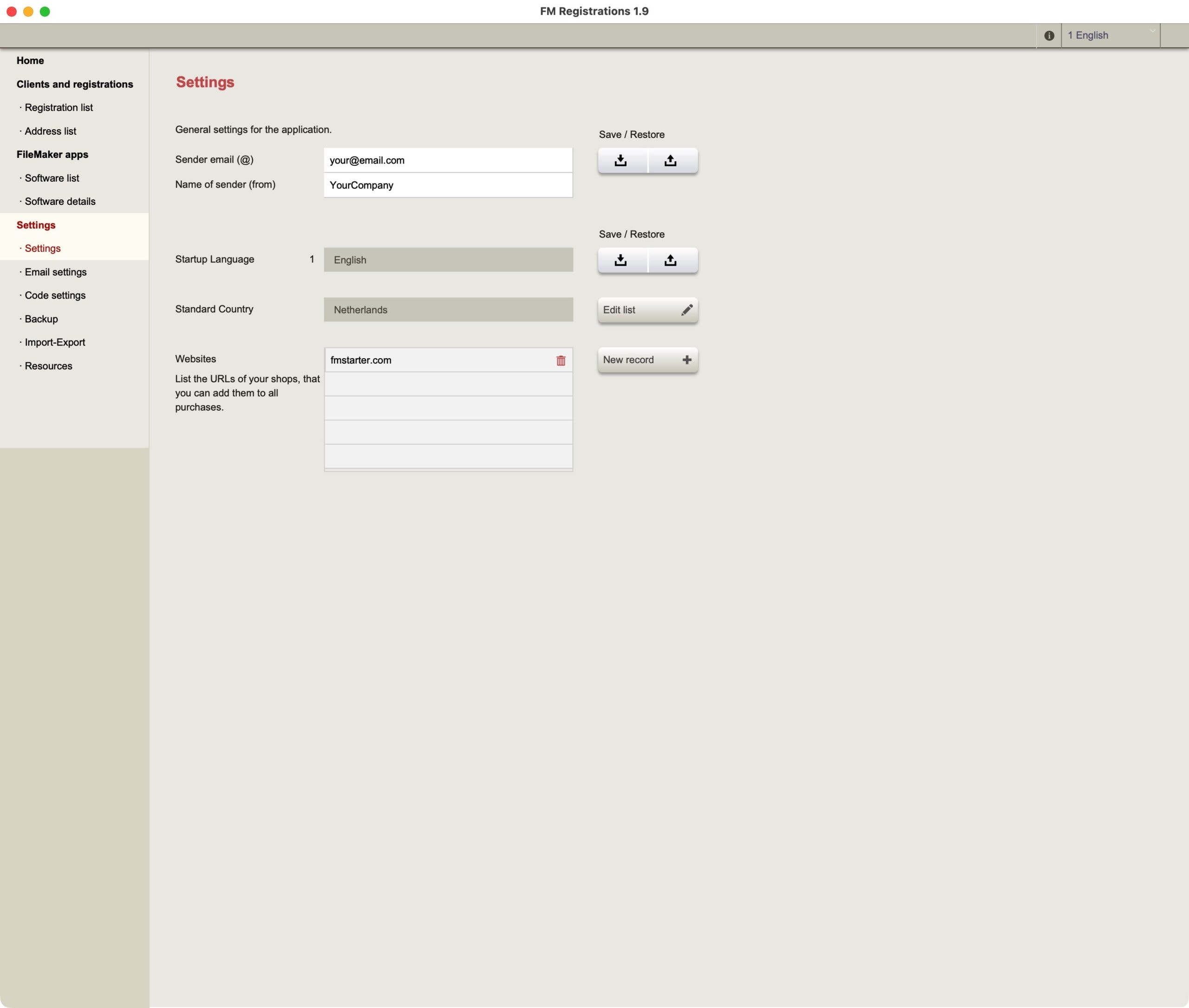
The license data must be created first. The main application is responsible for this. Start FM Registrations and do the following:
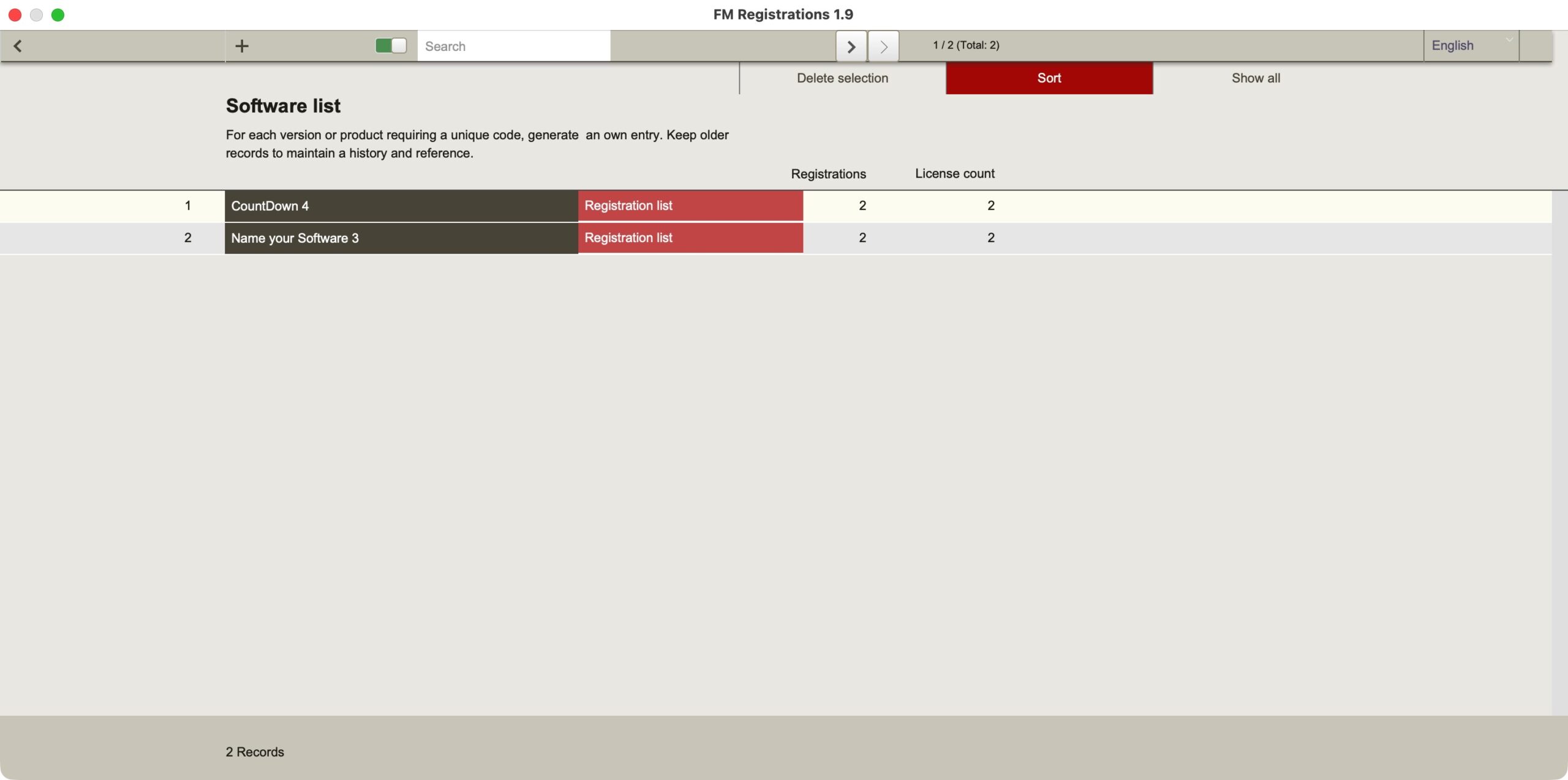
- Insert one new software product on – only as a test.
- Define the secret key for this product
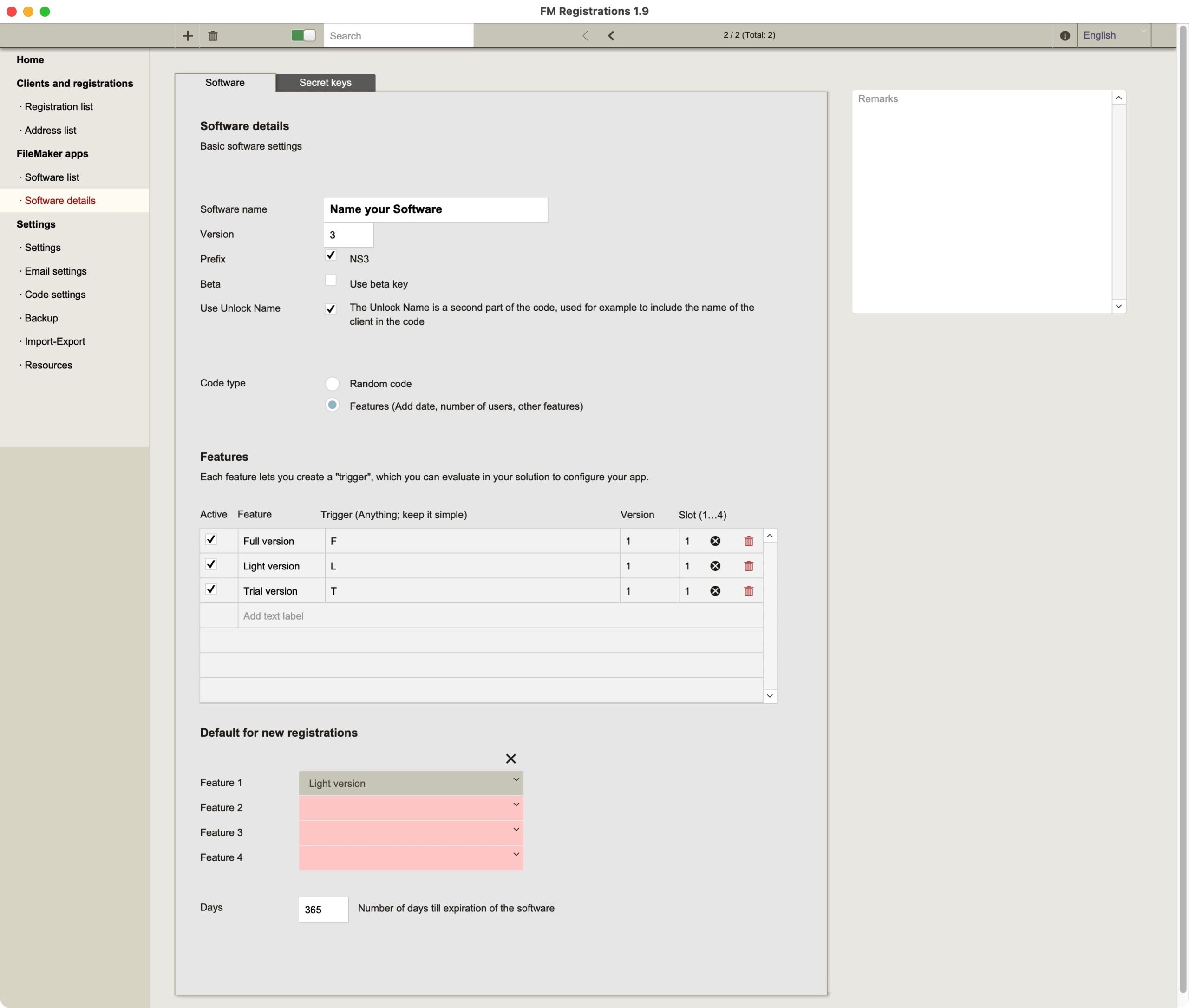
- Place for this software product criteria firmly
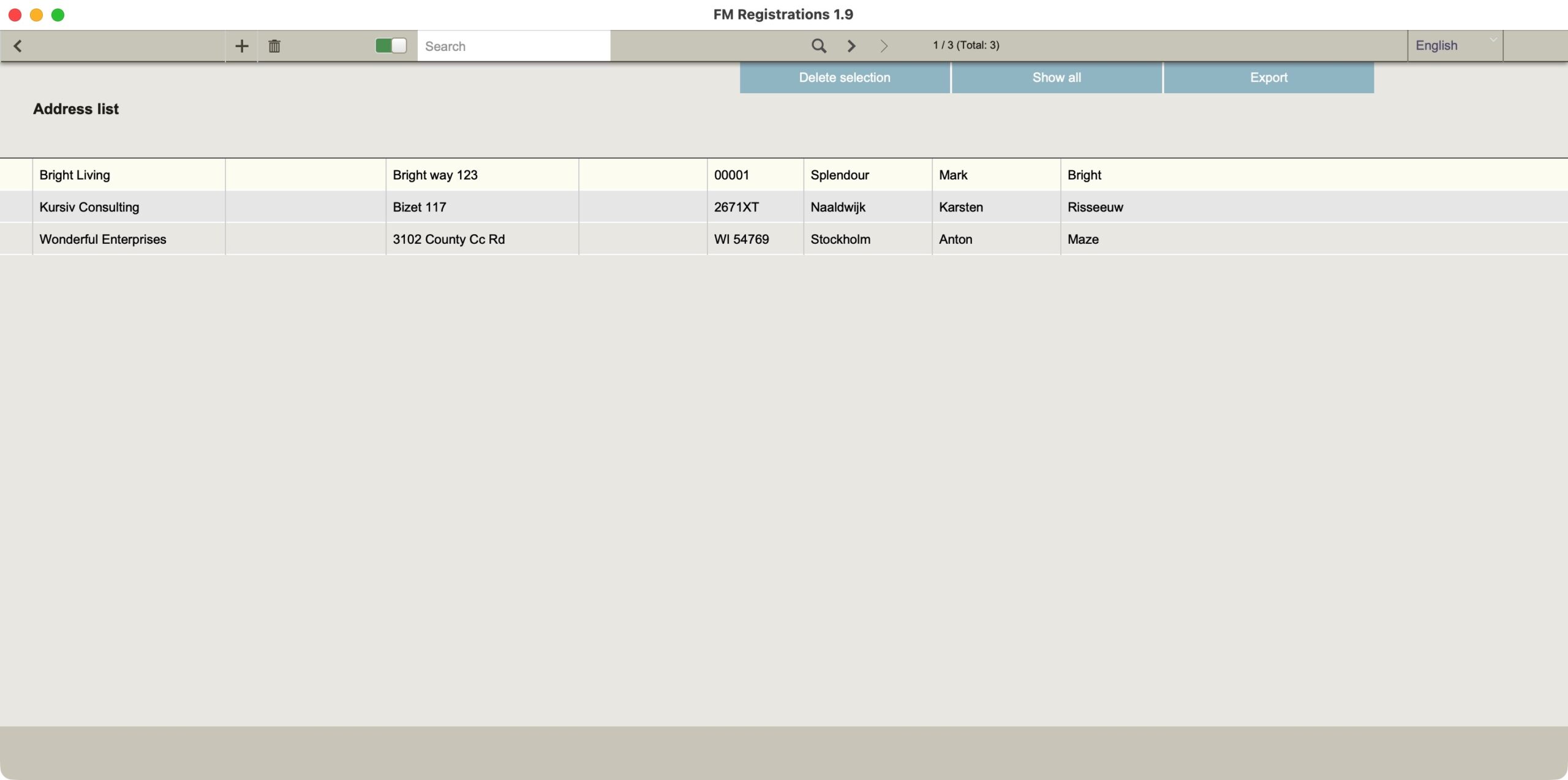
- Put a new (fictional) Customer address at
- Create a for the (fictitious) customer new license at
- Encrypt the license and send an e-mail to the fictitious customer.
Check test mode
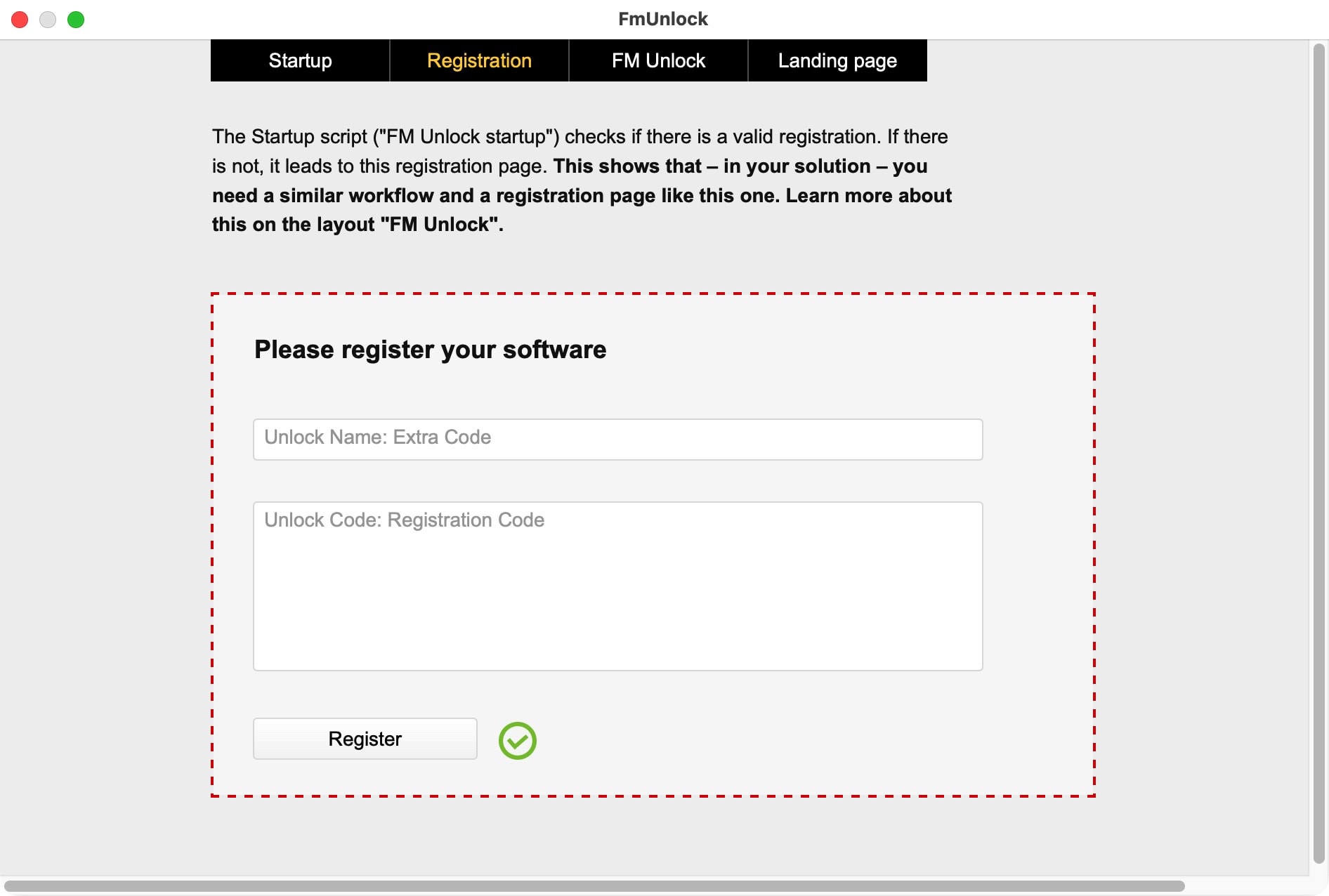
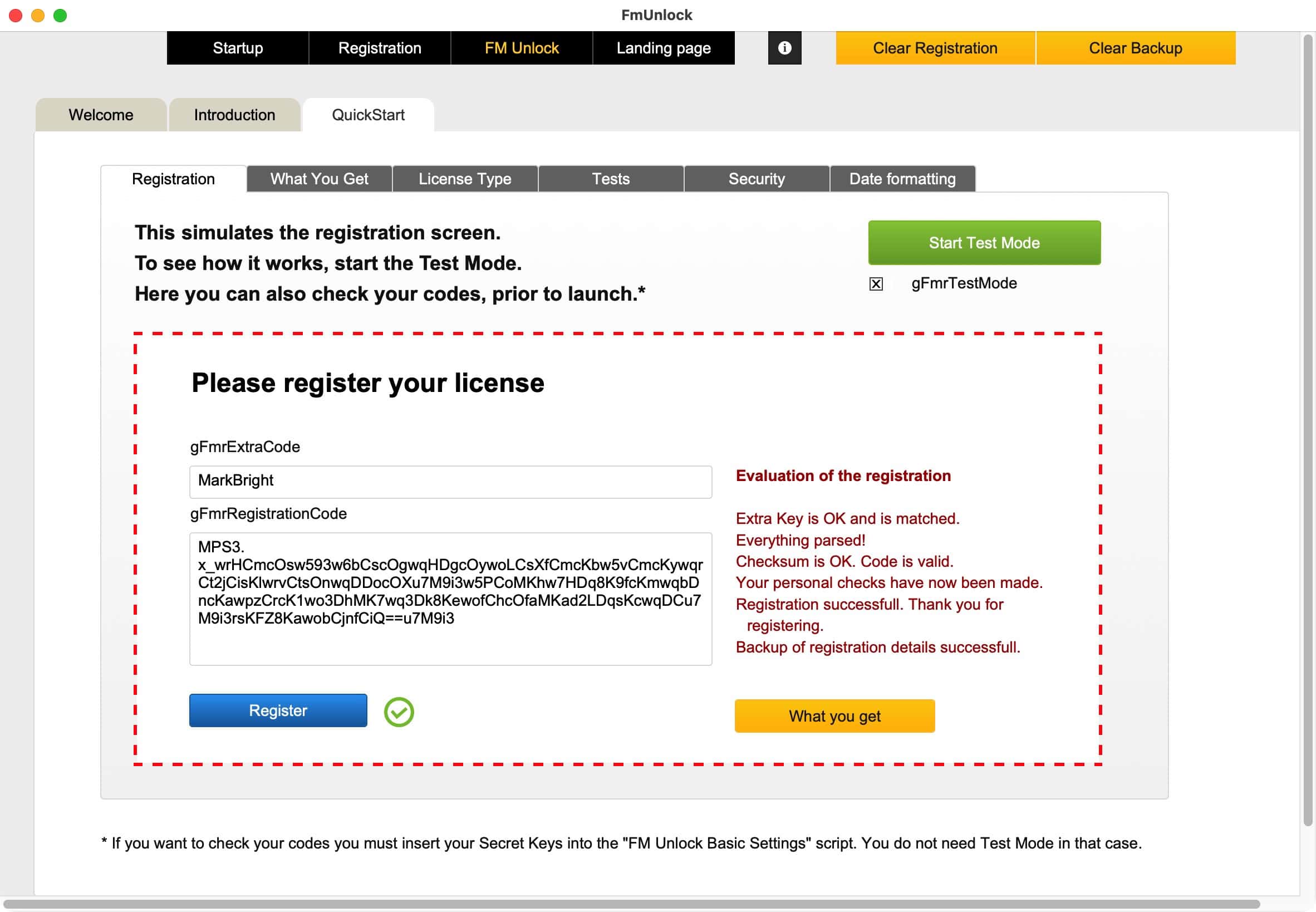
If you want to understand what it’s all about first, it’s best to take a look at the example file. Here is everything you need to know to incorporate decryption into your own solution. There is also a test mode, however. The test mode simulates a decryption with registration code and extra code. Start the sample file in FileMaker and click on the “Registration” tab. Here you can activate the test mode. This will give you a first impression.
Test mode in FM Starter and FrankCRM
Our two starter files for new FileMaker projects, FM Starter and FrankCRM, have already integrated FM Unlock. The test mode can also be checked here. The developer has access to this area via the developer dashboard of these start files.
Secret keys
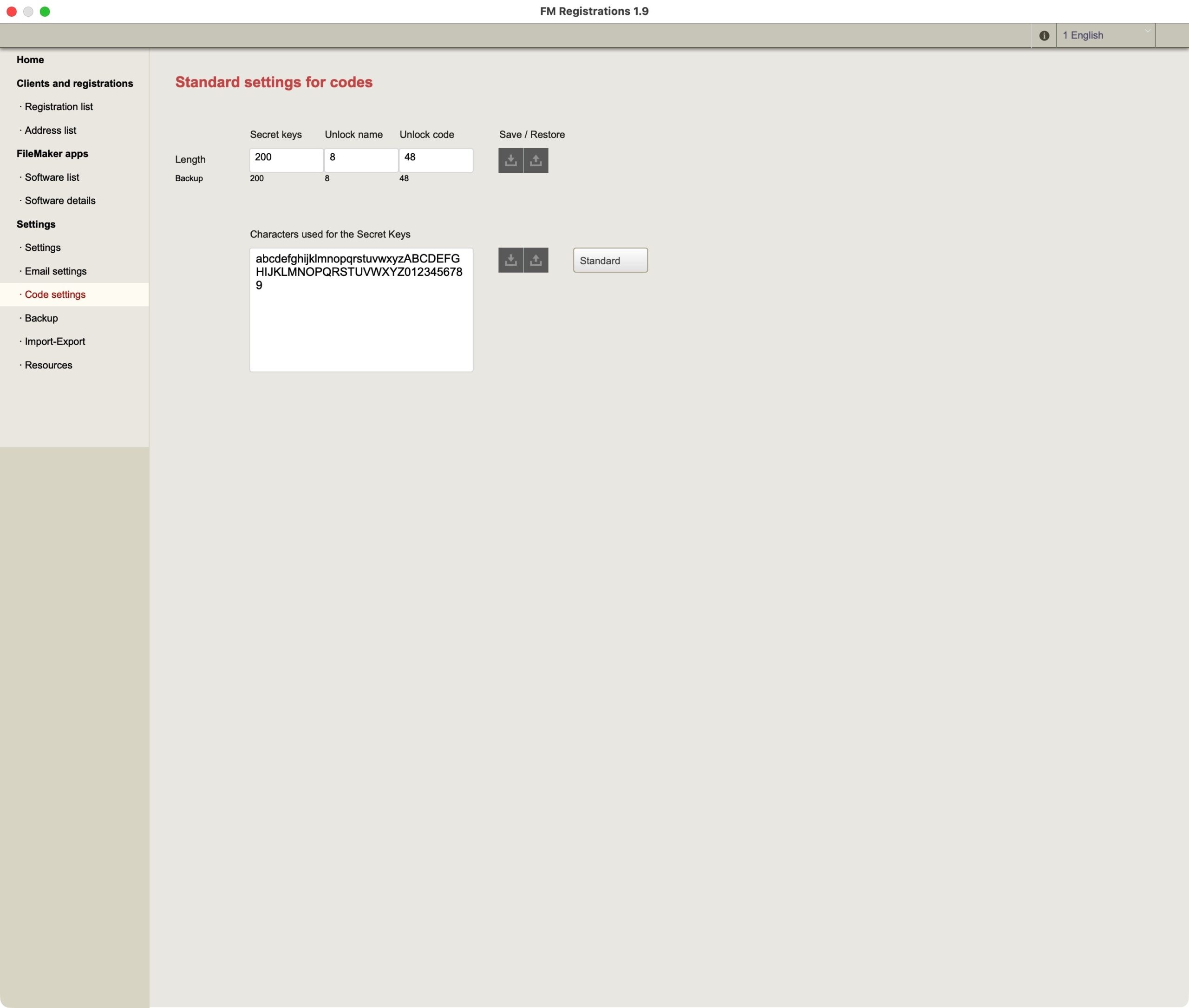
Encryption and decryption are created using a secret key. The secret key that you create in FM Registrations should be used in the settings script in FM Unlock. This ensures encryption and decryption.
- Make a copy of the sample file
- Copy the secret key of your fictitious software in FM Registrations (see above)
- Set this key in the FM Unlock settings script.
- Save the script
- Now you can generate new license codes for this software, which will be decrypted in the sample file. Check that and if you have any questions, first consult the manual and videos.
- If this works, you have done everything right. Ready to go!
Installation of the solution
- If you work with FM Starter, the start file for new FileMaker projects, the decryption module is already built in. You just have to activate it there in the developer dashboard. You must then reinsert the secret keys into the FM Unlock settings script and save the script. That was all!
- If you have your own solution, you must import FM Unlock into your solution as an add-on. You can then configure it. All you have to do is reinsert the secret keys into the settings script and save the script. That was all!
Adjustments
FM Registrations encrypts and decrypts license codes. In these codes you can define criteria that are recognized during registration. For example, you can define how many users are allowed to use the solution. Such information is available after successful registration. To do this, you now have to create a logic that checks when the file is started, for example, whether the number of users in the license has already been exceeded. These and other options require an adjustment by you.
Congratulations! You can now start activating and configuring your products using license codes.
You determine
FM Registrations encrypts important information. FM Unlock decrypts this information. You decide what to do next. FM Unlock does not know your solution. If you want to activate a limitation to a number of users, you must use the information from FM Unlock, which is available after decryption, to activate the number of users. You alone determine this application.
The possibilities are there. You develop the implementation yourself.
FM Registrations
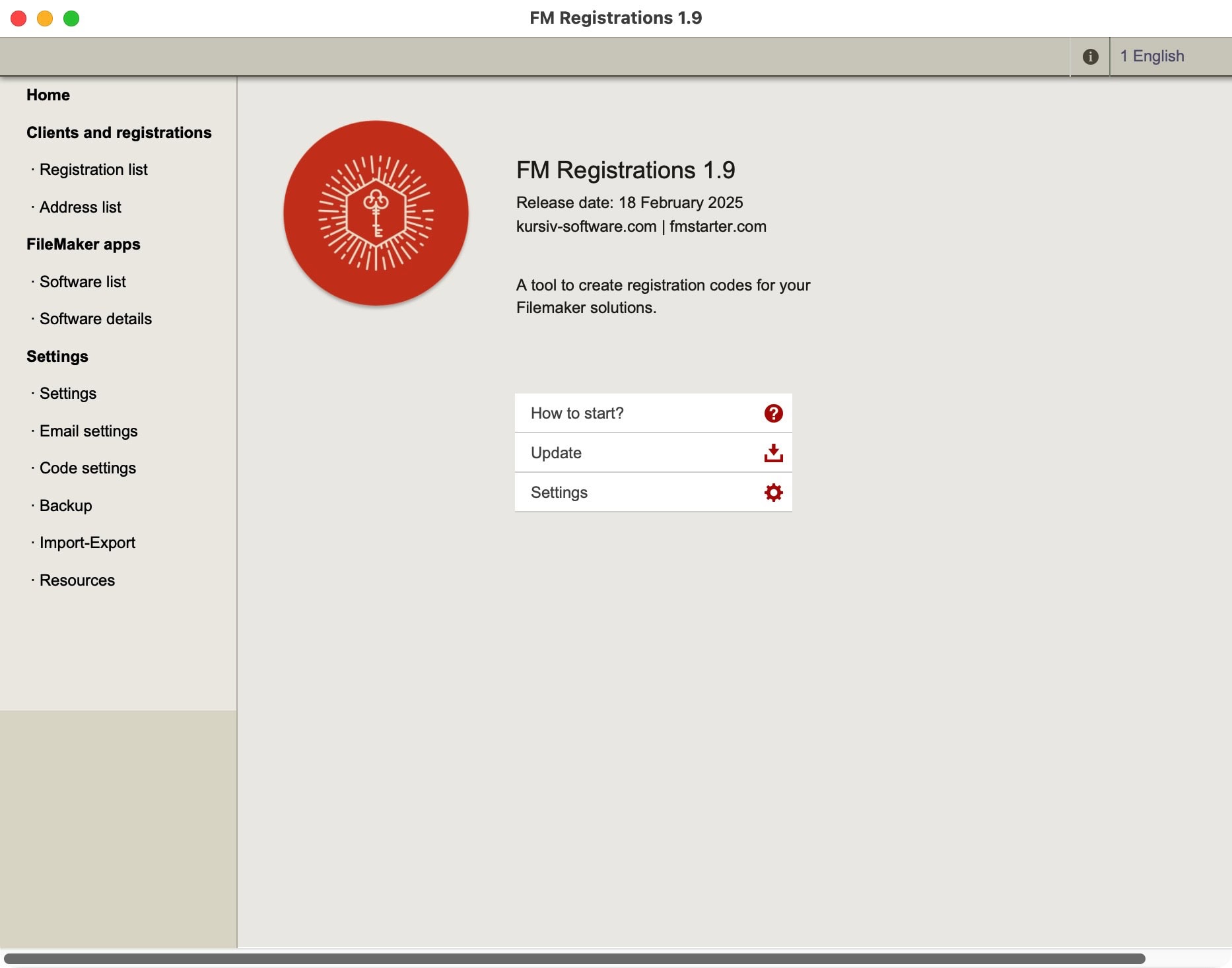
Encrypting license codes. This is the main application.
FM Unlock
Decrypting license codes. This add-on decrypts license codes in your application. Easy to install and adapt.
Posts about FM Registrations

Creating license codes for your FileMaker solutions
FM Registrations 1.90 released

New versions of manuals
Manuals for FM Starter, FM Registrations and FrankCRM have been revamped
License codes for own FileMaker solutions
Sell your FileMaker solutions multiple times

FM Registrations now with an add-on
Version 1.70 comes with various simplifications
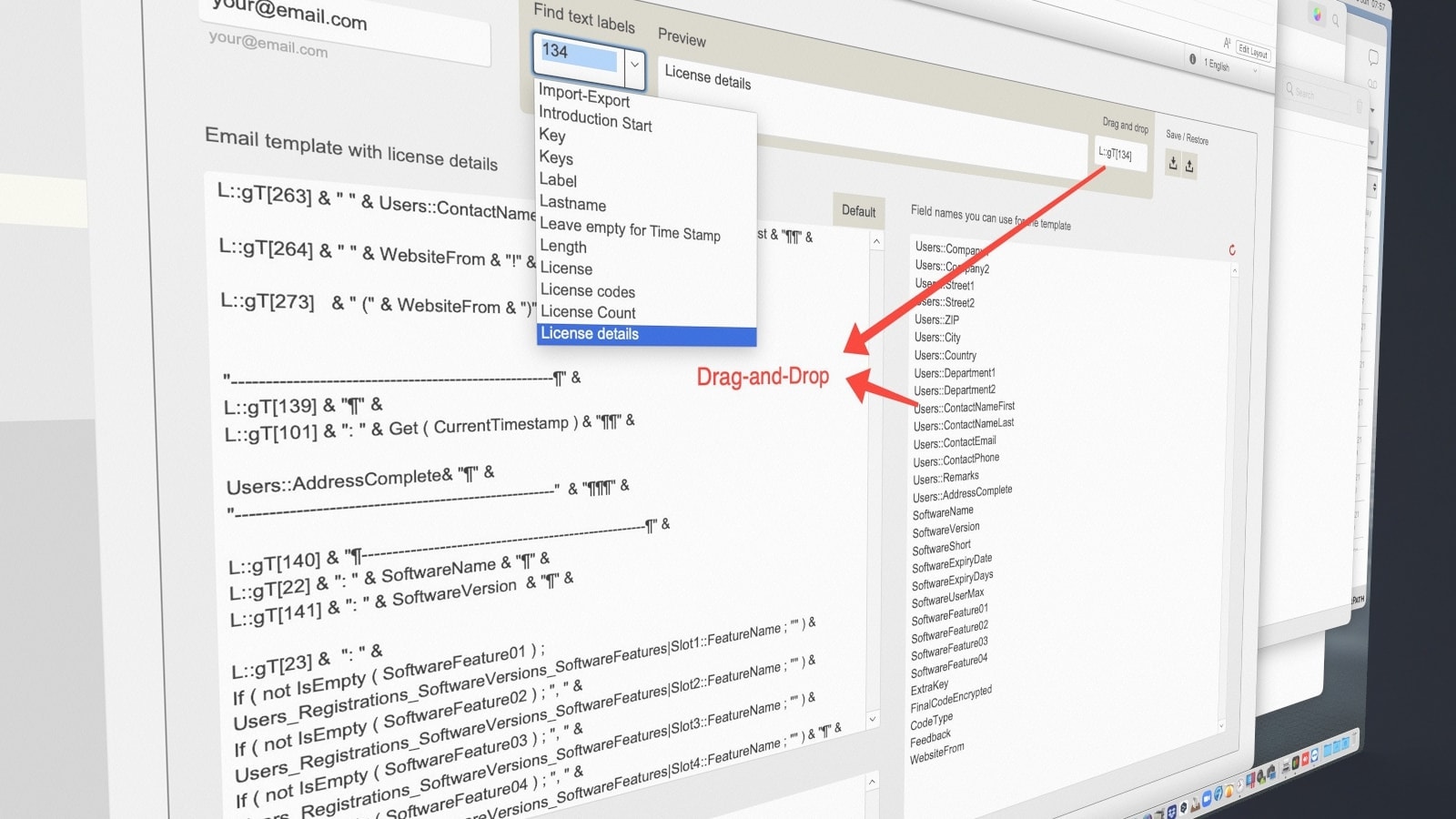
Better registration emails from FM Registrations
New features and improvements in version 1.60

Update: FM Registrations 1.5 released
Activation codes for your own FileMaker solutions

FM Developer Bundle for FileMaker developers
Complete start-up solution for new FileMaker projects

FM Registrations 1.31
Create license codes for your own FileMaker solutions.