

FileMaker allows you to create addons. Addons are like building blocks. You create small building blocks to then use them in larger projects. But what is small and what is too big? What can you use it for? This FMA Address addon explores that notion.
Is it useful to create an address database as a FileMaker addon? Probably not. But this add-on is not about what you should or could, but rather a test case on how to perceive addons. Here is an example: Quite a few advanced addons use JavaScript. Does that mean you have to master JavaScript before you can create addons? Of course not.
Addons are about FileMaker, not about external technologies. Even if you can use JavaScript and other technologies, it is because FileMaker is enabling you to do that. There is no obligation to use those options. You can, but it is optional. So it is for FileMaker addons: You can create addons with whatever FileMaker allows you to use. Addons therefore can be quite simple or complex. It is up to your expertise and ideas.
If you ever tried to turn an entire solution into an addon, you might have noticed that FileMaker froze during the creation of that addon. What you wanted was simply too big a task. If you cautiously wait the add-on will eventually be created, but it is evident that Claris did not intend FileMaker addons to be large solutions. It is all about smaller functionalities.
Many addons out in the wild are highly technical. They allow you to integrate great functionality without having to know the ins and outs of such a solution. Simply add it to your Filemaker solution, configure the settings, and off you go.
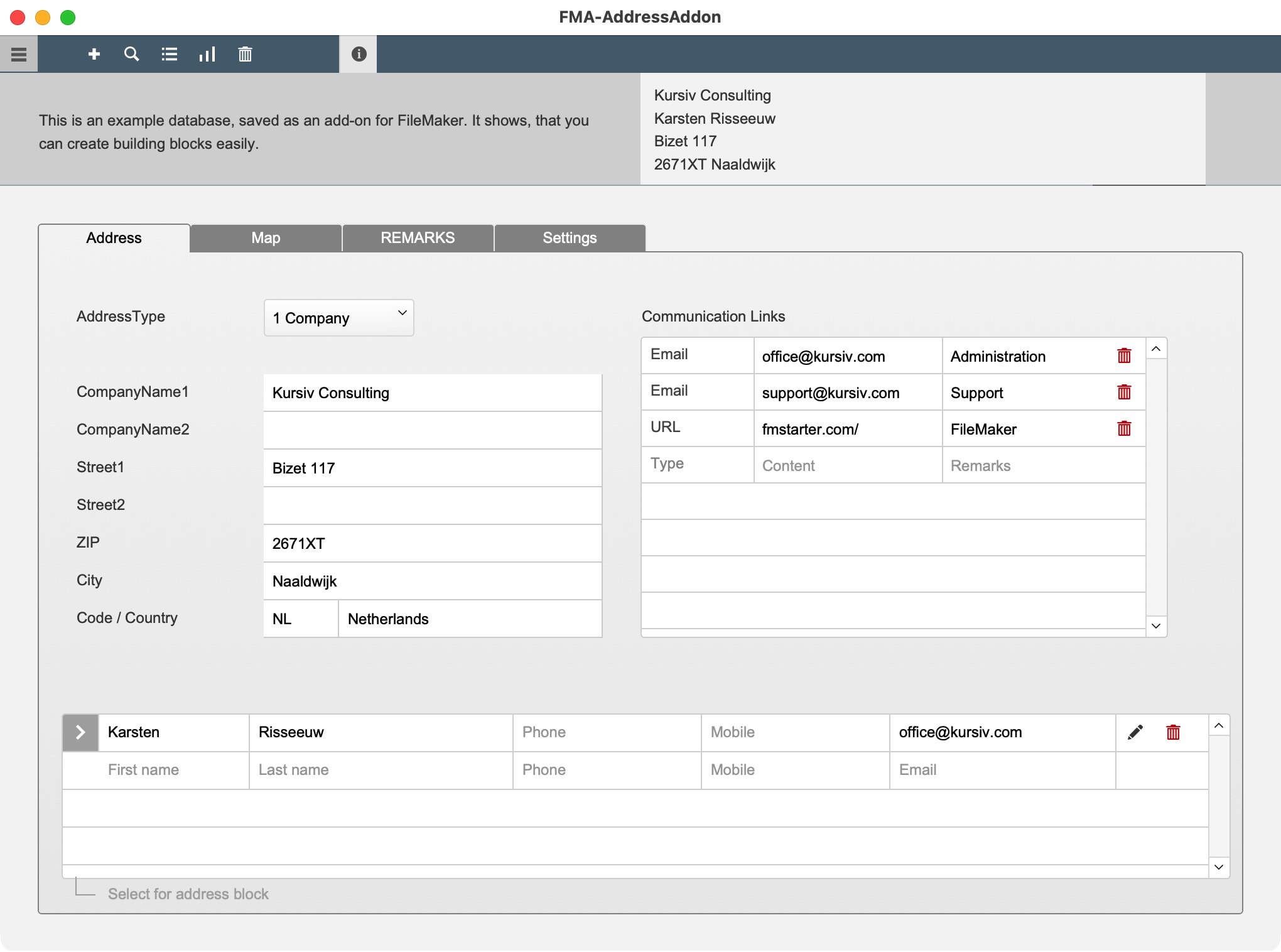
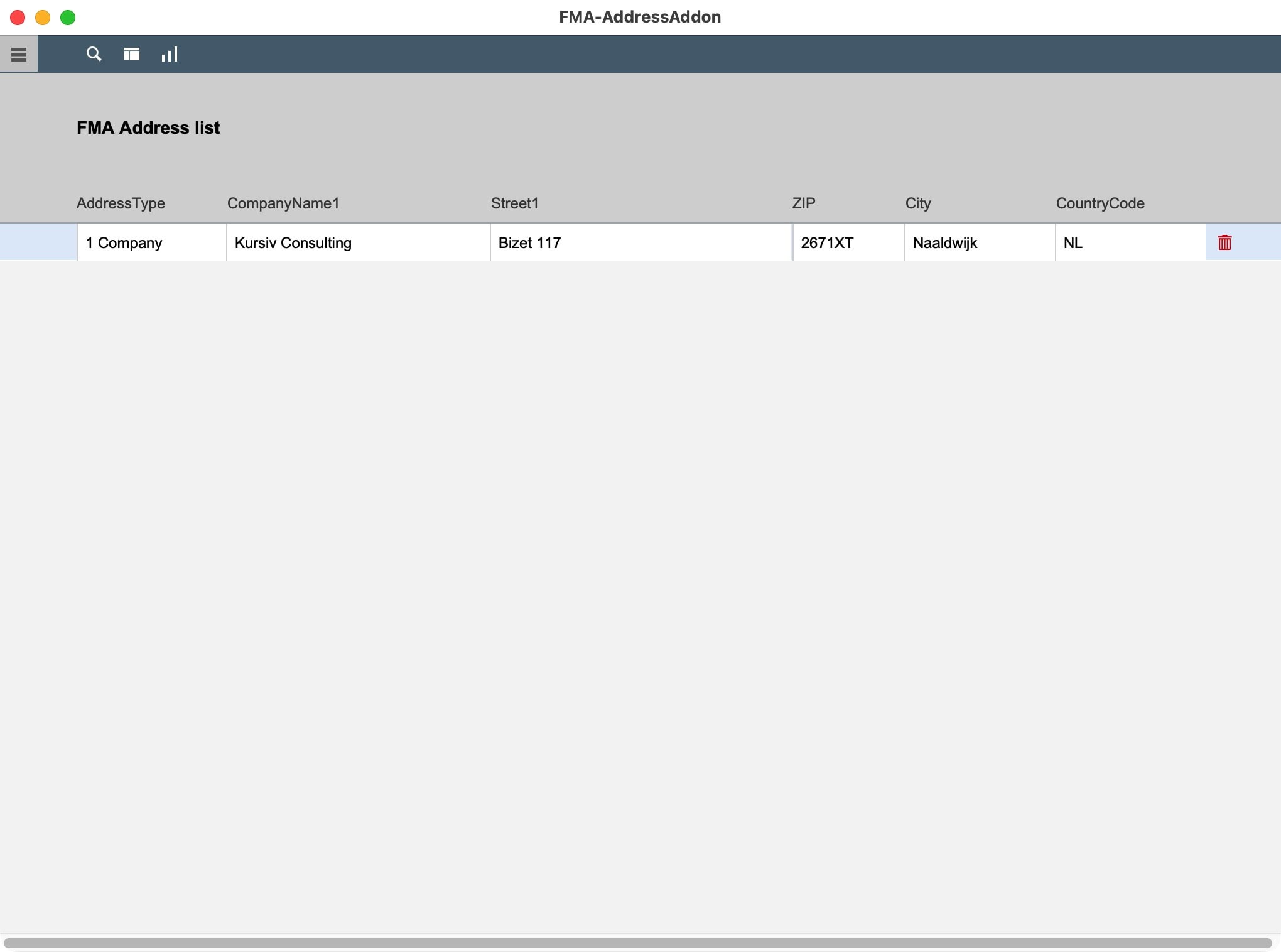
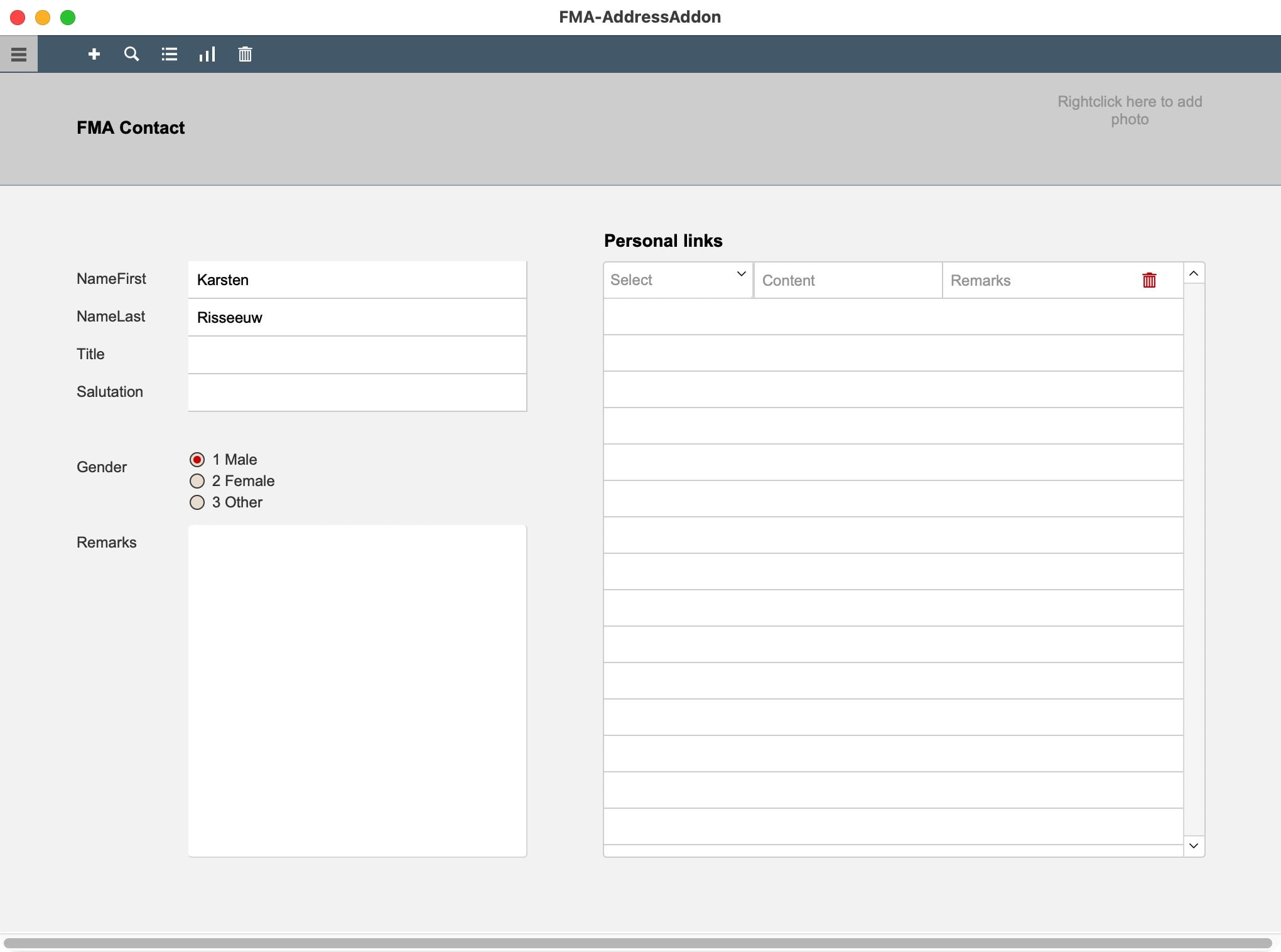
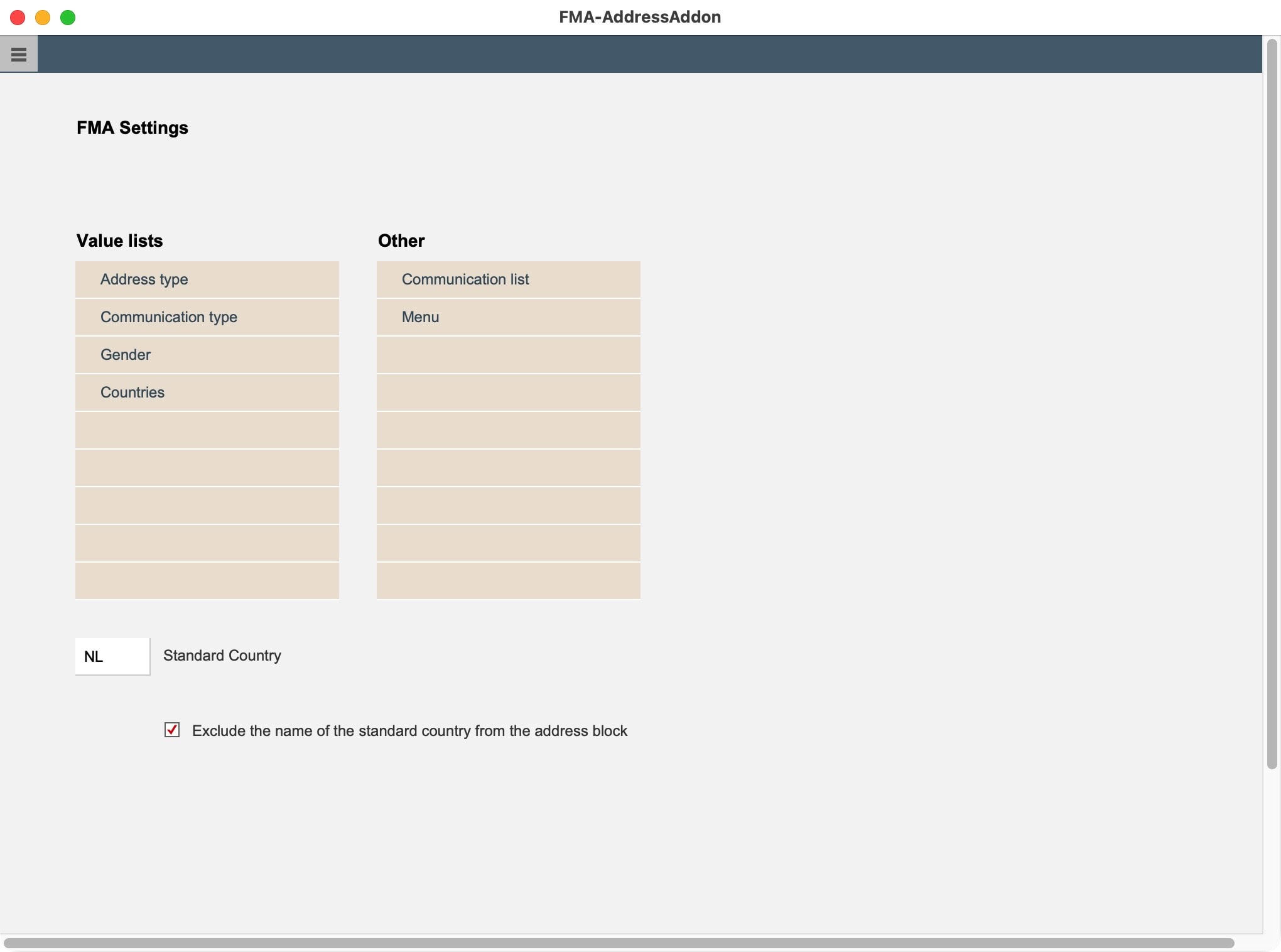
But what about simple structures? You can build starter files, of course. However, could you also use addons to quickly transfer basic tables, layouts and scripts to any other file? That is the test for this sample addon.

What else?
This addon shows that it is easy to add tables, layouts, scripts, etc. to an add-on. It is then irresistably simple to add that addon to any other FileMaker solution. But what else? Did you know you can create relationships to tables the add-on does not know anything about? Thus, you can enhance existing tables with additional tables and link them automatically.
To learn more about these features, download our product “Add-on Lab FREE”, which is a simple knowledge base about FileMaker addons. It also has two interesting functions: Locate the Extension folder on Mac or Win by a single click. Create an add-on from any open file.

Addons for FileMaker are fabulous. But how far can you go? What are they good for and what are the limits? The aim of this address-addon is to explore these questions. While it is highly unlikely you will create an address database as an add-on first, you might have needs to include other “modules” in any solution. This sample file shows that it is easy to do so.
Requirements: FileMaker 19.1 or higher to open any addon. Better: It is suggested to always use the latest version of FileMaker.