

FM Starter is a generic starter file for new FileMaker projects. It offers loads of functionality “behind the scenes”. This is what is seldom perceived as development work, yet is understimated in its importance. Think of a navigation, multilinguality, user account management and much more.
Over time, many developers create starter files. They realized that the same basic elements were needed for almost any project. Wouldn’t it be simpler to create such a basic file? One could maintain the basic functionality, keep it up to date, do bugfixes, install improvements, so that each new project has a better start.
This is precisely what FM Starter is. It is a high-level starting point for your next FileMaker project.
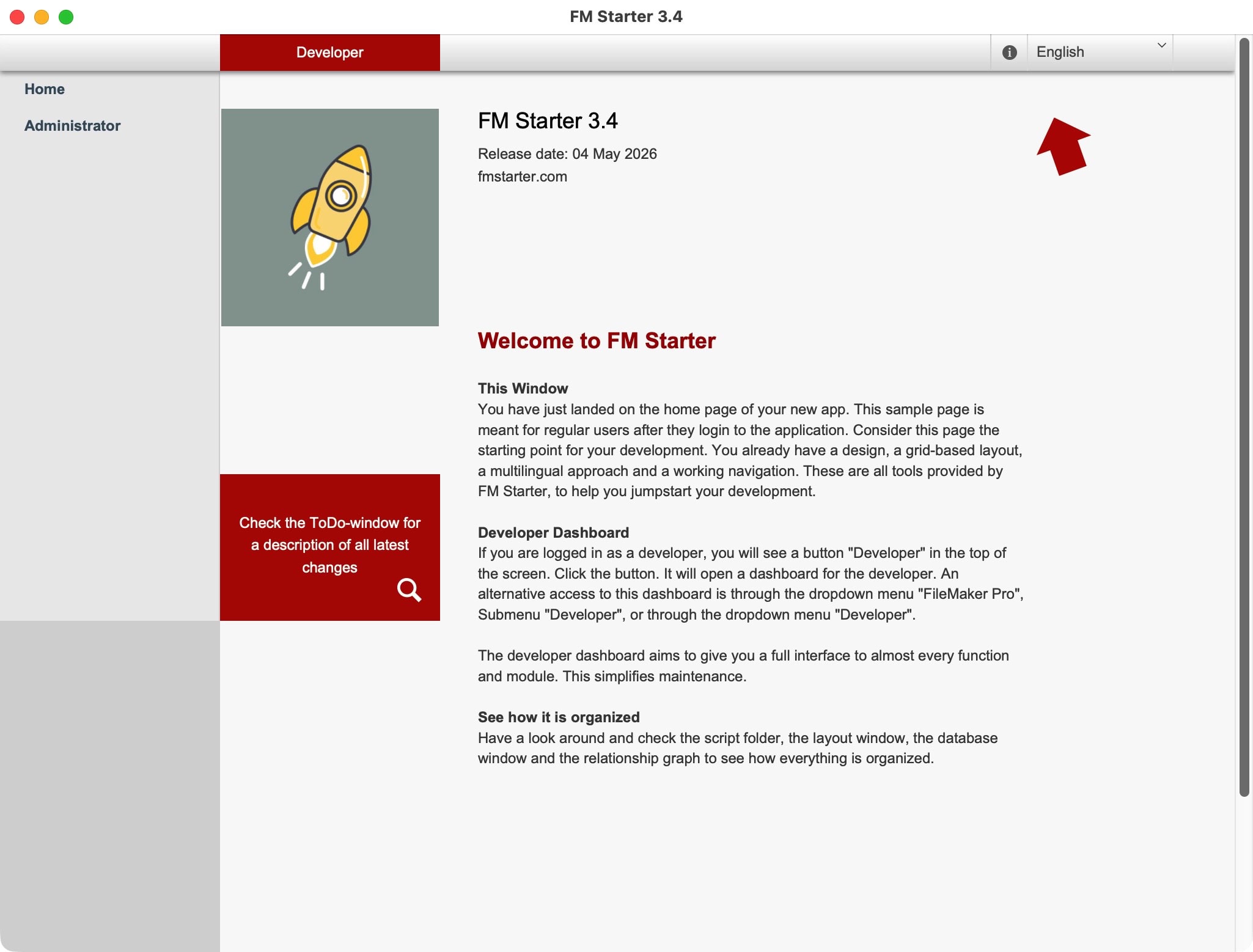
Basic functions for each project
- Simple project structure
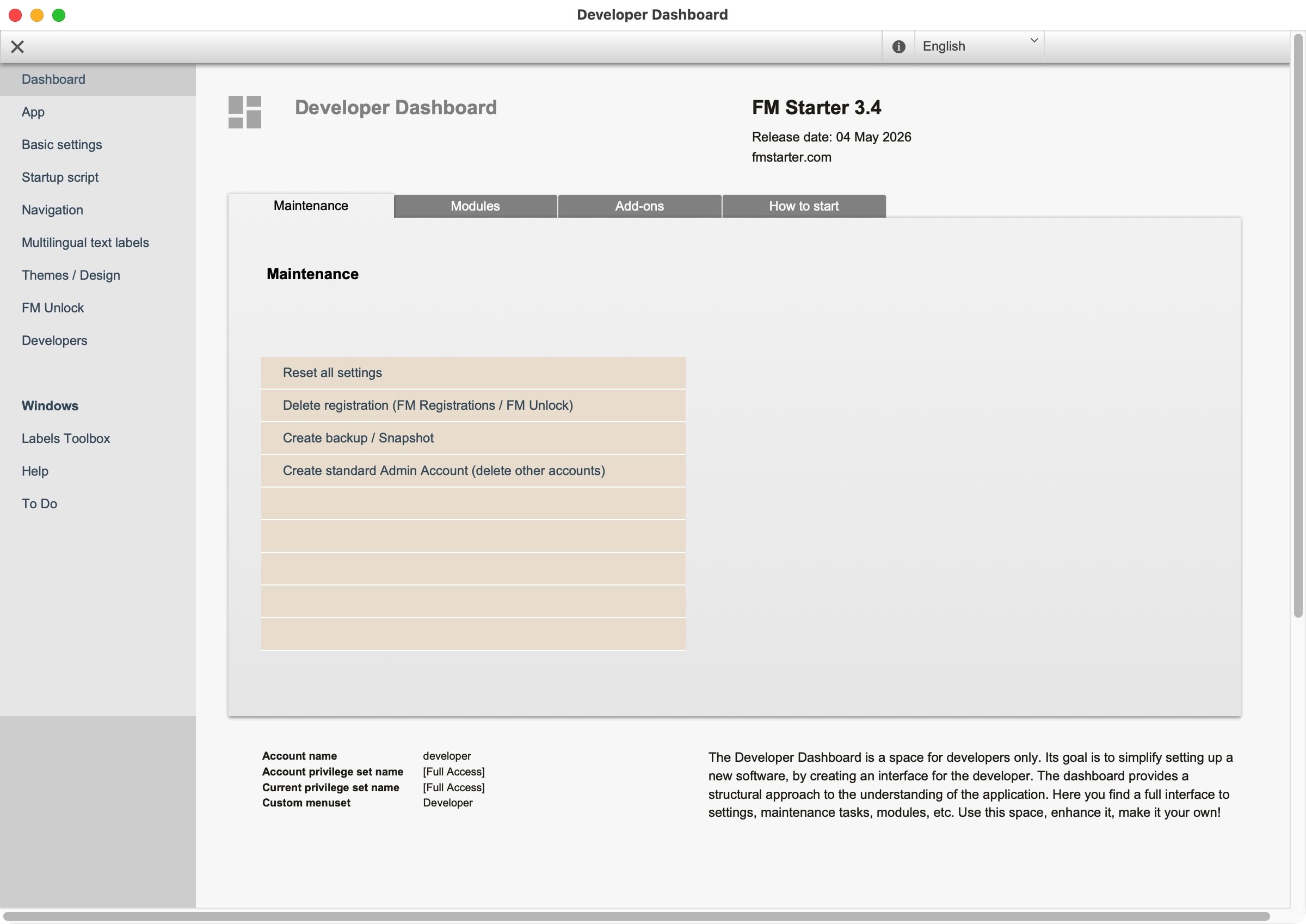
- Developer dashboard as extra window with all settings for the file and for the used modules
- User management (login, logout, roles, etc.)
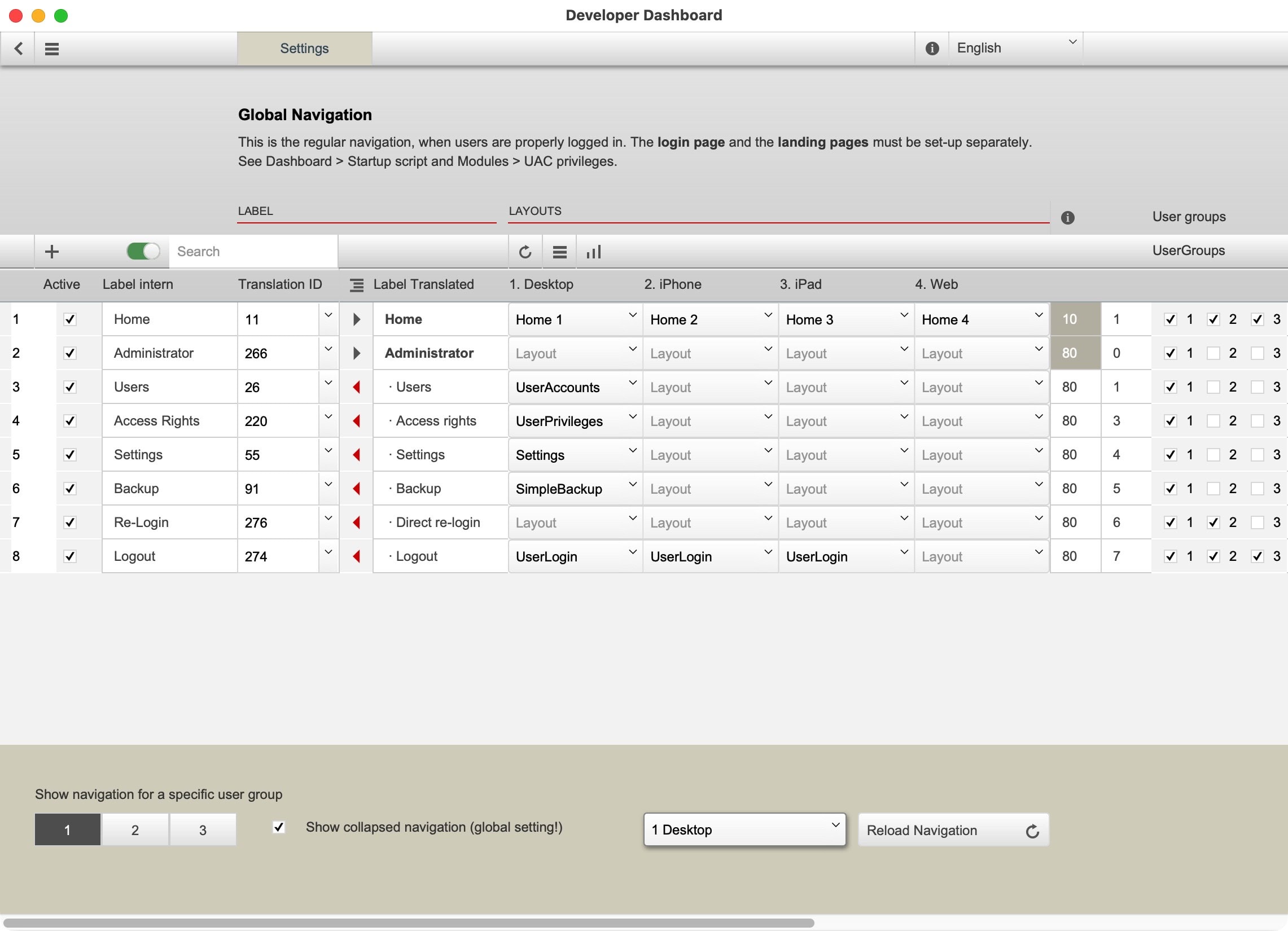
- Global navigation (different layouts for desktop, iOS, etc.)
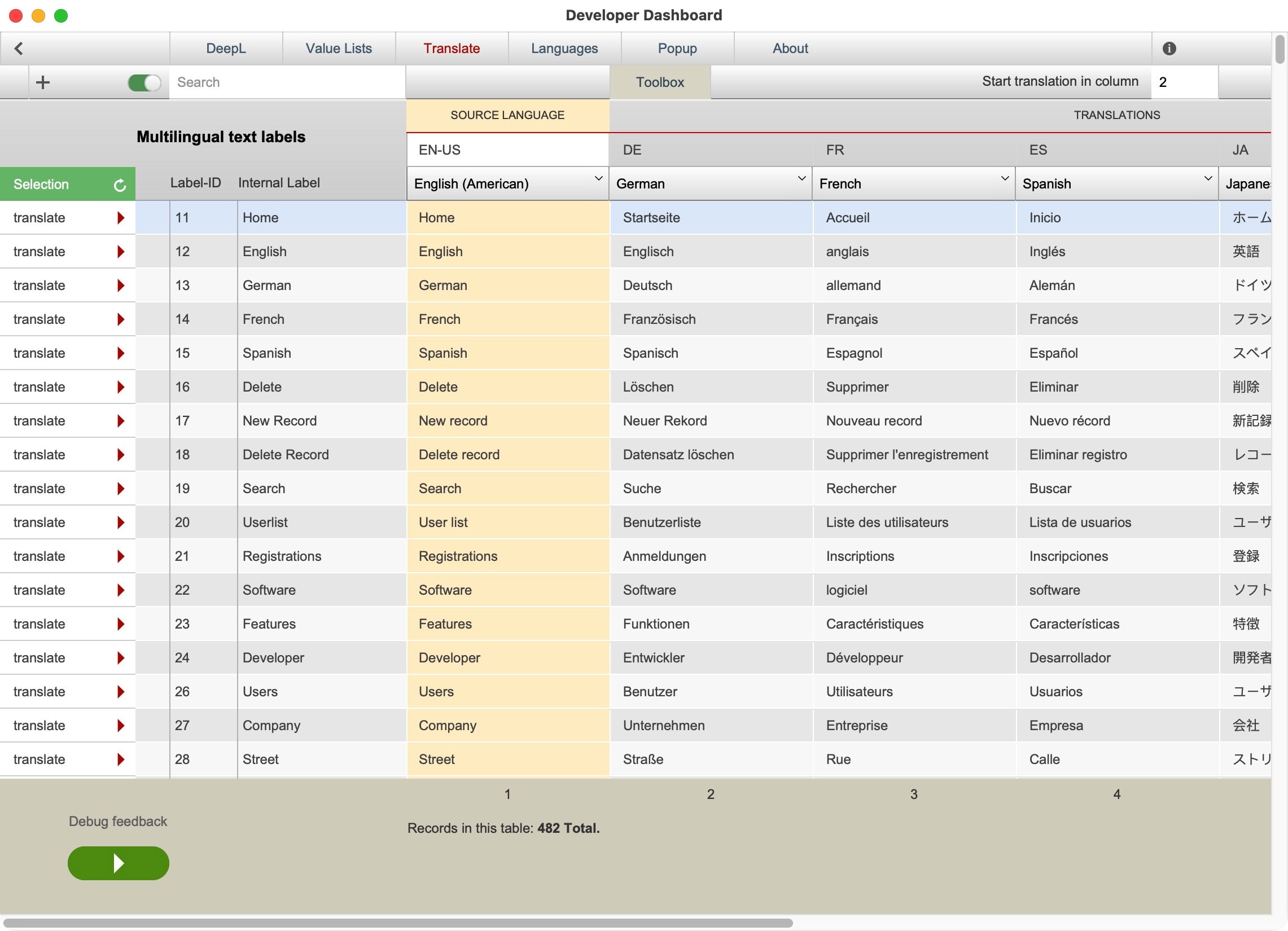
- Multilingual (default: English, French, German, Spanish. Can be modified or added)
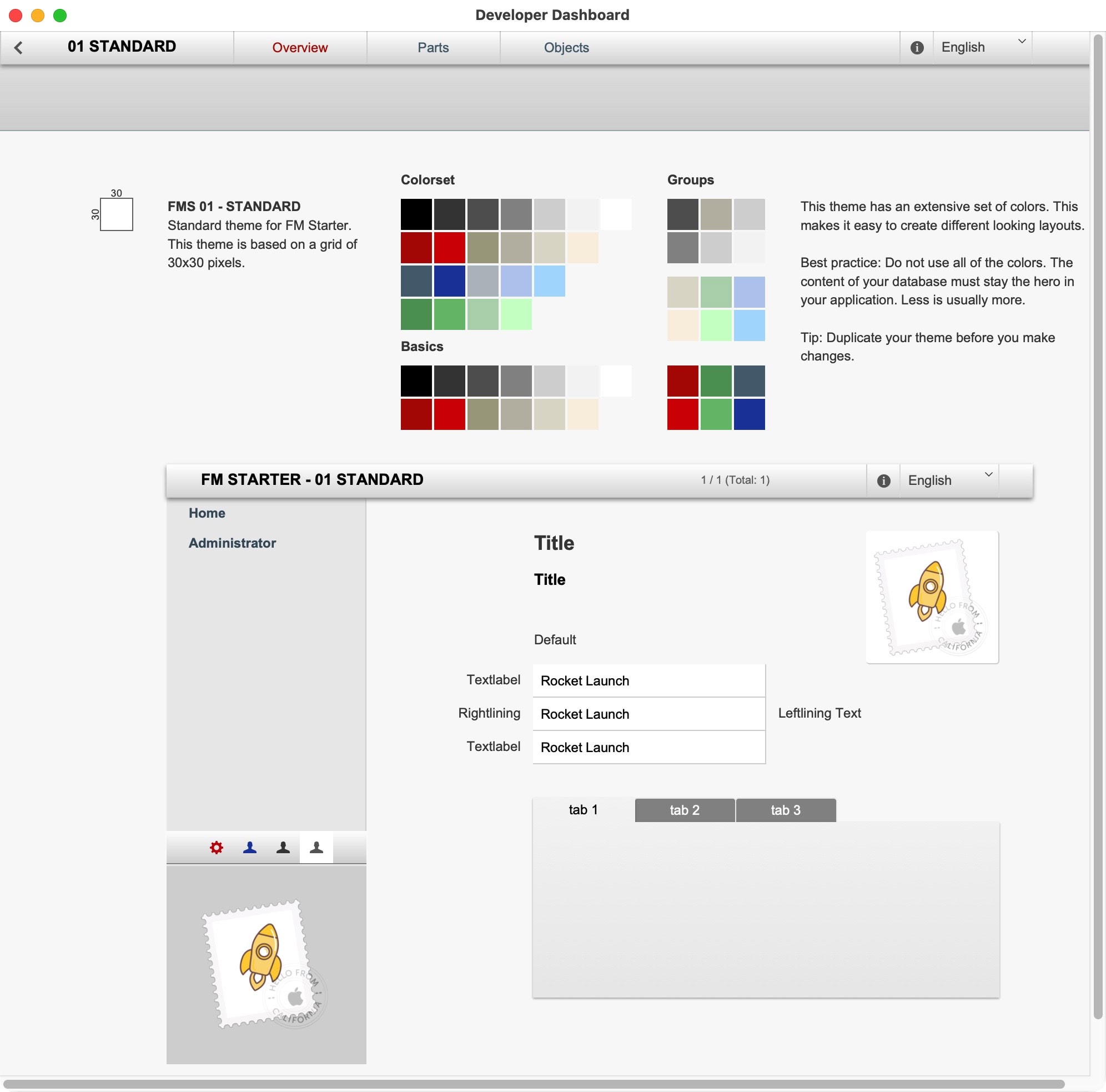
- Custom theme for quick design
Modules
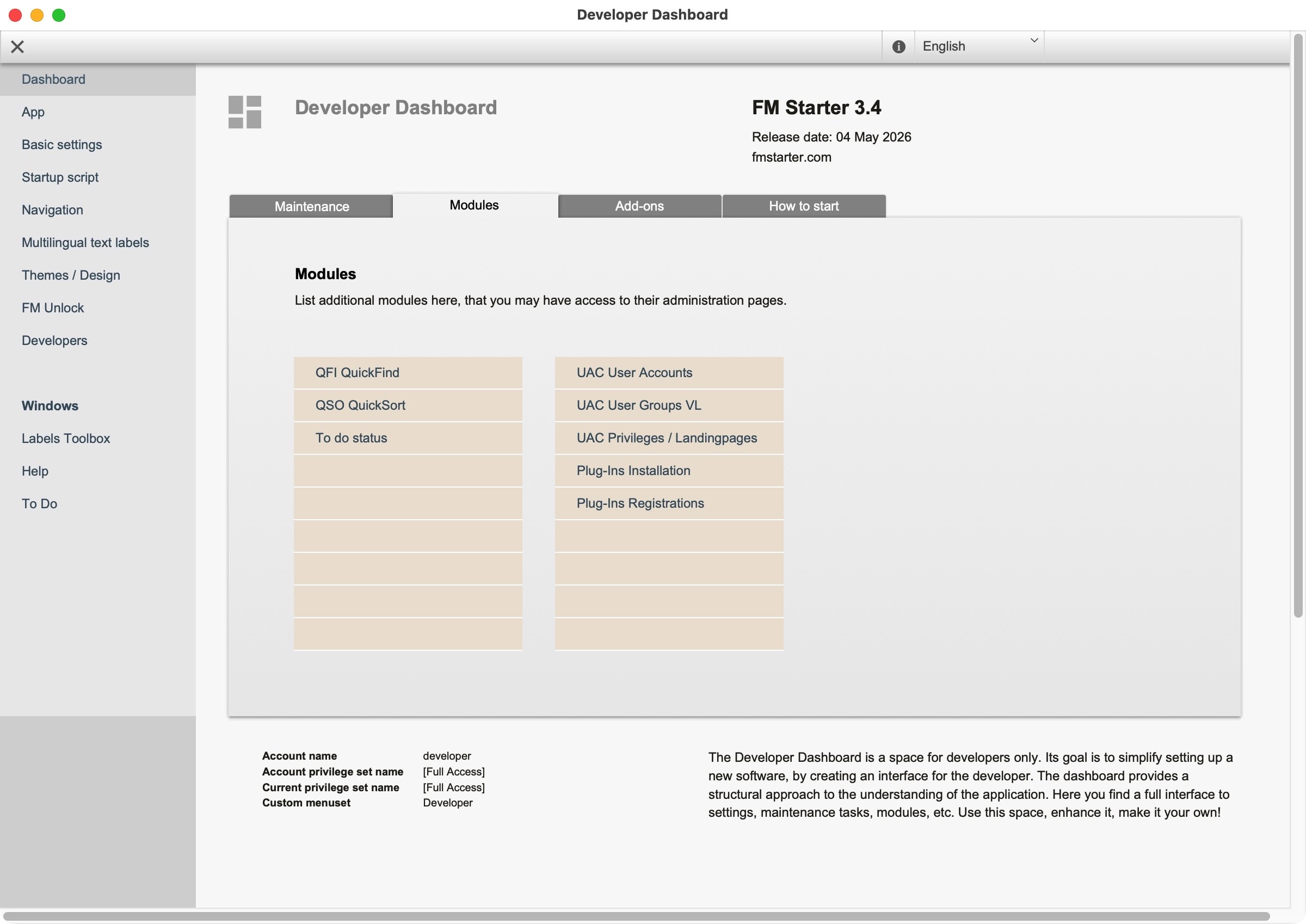
- User management
- Global navigation
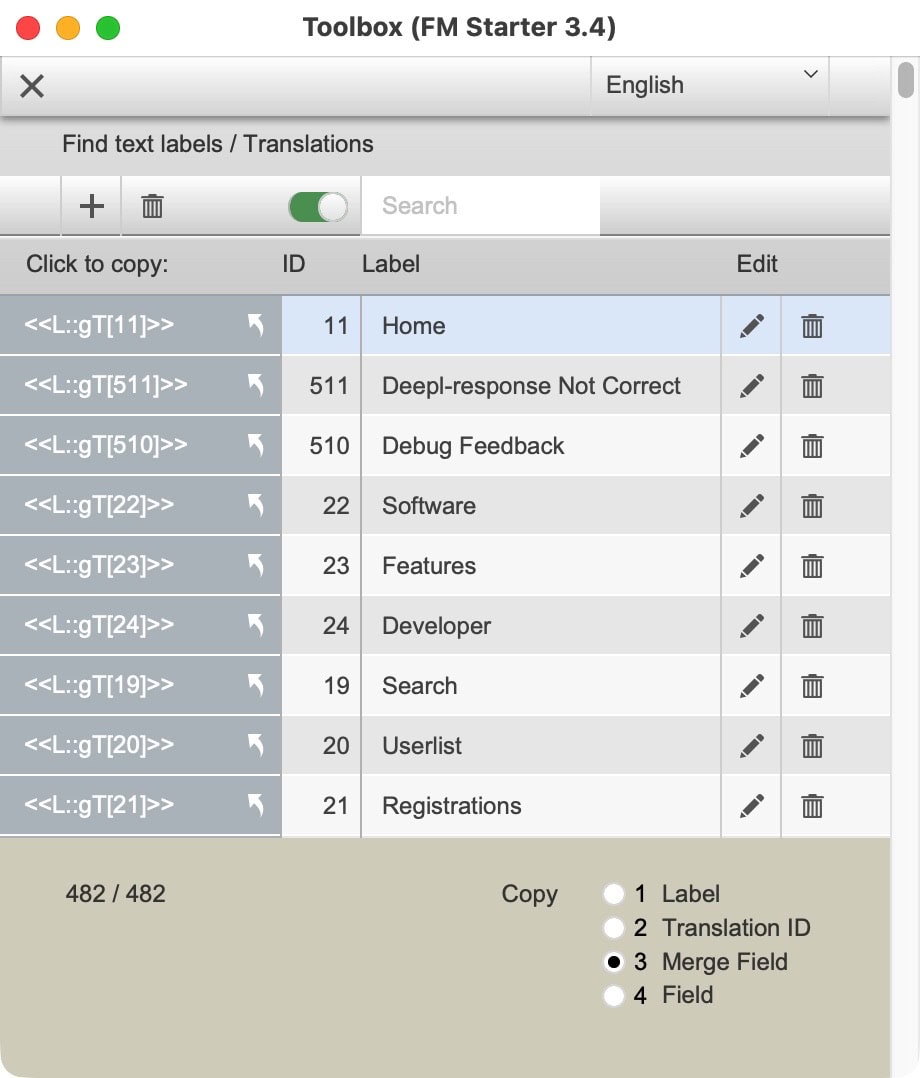
- Multilingual text labels
- API connection for DeepL translations
- QuickFind
- QuickSort
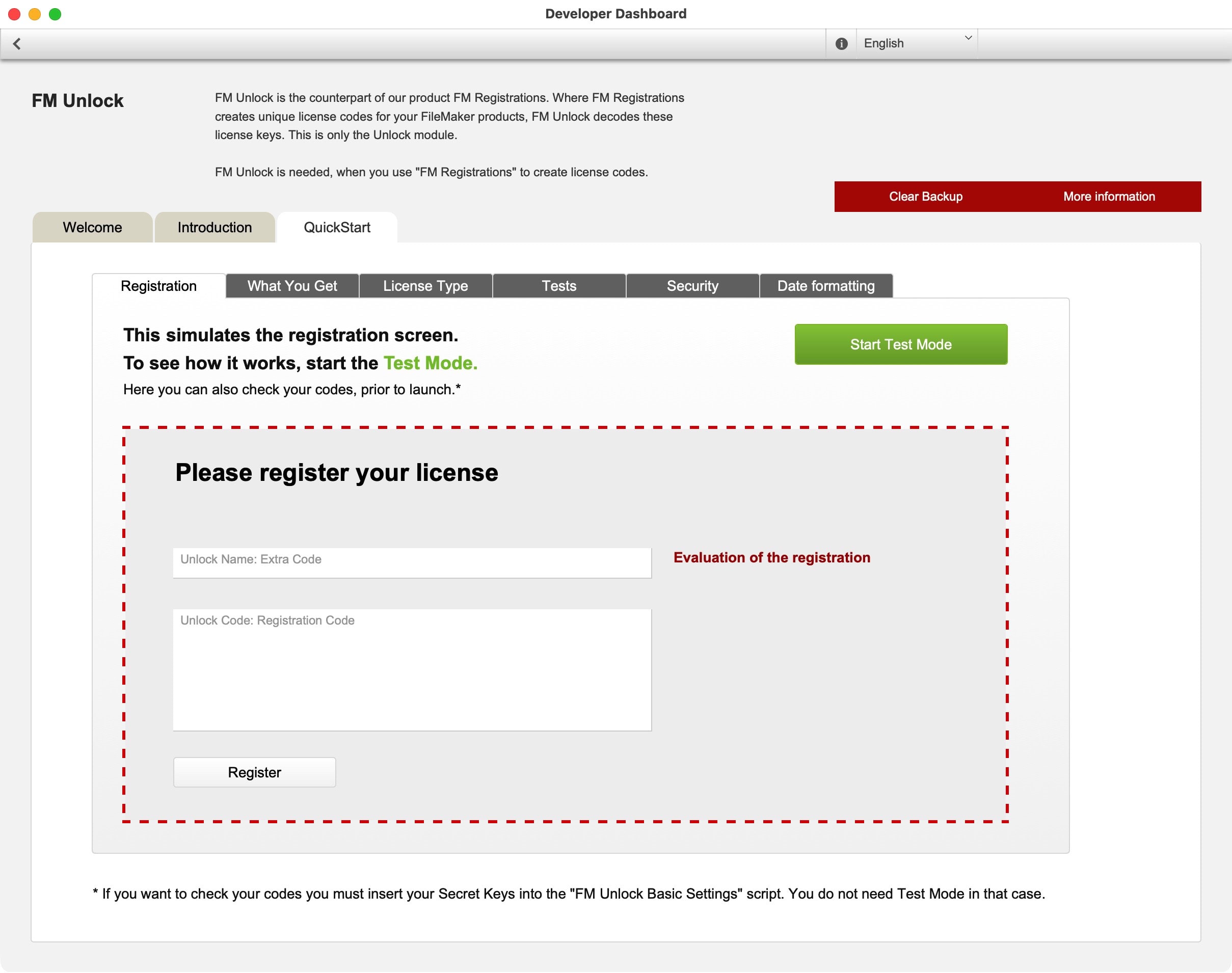
- FMR Unlock (in combination with FM Registrations)
- SimpleBackup
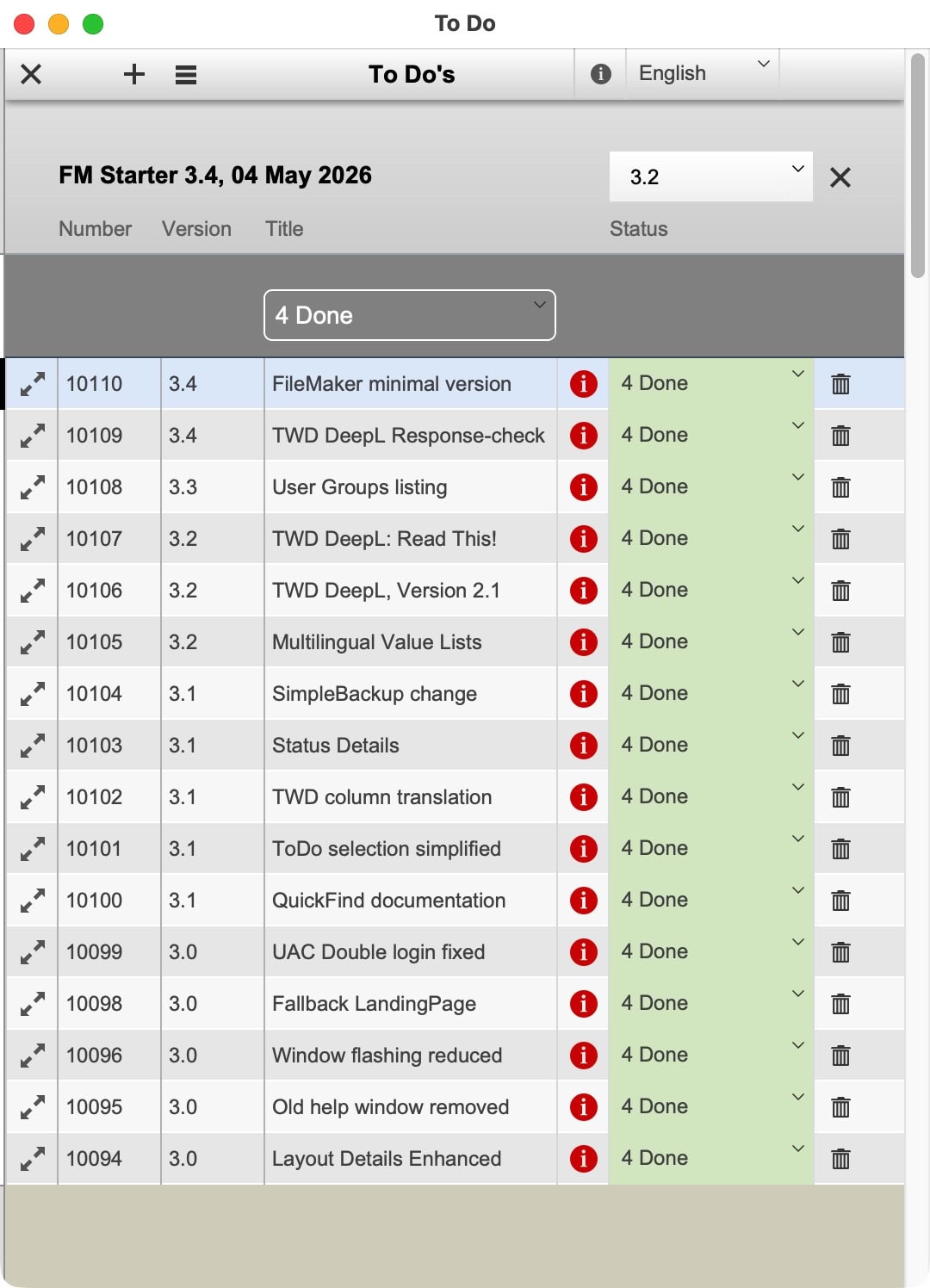
- ToDo list
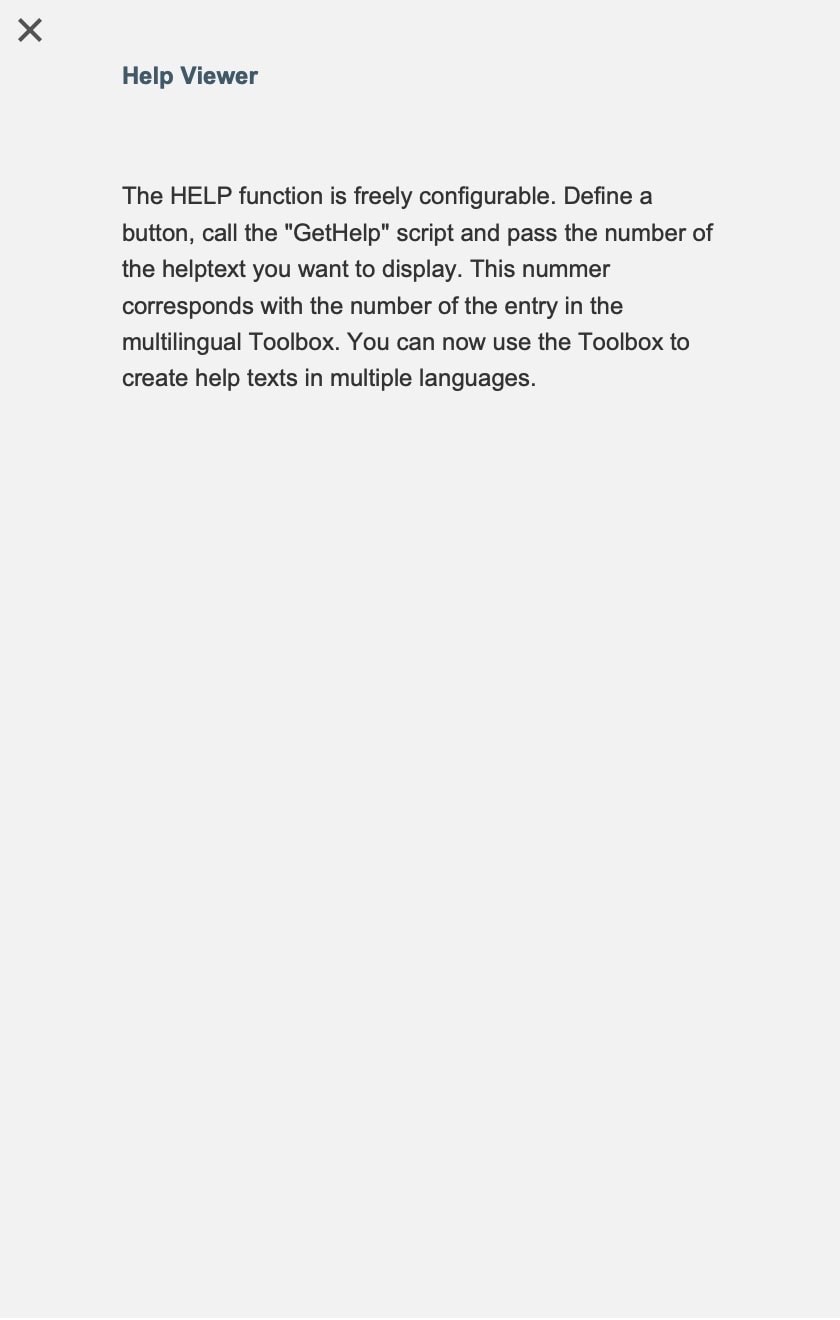
- HELP module (multilingual)
- Plug-in installation (for selected suppliers)
- Plug-in registration (for selected suppliers)
Configuring is easier than developing
So many modules and settings are awaiting you in the special Developer Dashboard. That is the cockpit for developers, where settings can be made for every part of the application. It is much simpler to configure what you need than having it develop from scratch. All settings are brought to light by placing them on ordinary layouts, which are only accessible to developers.
The idea behind our starter files
The saying that “Every project is different” is sometimes used as an excuse not to use a starter file at all. Indeed, it is true that each project is different. Yet many developers tend to re-use functionality or modules they developed for one client for another project. This is not about client-specific work, but rather about non-specific and “behind-the-scenes” functionality, like a user account management module, a navigation module, and the like. Why not use a starter file that has incorporated these demands and been optimized, simplified, and tested for easy adaptability? It will undeniably accelerate the process of starting any new project. That is the idea behind our starter files.
True starter files are not about specific enduser solutions but rather about the basics you need to build those solutions in the first place.
Benefits of using a well-tested starter file
FM Starter has been tested and improved for many years now. Iterations fixed bugs, added new modules, replaced modules, and the integration of all aspects got much attention. This is an invaluable experience, offered to you in a single product.
Reduce to the max
Simpler is frequently better. Iterations of FM Starter evolved into ever simpler solutions to the same basic needs. Those now fulfil their task superbly. Choose a solid foundation that is so simple that you can build with it.
How can FM Starter be simple? There are several reasons for this:
- Modular approach
Development was in parts, which had to work well in themselves before they were integrated. - Separation of settings and functionality
Make every setting dynamic and present it on a dedicated settings page.
Benefit: Only in rare cases it is necessary to look into scripts. - Developer Dashboard
The developer has a separate window to manage crucial app settings.
The Developer Dashboard is only accessible to developers. - Administrator settings
As a super-user, the administrator has all settings for his work readily accessible.
Administrator settings are only accessible to administrators and developers. - Structure is more important than rules
If you know where to find something, you are good to go.
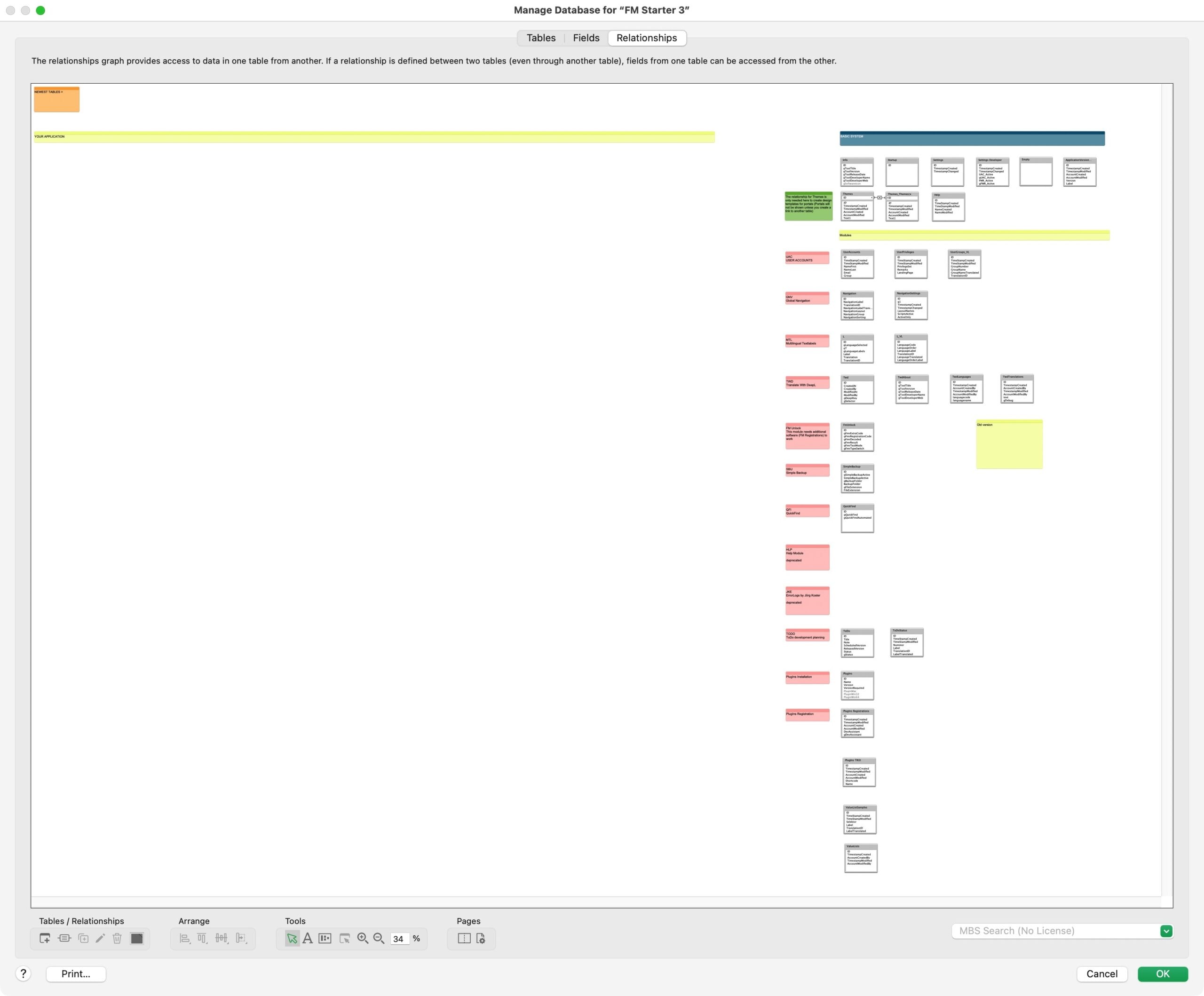
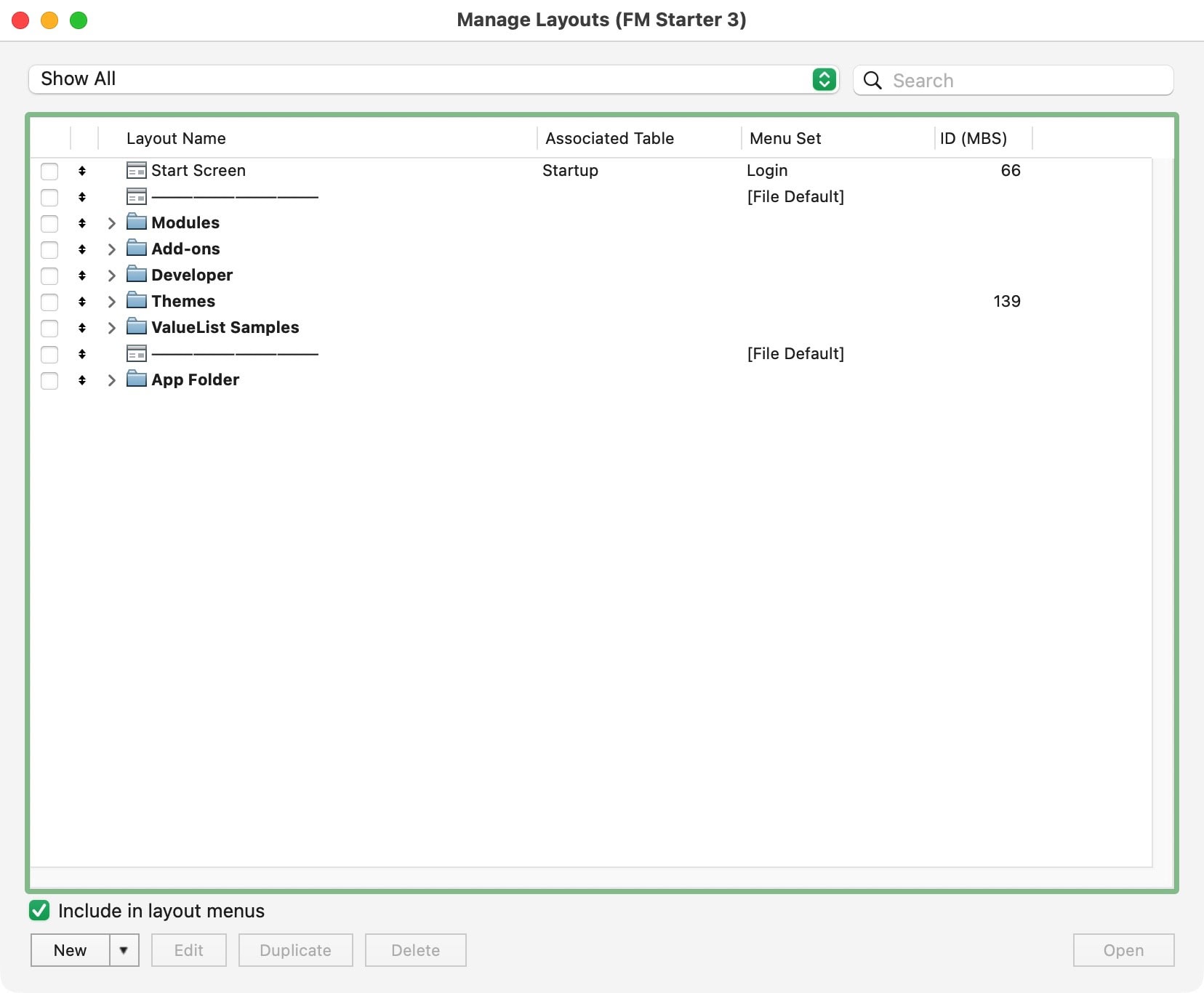
All parts are build the same, modules and add-ons have the same structure.
The structure holds logically together, even when developing skills or preferences are different.
Don’t worry about rules, just use the structure.

Make it happen
If you are preparing for a next project, whether you are starting out with FileMaker or a seasoned developer, you will benefit from a well-tested starter file. Use it, learn from it, adapt it, build with it, enhance it, and improve it. Most of all: Make your next project happen. To give you a head-on start, use FM Starter to save months of development time.
FM Starter
Original price was: € 450,00.€ 350,00Current price is: € 350,00.Related posts

Select the right starter file
Out of all starter solutions, what should you choose and why?