

Create snapshots of your local files with a single click.
Working locally with FileMaker files?
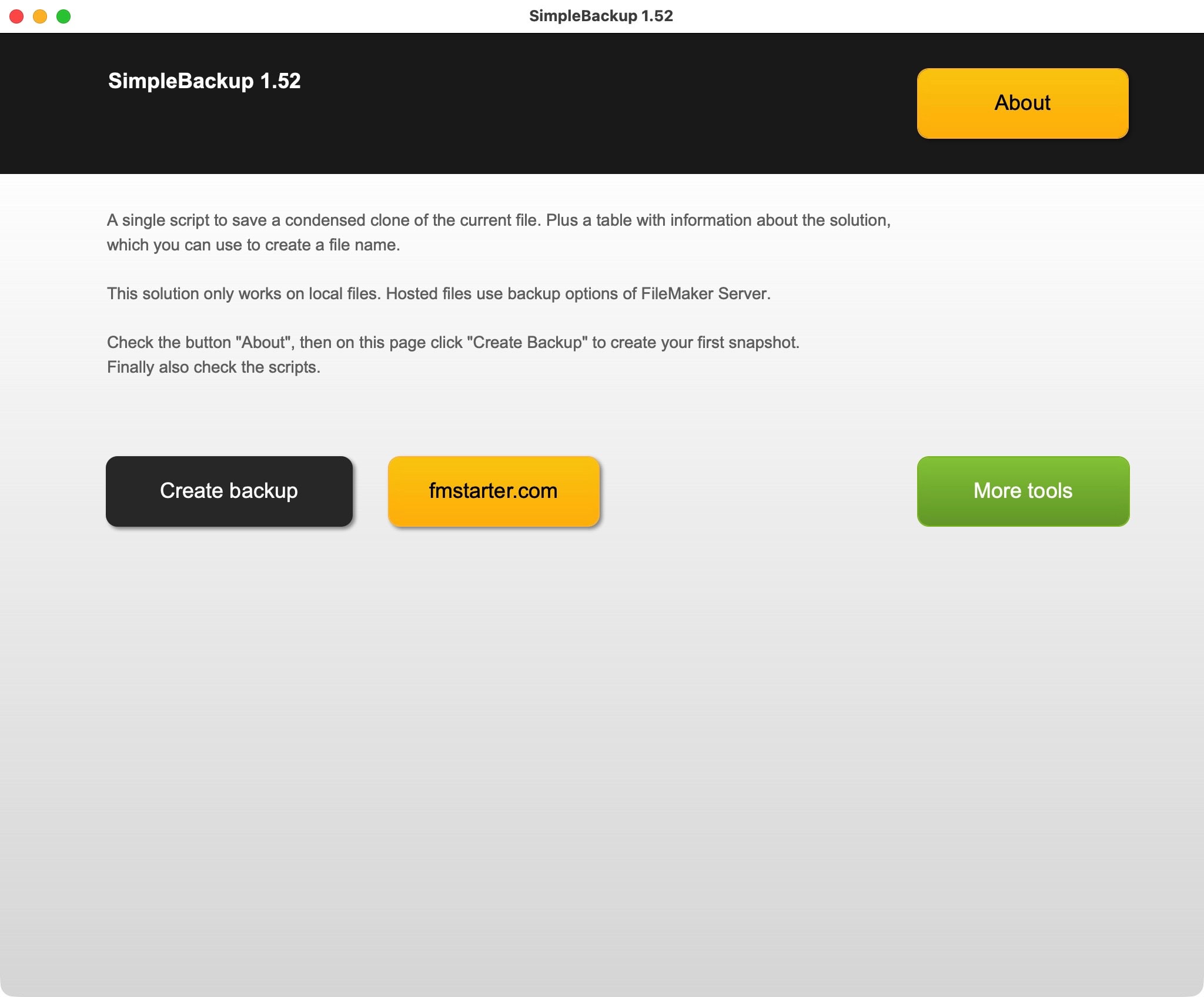
If you do, you need to be careful about your backups. This example file shows how you can easily create a snapshot of your current file with a single click on a button. It stores the file with a timestamp and some information about the tool title and version.
SimpleBackup lets you be intentional about your local snapshots. Just before or after imports, new implementations, or any other differences with effect to data or development, you create a quick backup with a single click.

Creating a unique backup file name
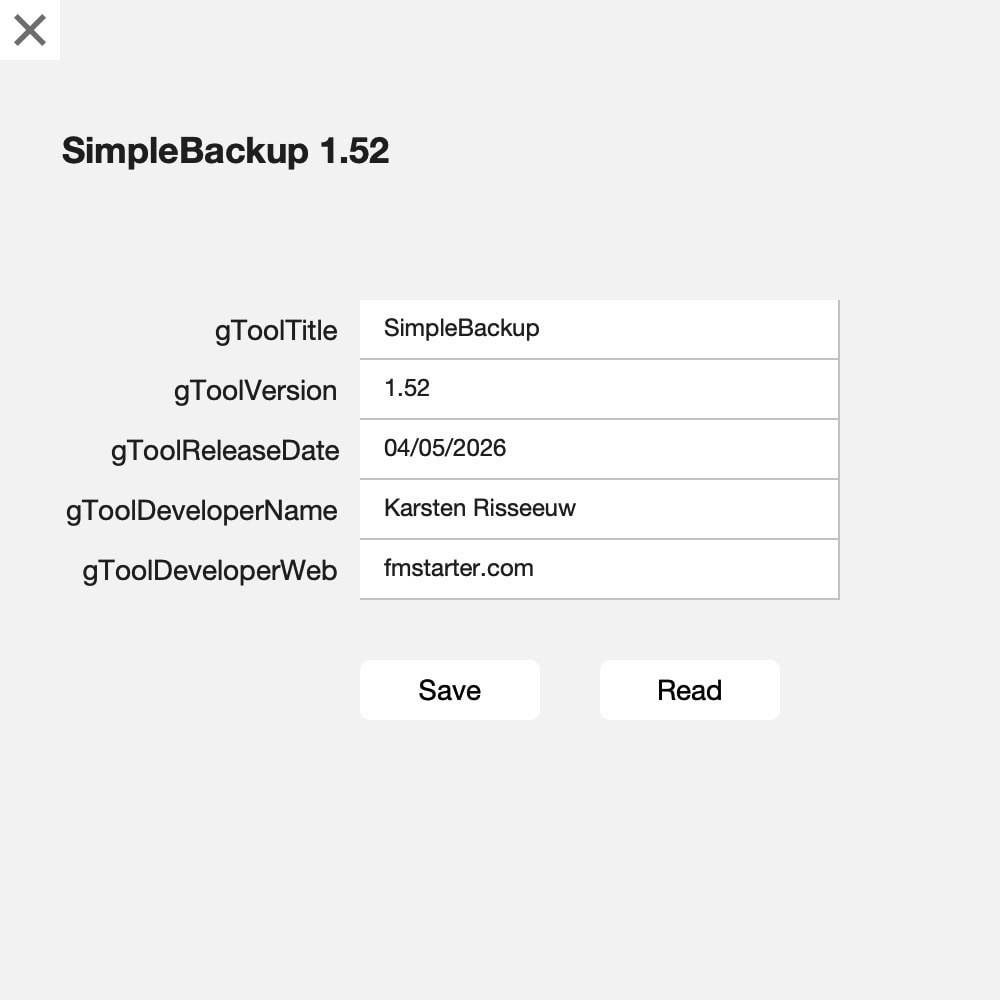
Your backup will have a timestamp included, but also can be enhanced with, for example, the title and version of your solution. That information is stored in a separate table and shown to be of help while creating a backup. The backup file can be labeled like:
20260504-163208-565-Simplebackup-0152.fmp12
The structure is like:
date-time-random-ToolTitle-ToolVersion.fmp12
YearMonthDay-HoursMinutesSeconds-Random-Title-Version.fmp12
This creates unique names, which are easily sorted by their alphanumerical value.

Simple solution to create snapshots or backups from local files.
The sample file shows 2 things:
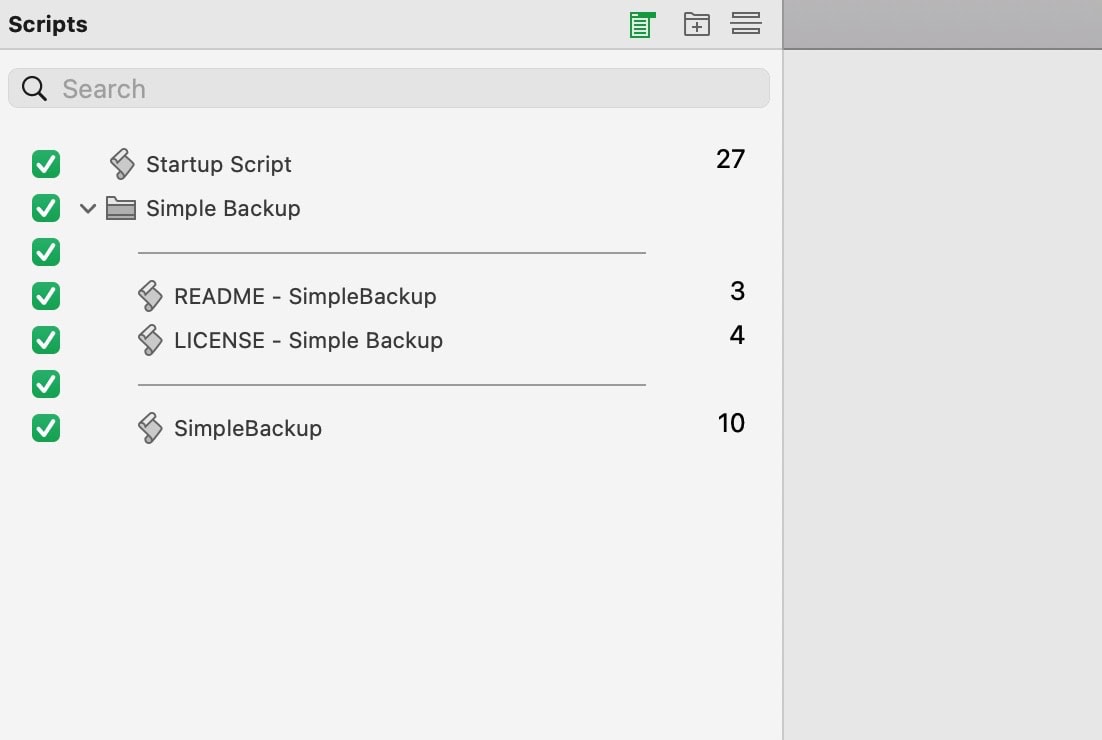
- Single script to save unique snapshots of your files
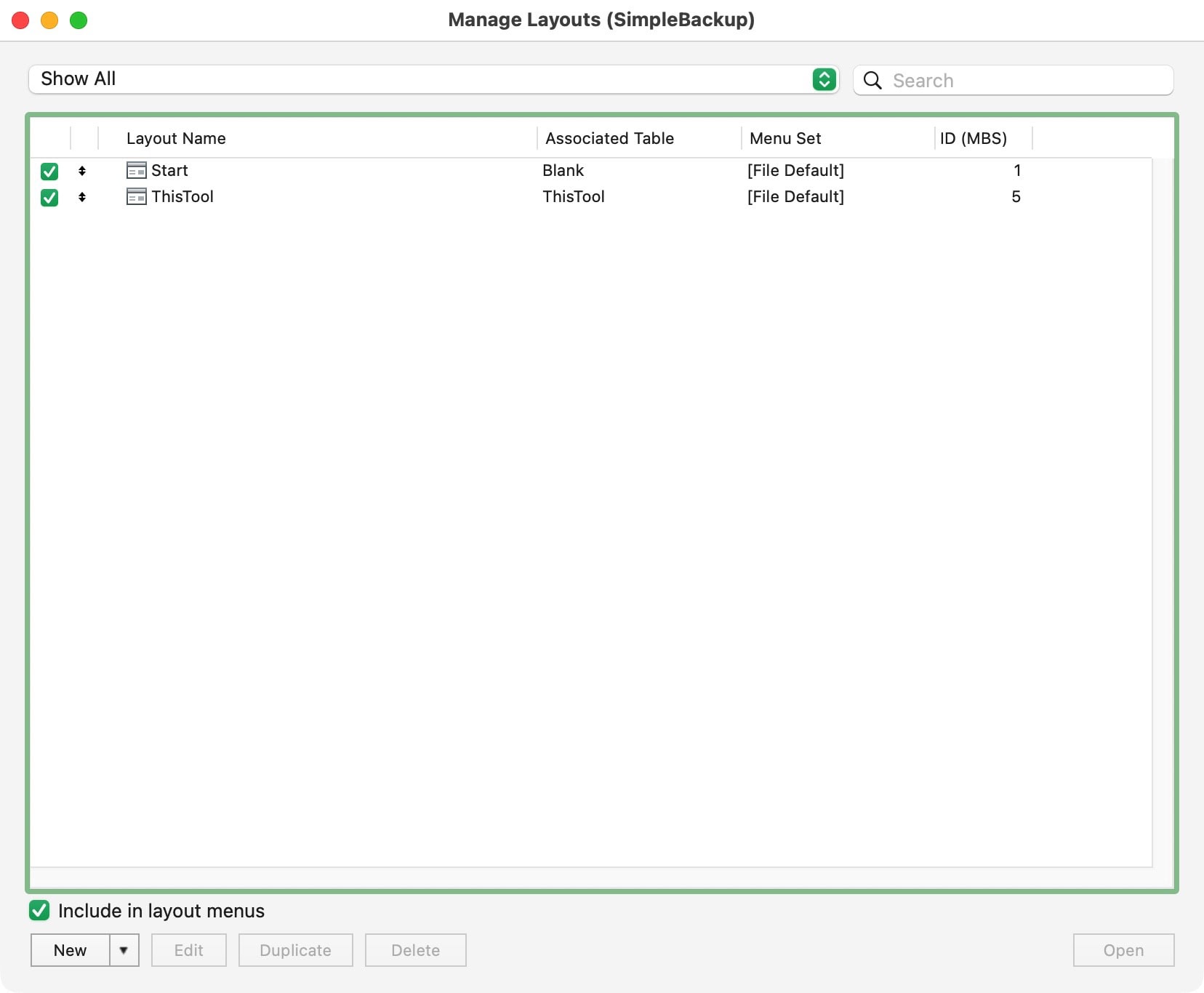
- Additional table with information about your file, which can become part of the file name.