

How do you list files in a folder on your machine? FileMaker cannot do that by itself. You need a plugin to extend the options of FileMaker for that purpose.
Plugins for FileMaker
FileMaker cannot and likely will not do everything you want to achieve. After all, FileMaker is a lowcode platform. Without knowing for sure, some things are beyond reach. In that case, plugins can extend the functionality of FileMaker. Plugins can be added to FileMaker to enhance functionality and options.
In this sample file, three different plugins are used to perform the same task. It becomes easy to compare the script steps needed and how it works. If you require this to behave differently, you likely can tweak it. Consider this sample file as an introduction to using plugins in FileMaker.

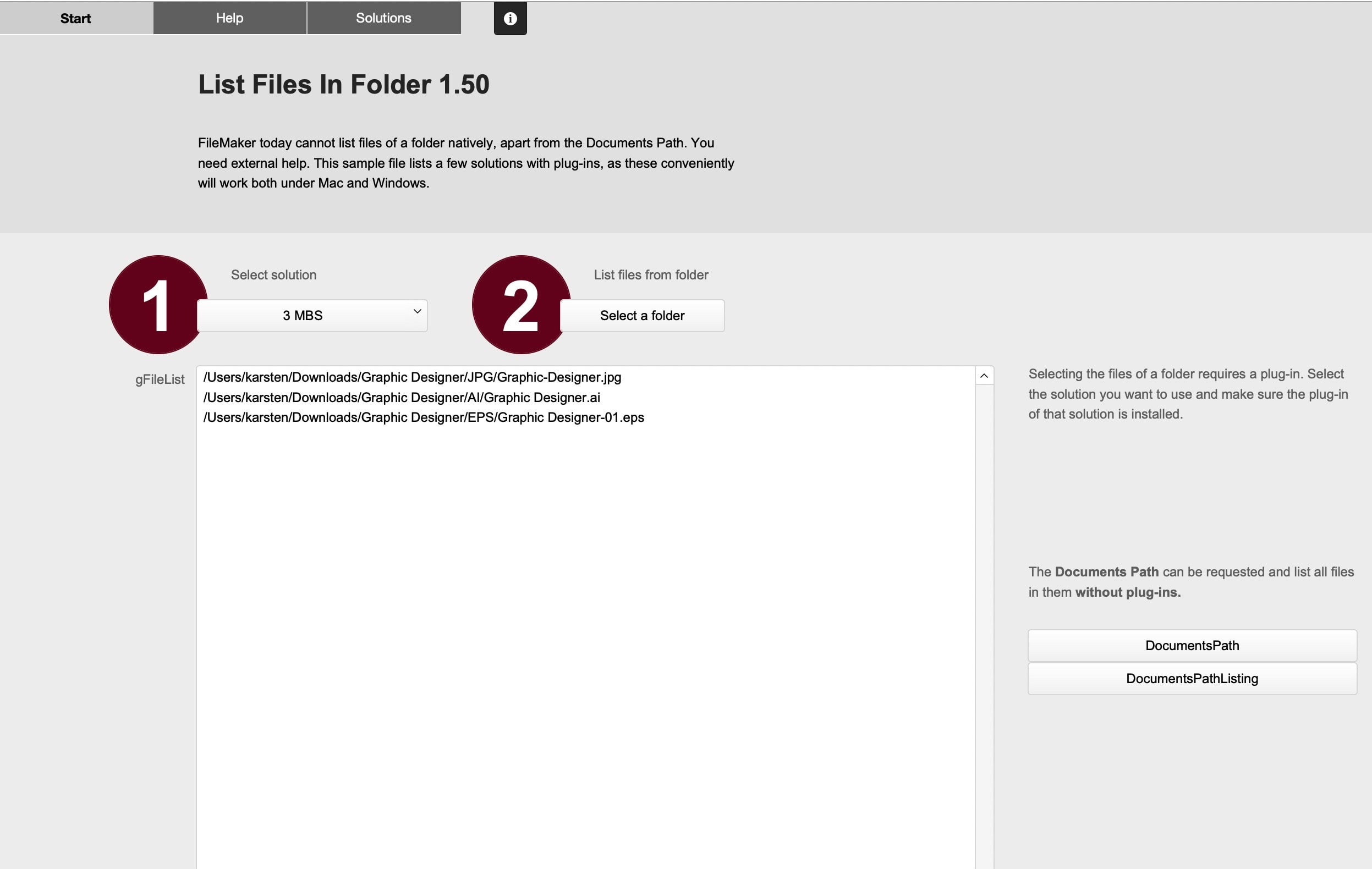
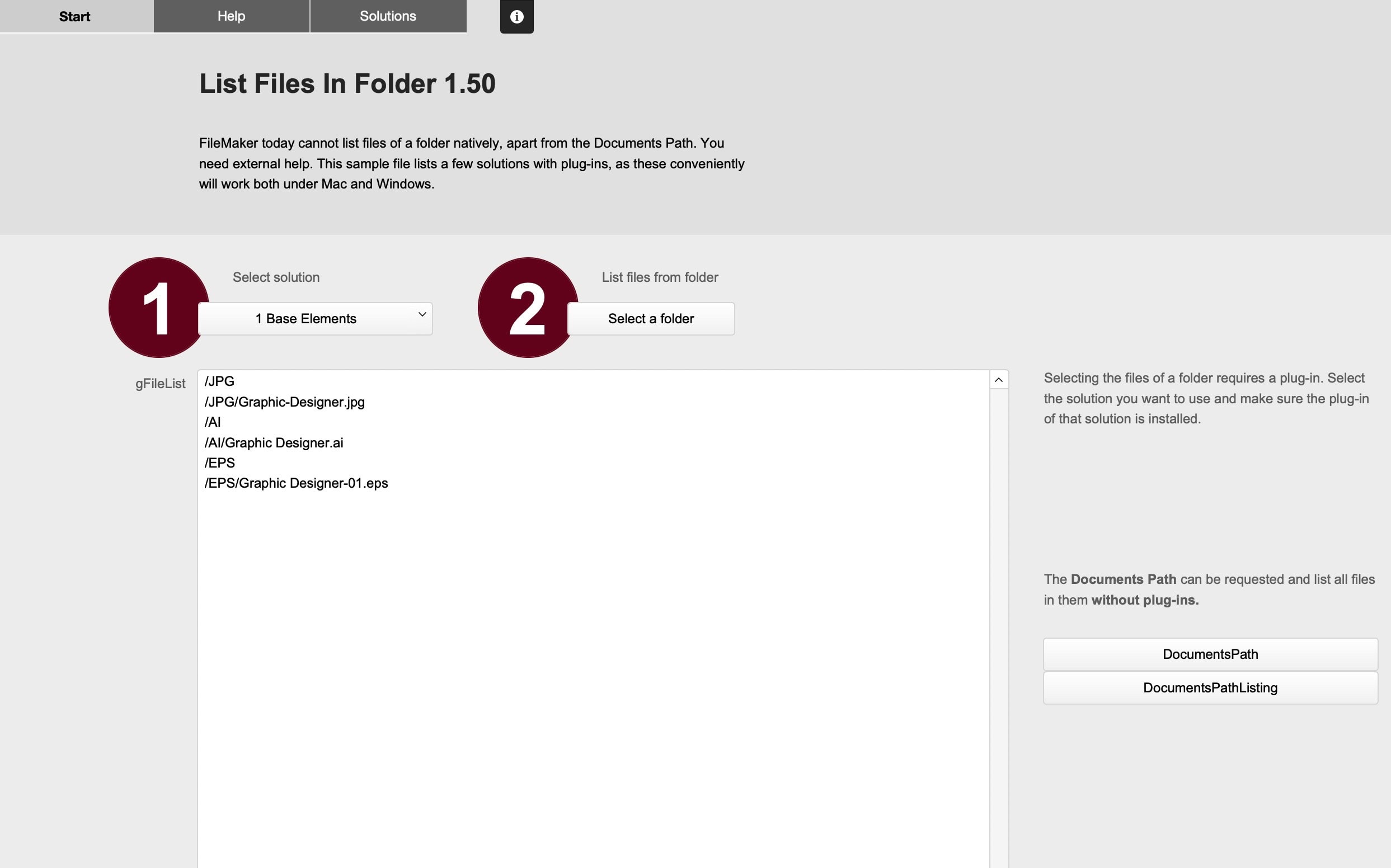
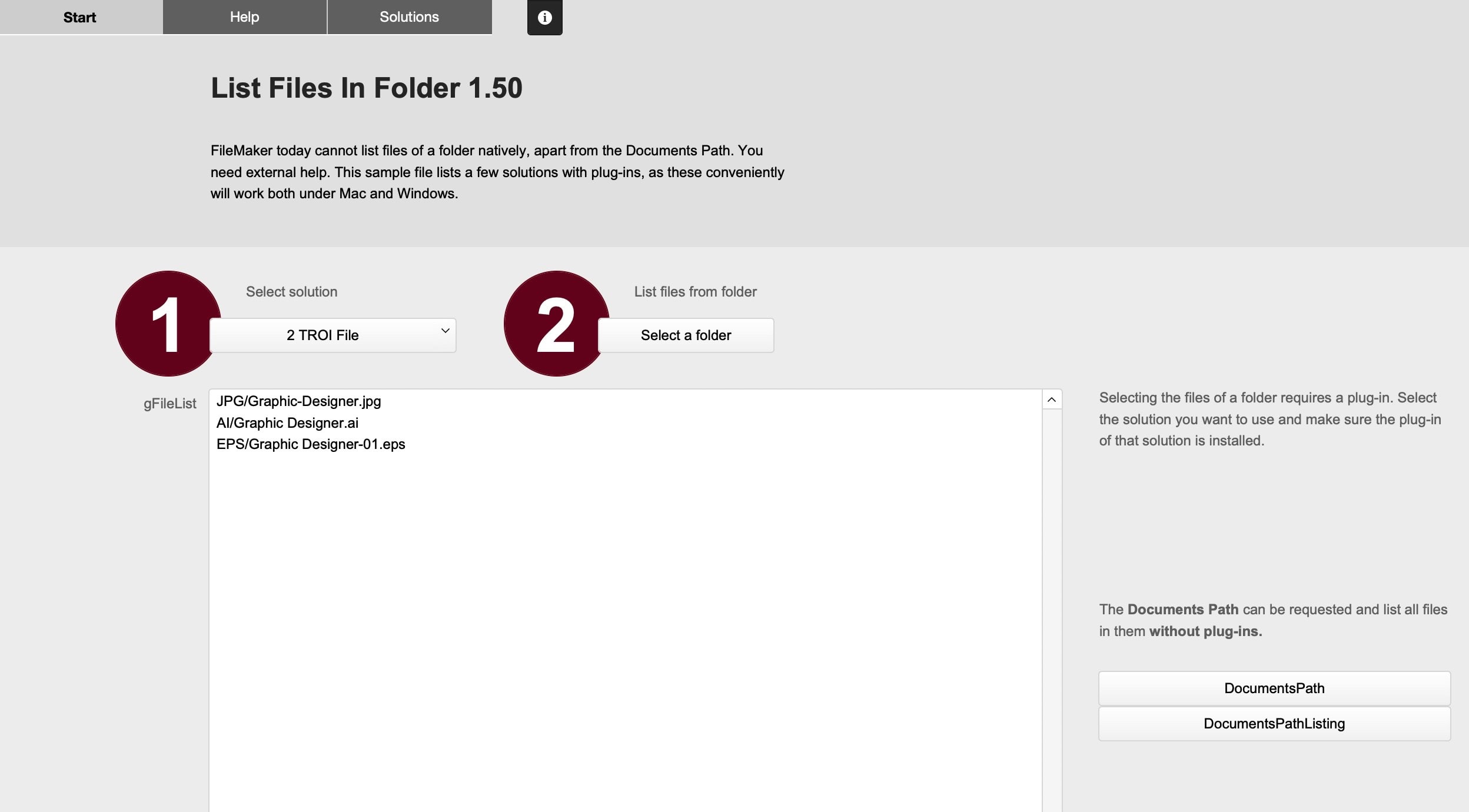
List Files In Folder
This simple example shows how three different plug-ins can be used to obtain a list of files for any folder on your computer. The way these plugins work is slightly different, as are the results.

List Files In Folder is an example file for FileMaker. It shows how to use plug-ins to show all files in a folder. The example file can be considered a mini-introduction to plug-ins.
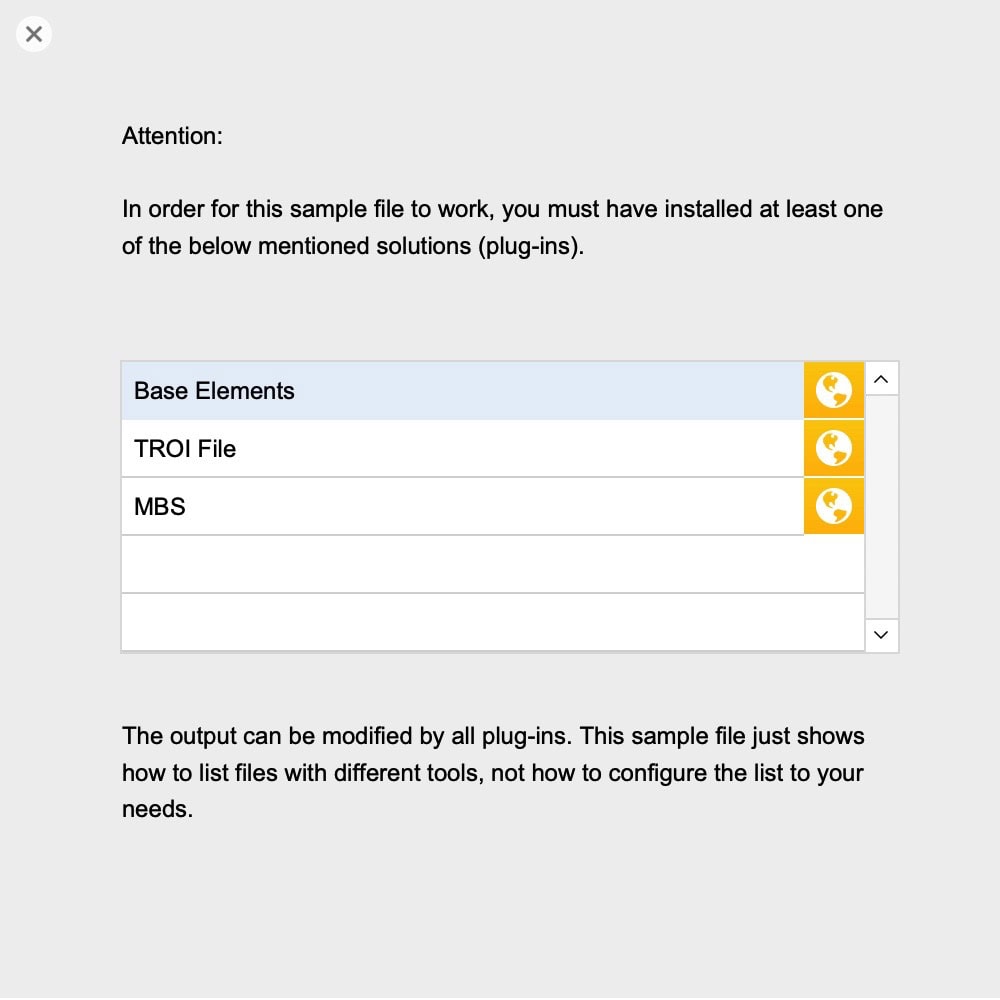
Plug-ins used (test with free versions):
- BaseElements
- TROI File
- MBS
You must at least have a test version of the plug-in you want to use installed. All download links for the plug-ins are part of the example file.
Requirements: FileMaker Pro 20 or newer.