

Dates are cumbersome to write down. That is probably fine if it is just a single date. But adding manually the day, month and year to get a valid date is quite a lot. When doing repetitive work and adding many dates regularly, this becomes tedious toil. How can you simplify adding dates? This sample file shows you.
Setting the order
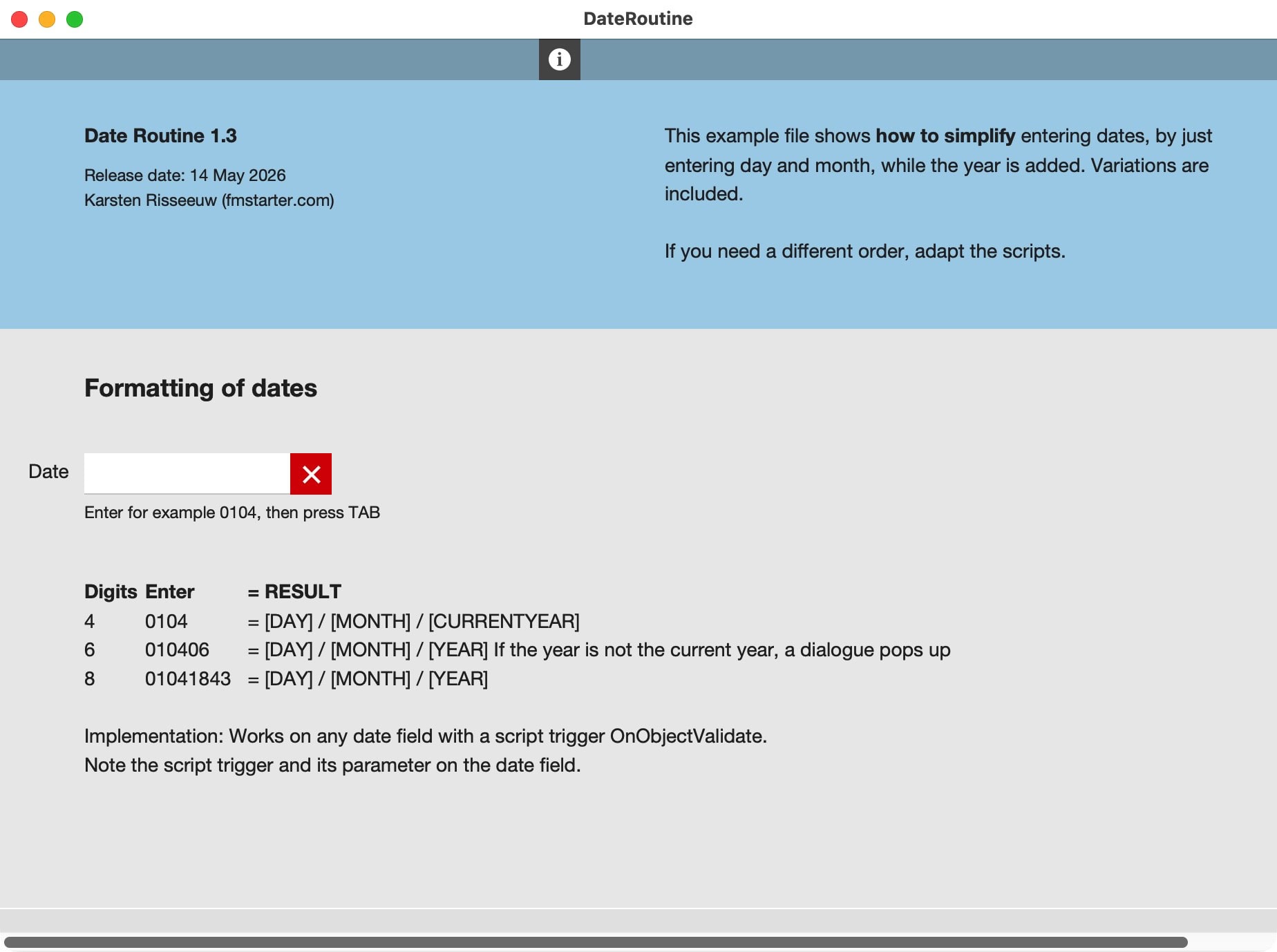
It is quite easy to capture the current date in FileMaker. It also gives you the tools to extract day, month and year. As you have the building blocks readily available, it is possible to reconfigure these as you like. That’s what is done in this sample file. The current setup is focussed on a European style date:
Day/Month/Year
The scripts requires simple numbers and no separators. If you need any other setup, feel free to reconfigure the scripts.
4, 6 or 8 digits
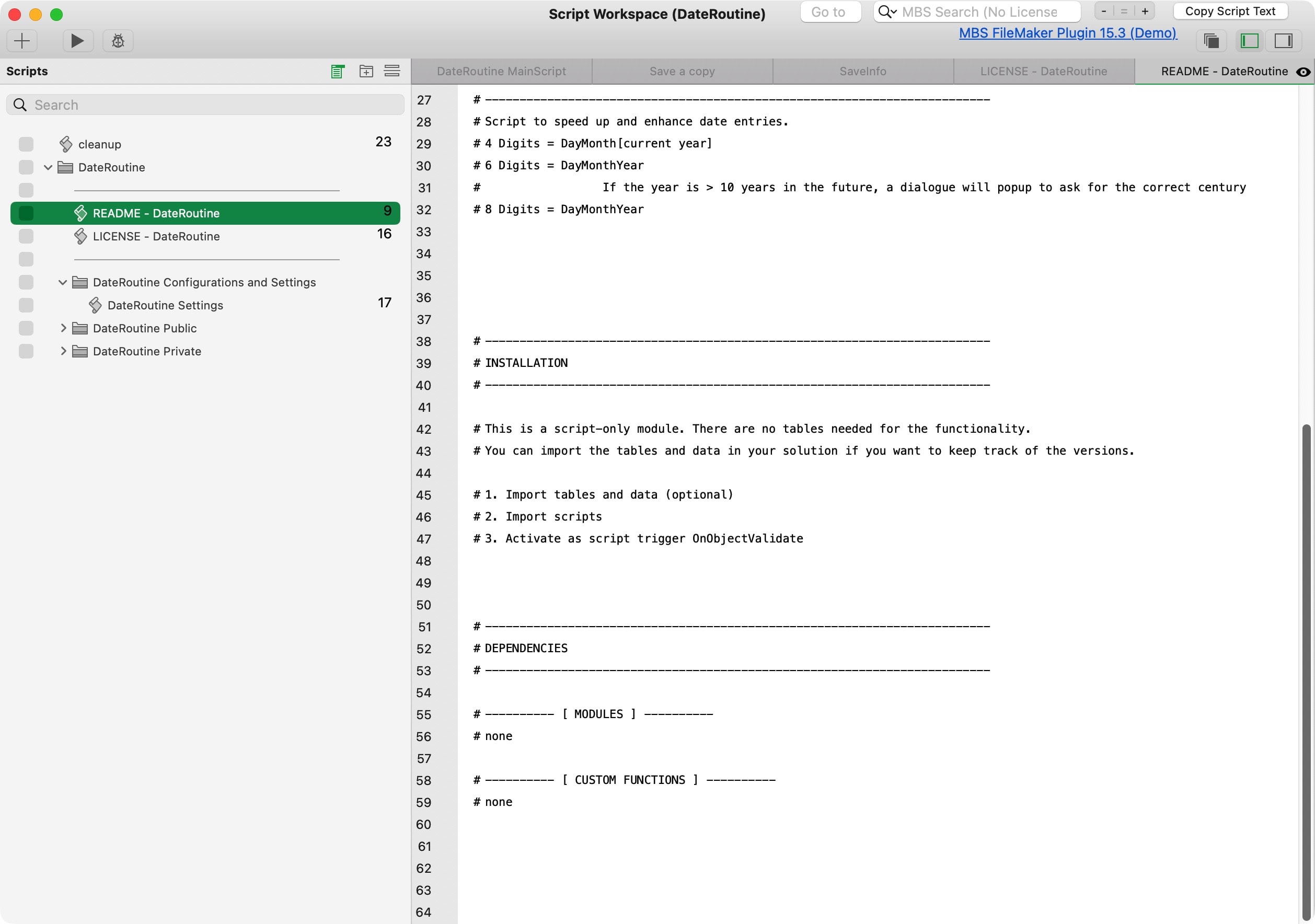
The file requires a field with a script trigger. The trigger kicks off a script which evaluates the input. It will recognize the number of characters filled in and then build the full date around it.
- 4 digits = day+month. Adding “0104” will get you the first of april of the current year
- 6 digits = day+month+2-digit-year. Adding “010226” will get you the first of february of 2026.
- 8 digits = day+month+4-digit-year. Adding “05121725” will get you the fifth of december of the year 1725.
Activate the calculation by jumping out the field. Without leaving your keyboard, press [TAB], which usually jumps to the next field. Now you can work in lists or forms with a shorter and simpler way to add dates.

Make it your own
This simple test file will probably not do all you need. Change it, enhance it, and make it your own.
Entering dates in a date field can be cumbersome. DateRoutine shows how you can use FileMaker scripting and field triggers to complete dates. This is a free sample file.