

How to get a file path from any file? This sample file shows a simple way of achieving this. Of course this also can be done with plugins and probably more convenient, but this is one way to do without.
Step by step
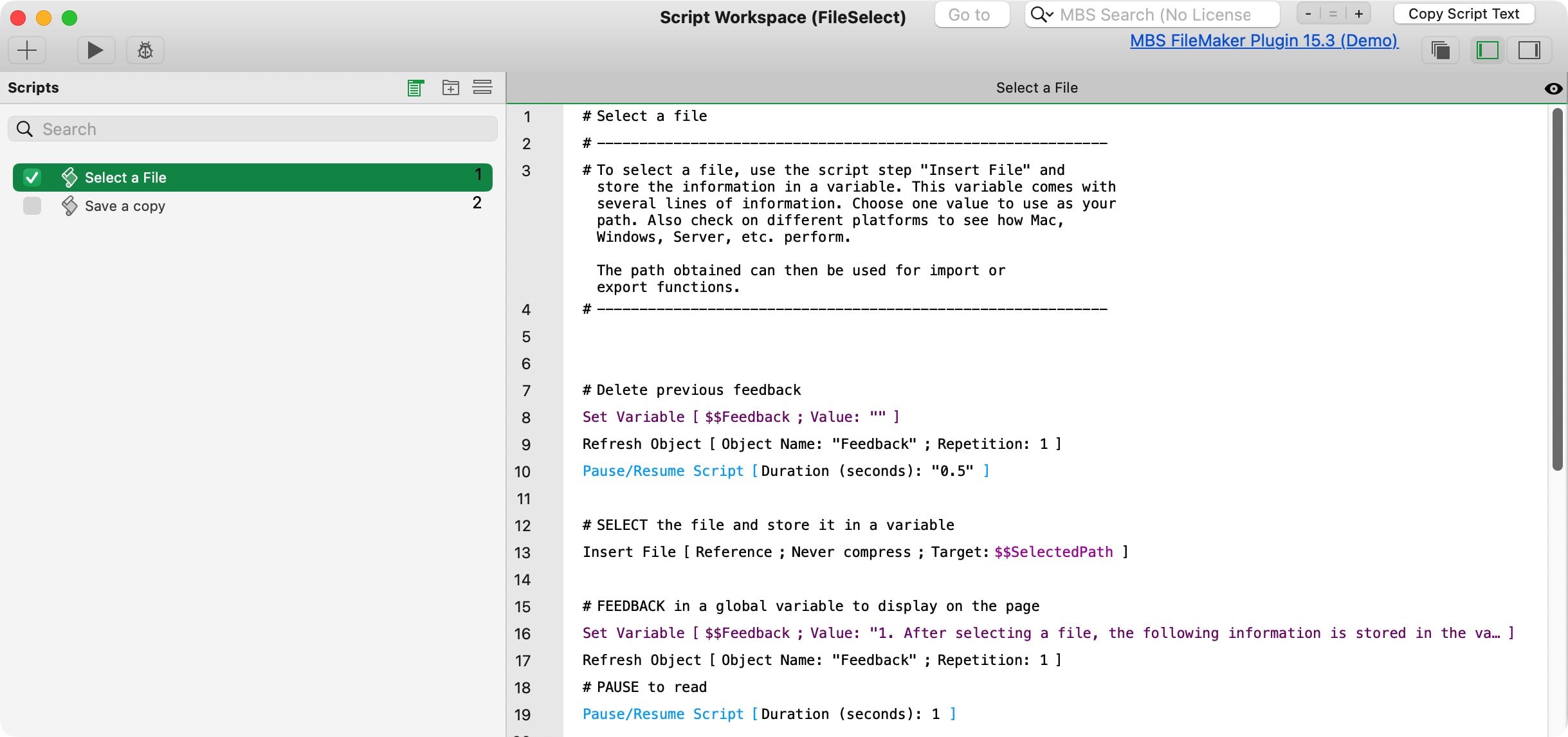
- Use the script step “Insert File”, and
- store the file as a reference in a variable.
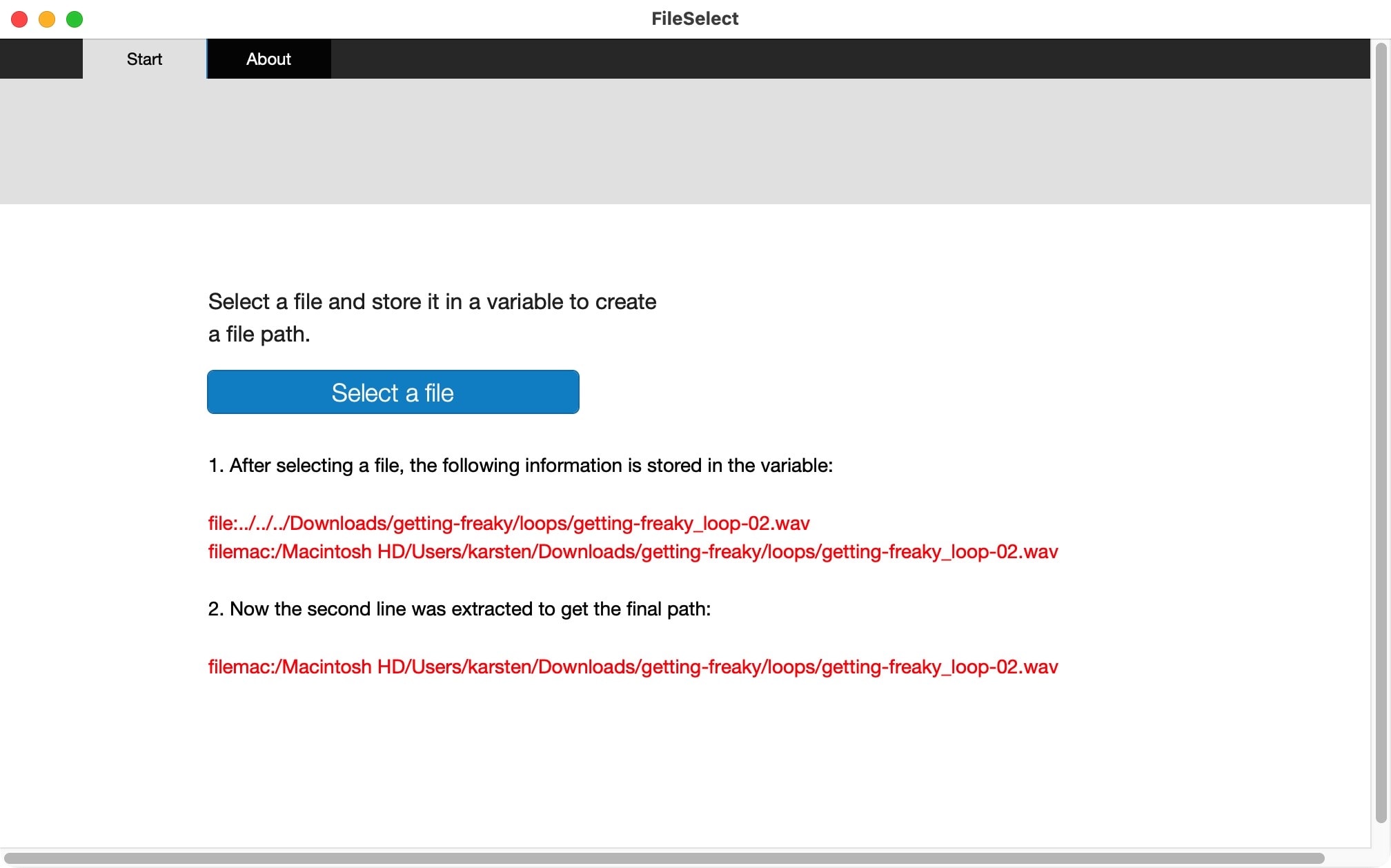
- This variable on Mac has 2 values. Get the 2nd value to extract the full path.
The first value is a relative path, starting with “file:”. The second value is an absolute and platform based path, starting with “filemac:”.
Use the path
The extracted path is a text string. You can mold the text if you need to, to create exactly the result you need.

Make it your own
This simple test file will probably not do all you need. Change it, enhance it, and make it your own.
Sample file on how to select a file and save the file path in a variable.
Be aware the script step used here is not compatible across all platforms. Check the Claris Help.
Requires FileMaker Pro 20 or newer.