

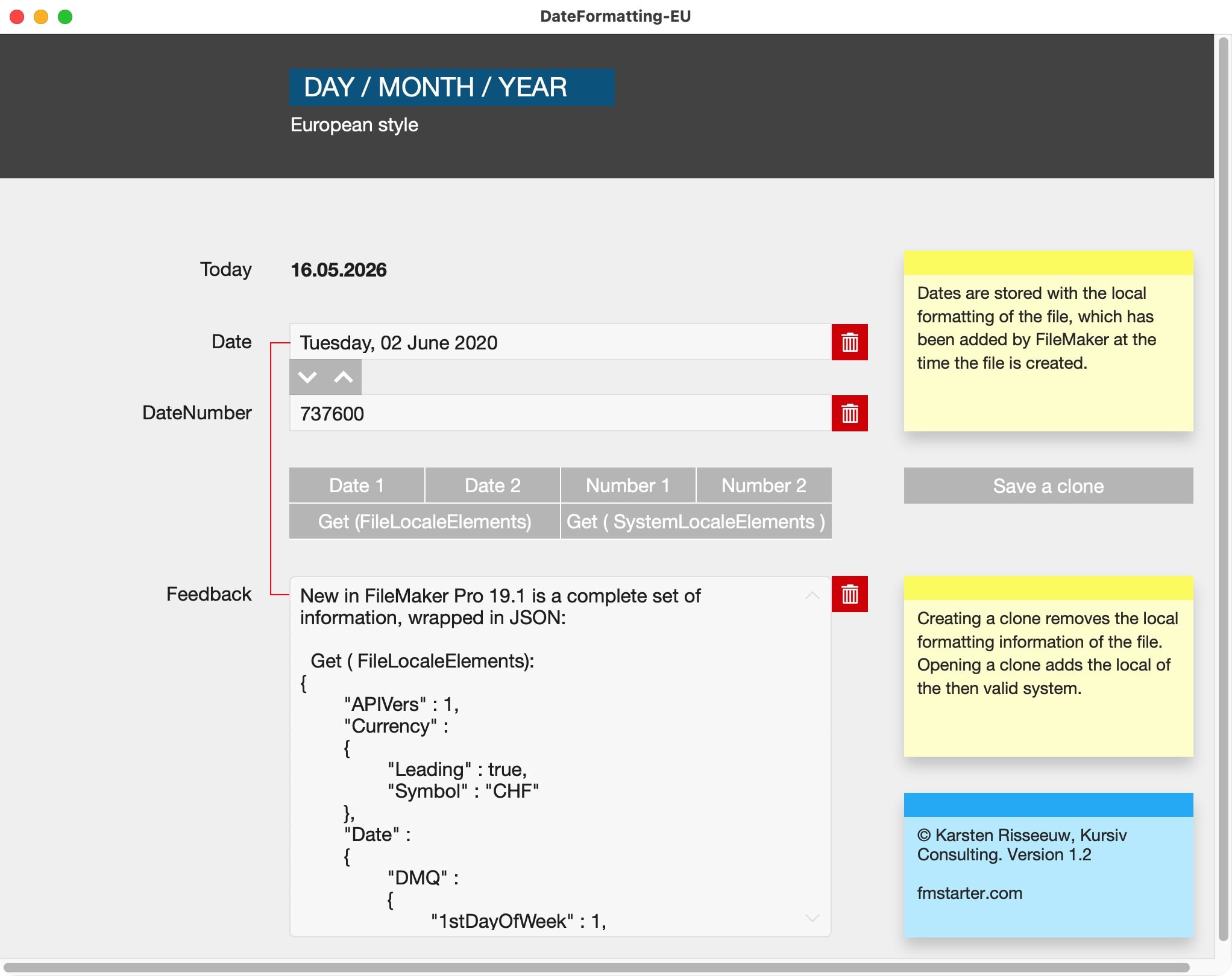
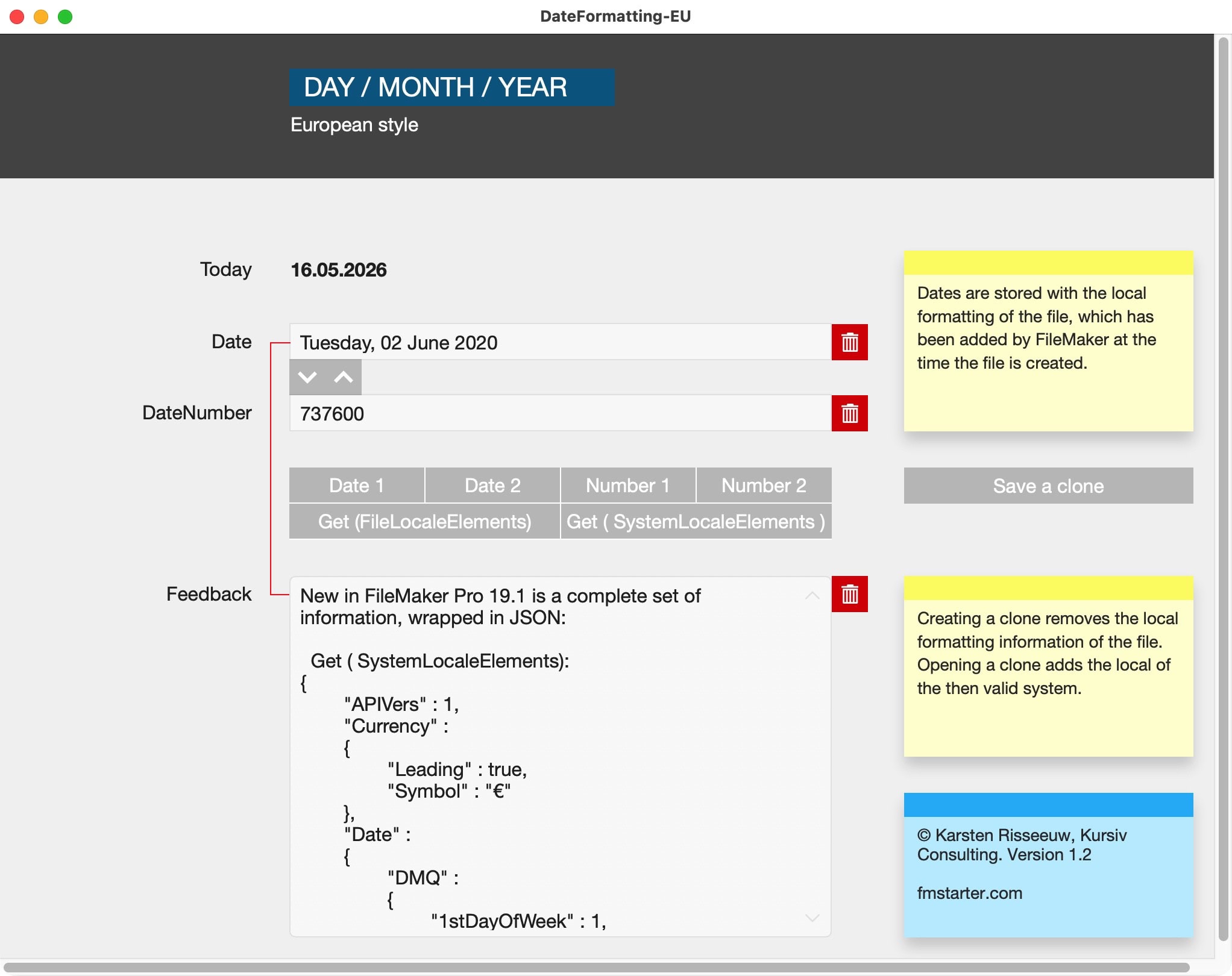
Dates in FileMaker rely on a local setting, the “locale”. This setting is added when a file is created or when an empty clone is generated for the first time. Which setting is used is dependent on your system settings. This has quite important consequenses for the way calendar dates are handled. This file shows you how you deal with it. Save the date!
The locale
The locale in any FileMaker file describes how certain information is used, saved and displayed. The result numbers or dates might create unexpected results in calculations and display.
The locale is set when you create a new file or open an empty clone.
The locale can be removed by saving a file as an empty clone. It will be reset when that file is opened.
The locale gives FileMaker a fixed point to relate to. That makes sense, as some settings differ widely across the world. To make a FileMaker solution work across the world, this file shows you what to look for.
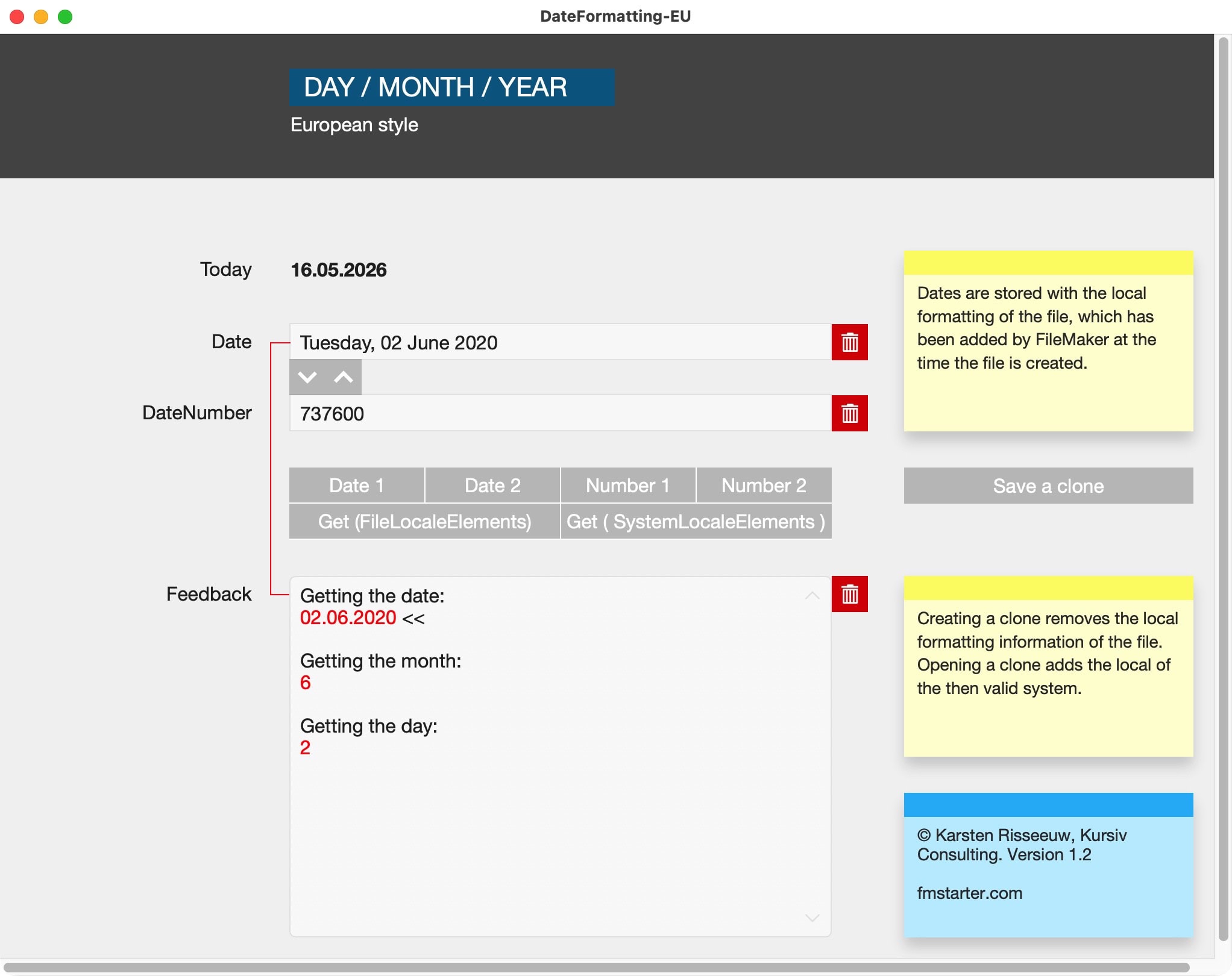
Date as Number
FileMaker has a function to get a date as a number (SetField (text or number field): GetAsNumber (Date field) ). This overcomes the limitations of any locale, as it gives the number of days since the dawn of time, so to say. That “dawn of time” is the first of January of the Year “1”. It is easy to use that number for calculations or to recreate a date from it (use the function: GetAsDate).

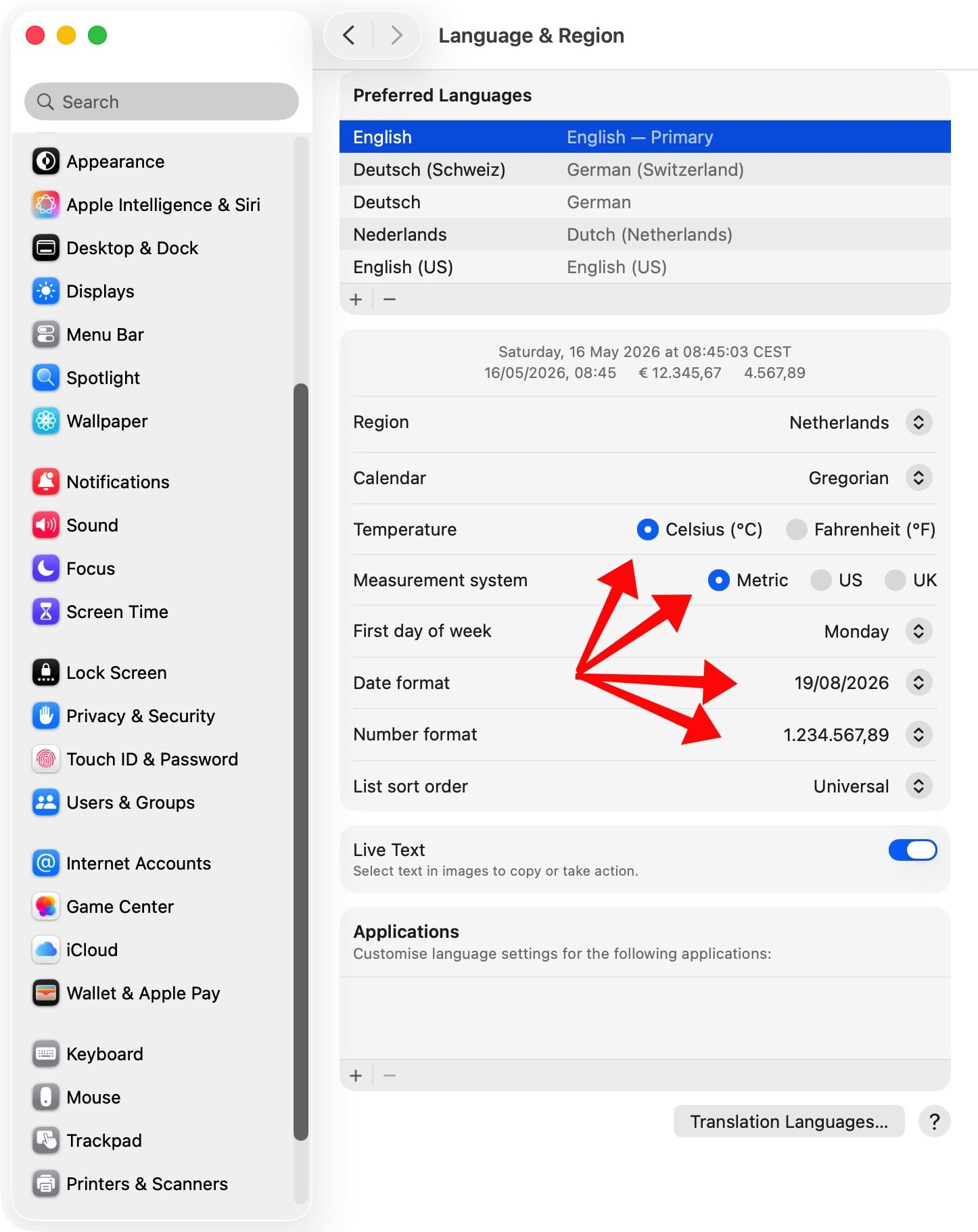
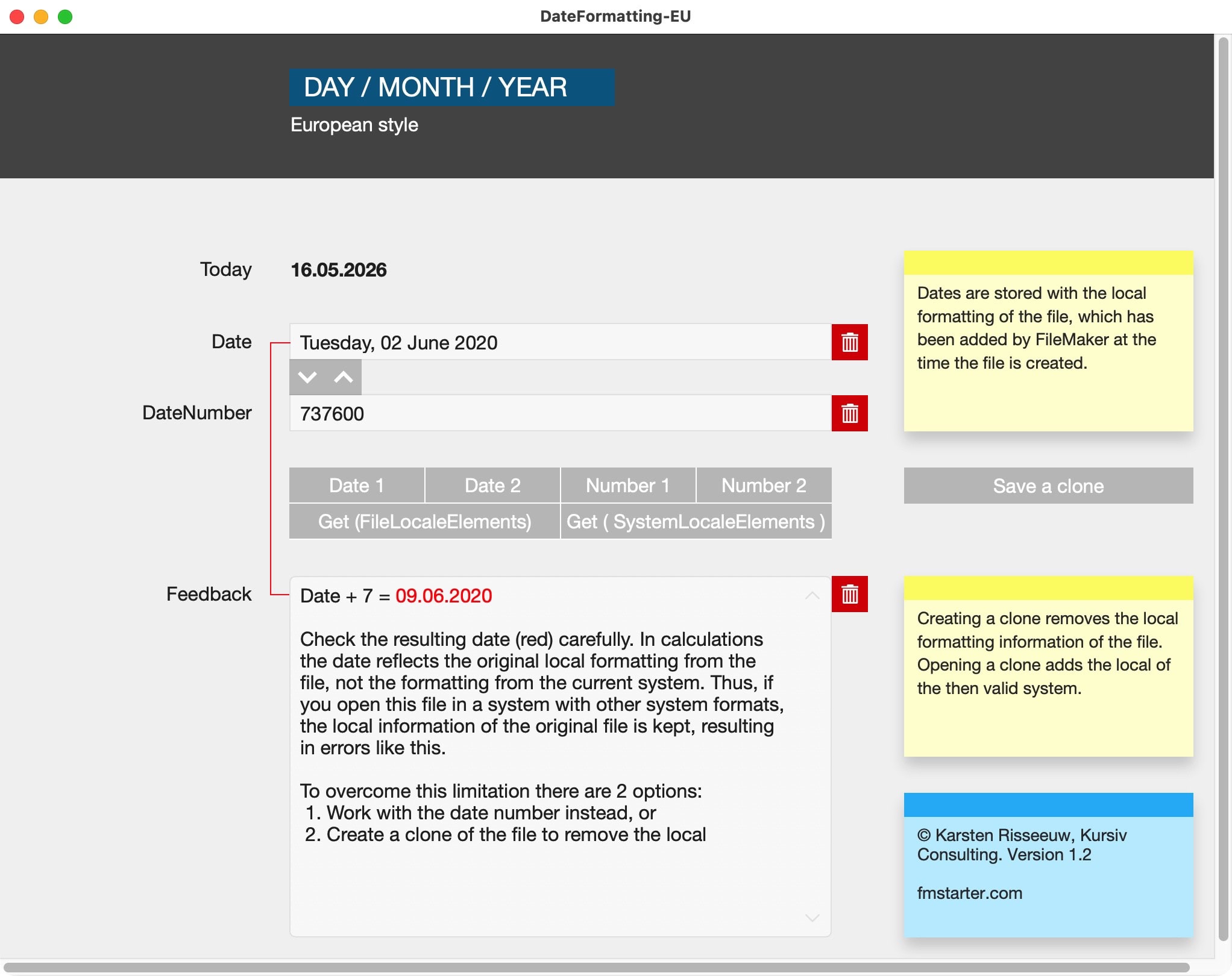
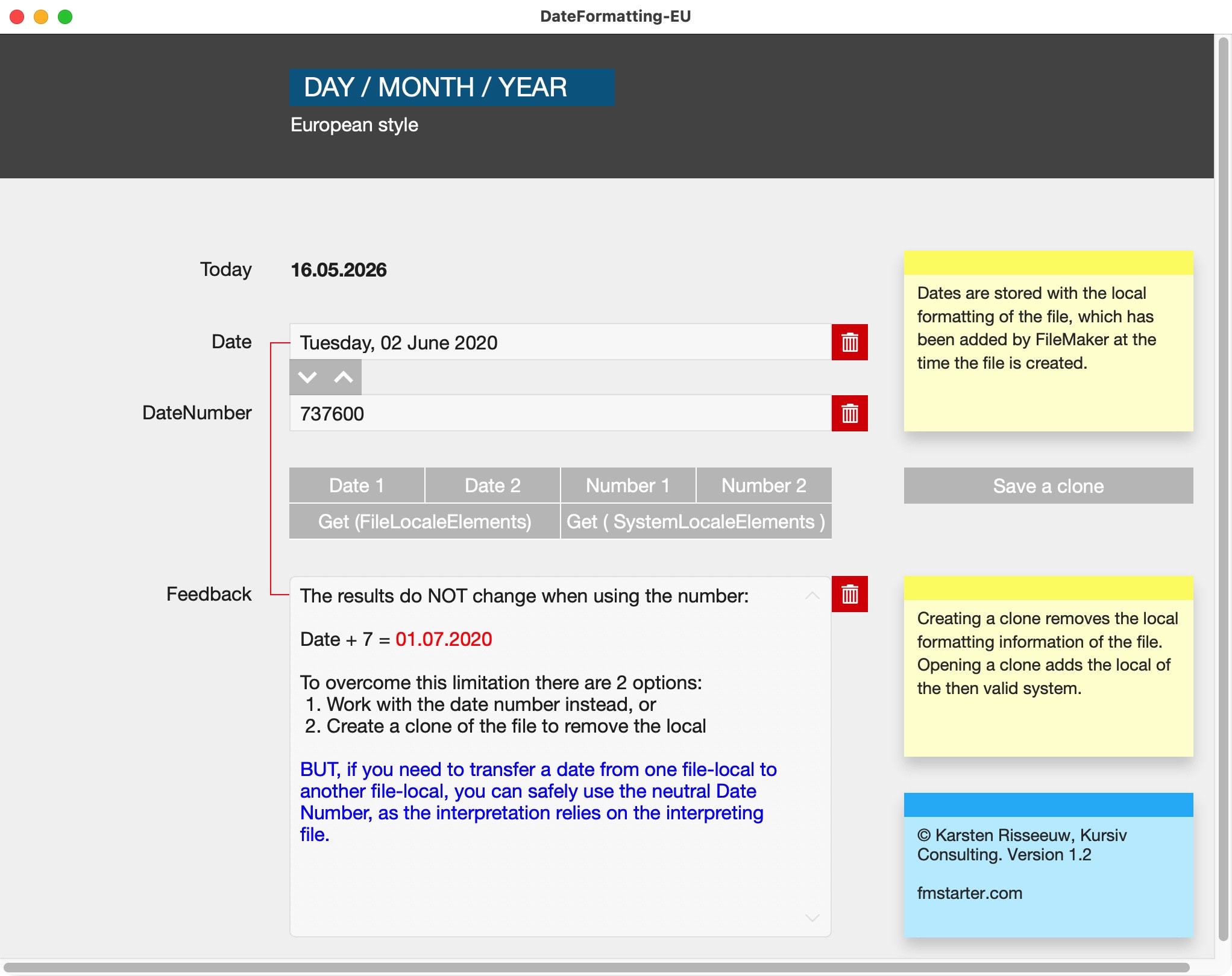
Experiment
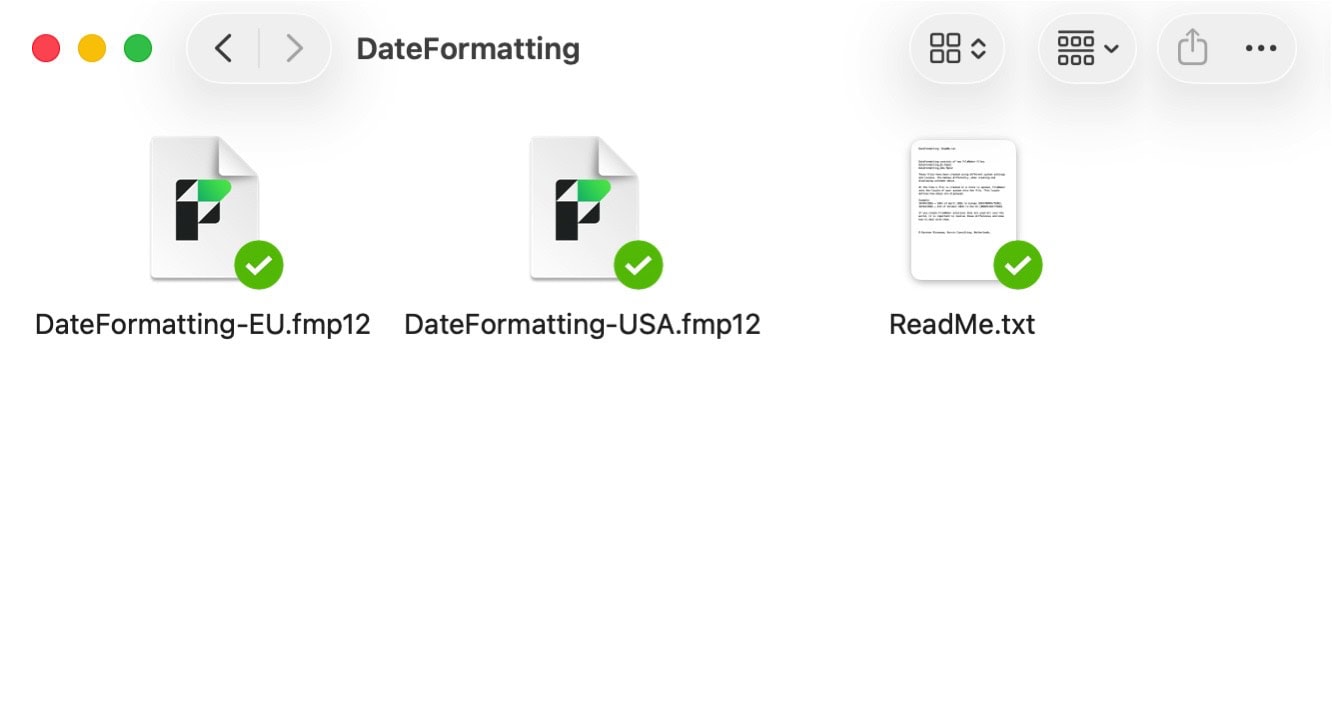
Use the files of this example to understand how it works, then apply to your solution(s).
Sample file for FileMaker Pro 20 or newer to explain date formatting in FileMaker and the use of functions to overcome limitations of any locale.