

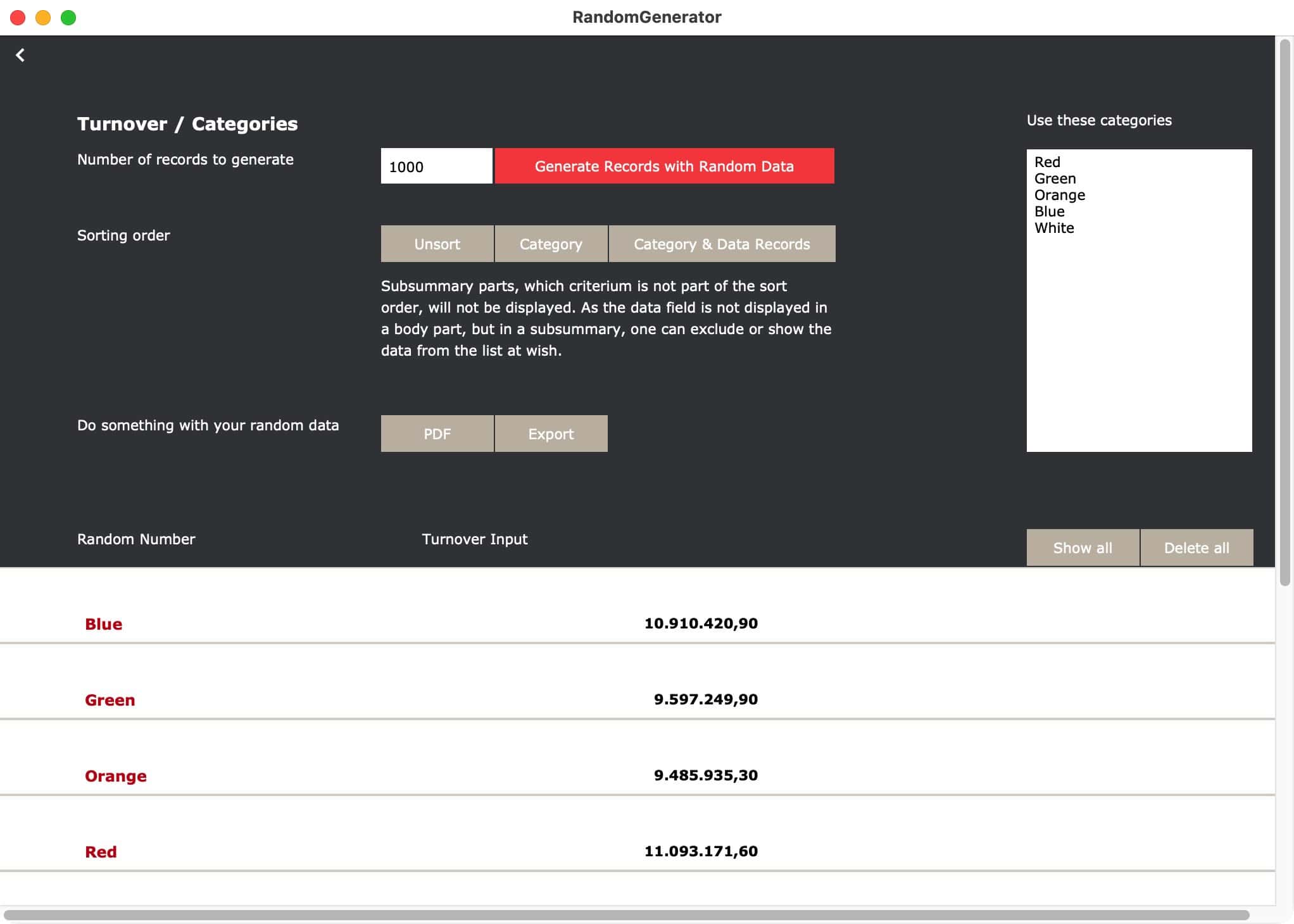
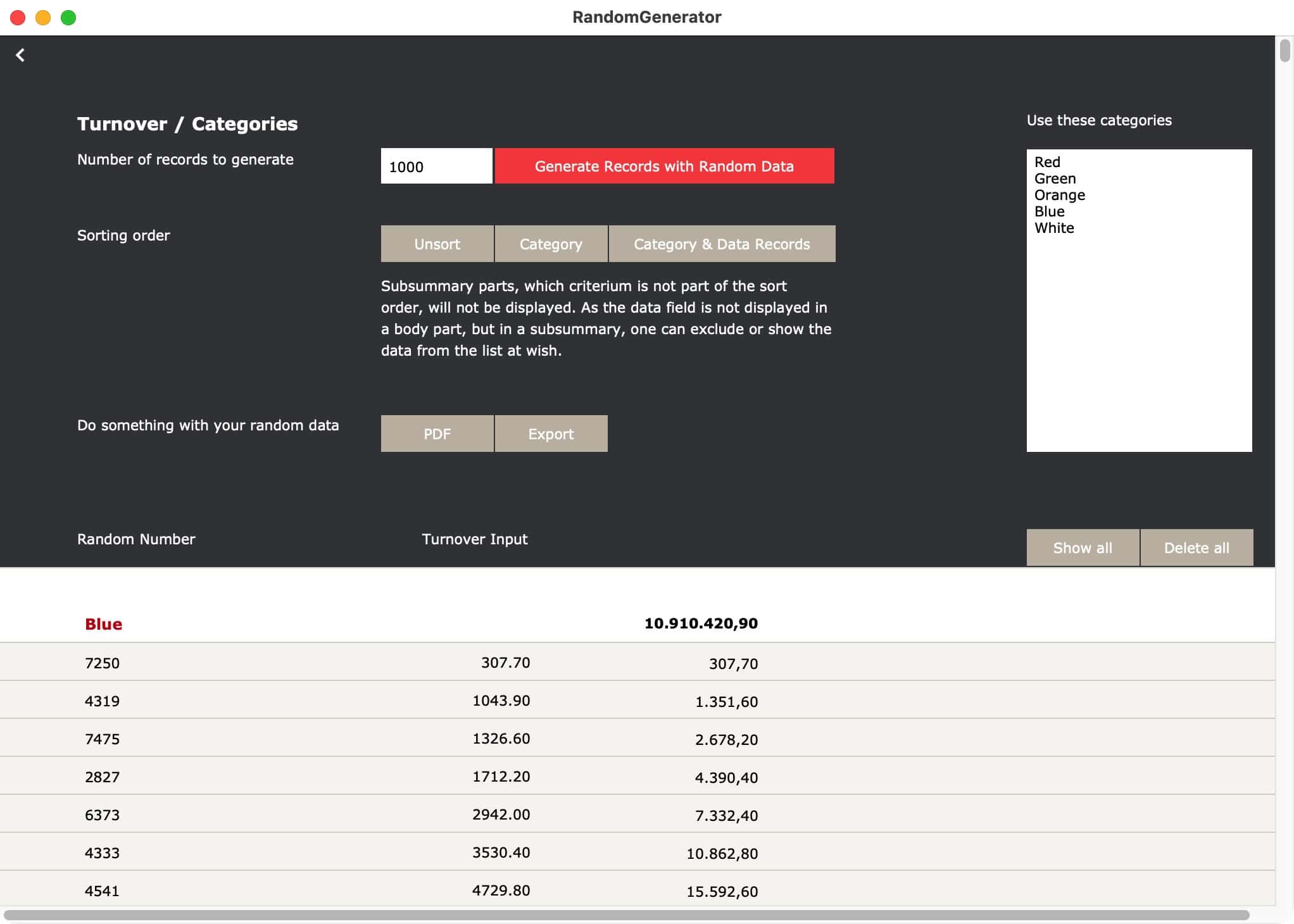
Random data is very useful to test your FileMaker solution. There are several free random generator websites out there. One can even let AI create random data. While that all sounds easy, it does not mean you can easily mold the results you get. But with this test file you can. RandomGenerator shows you how to use FileMaker when creating random data.
Make it random, but manageable
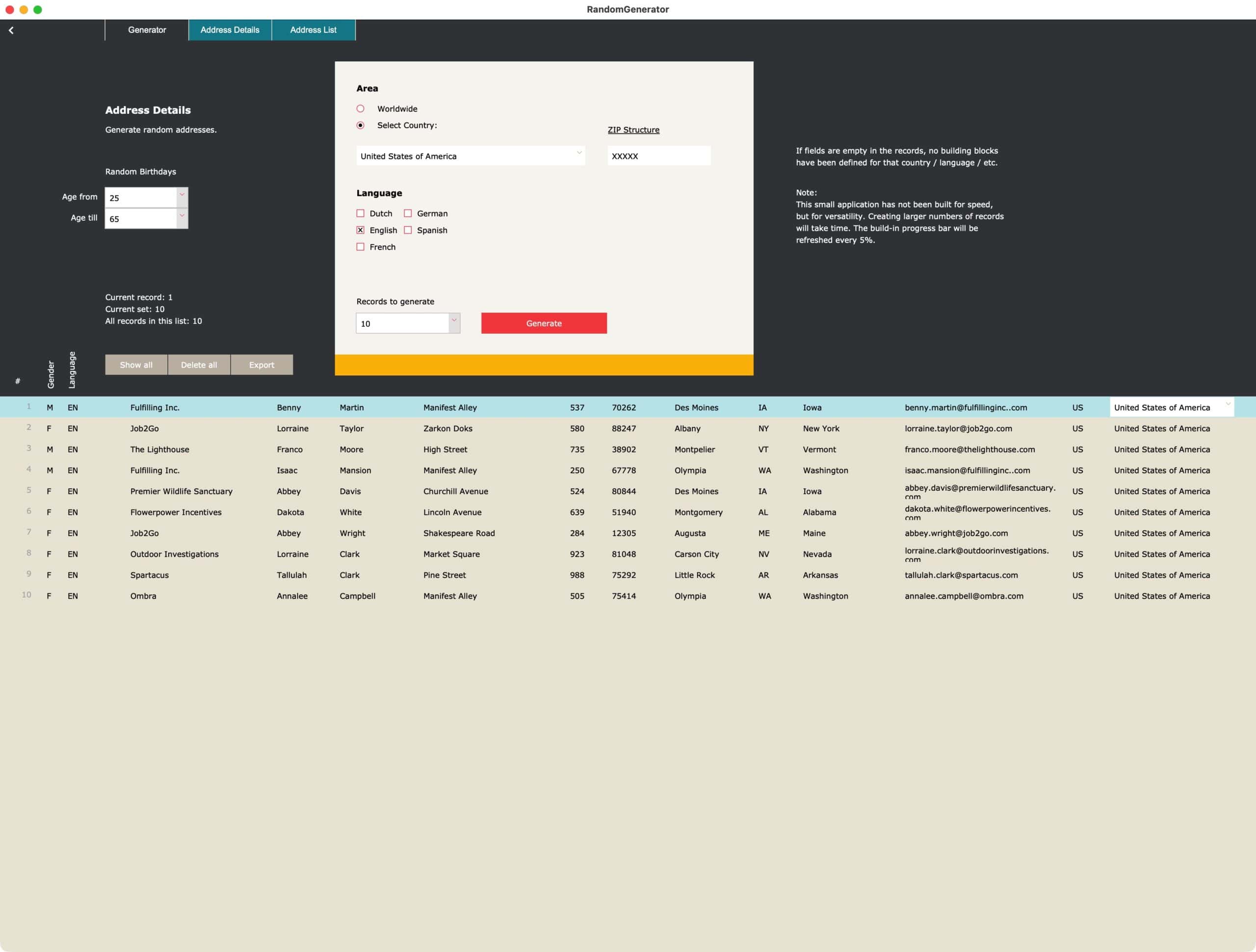
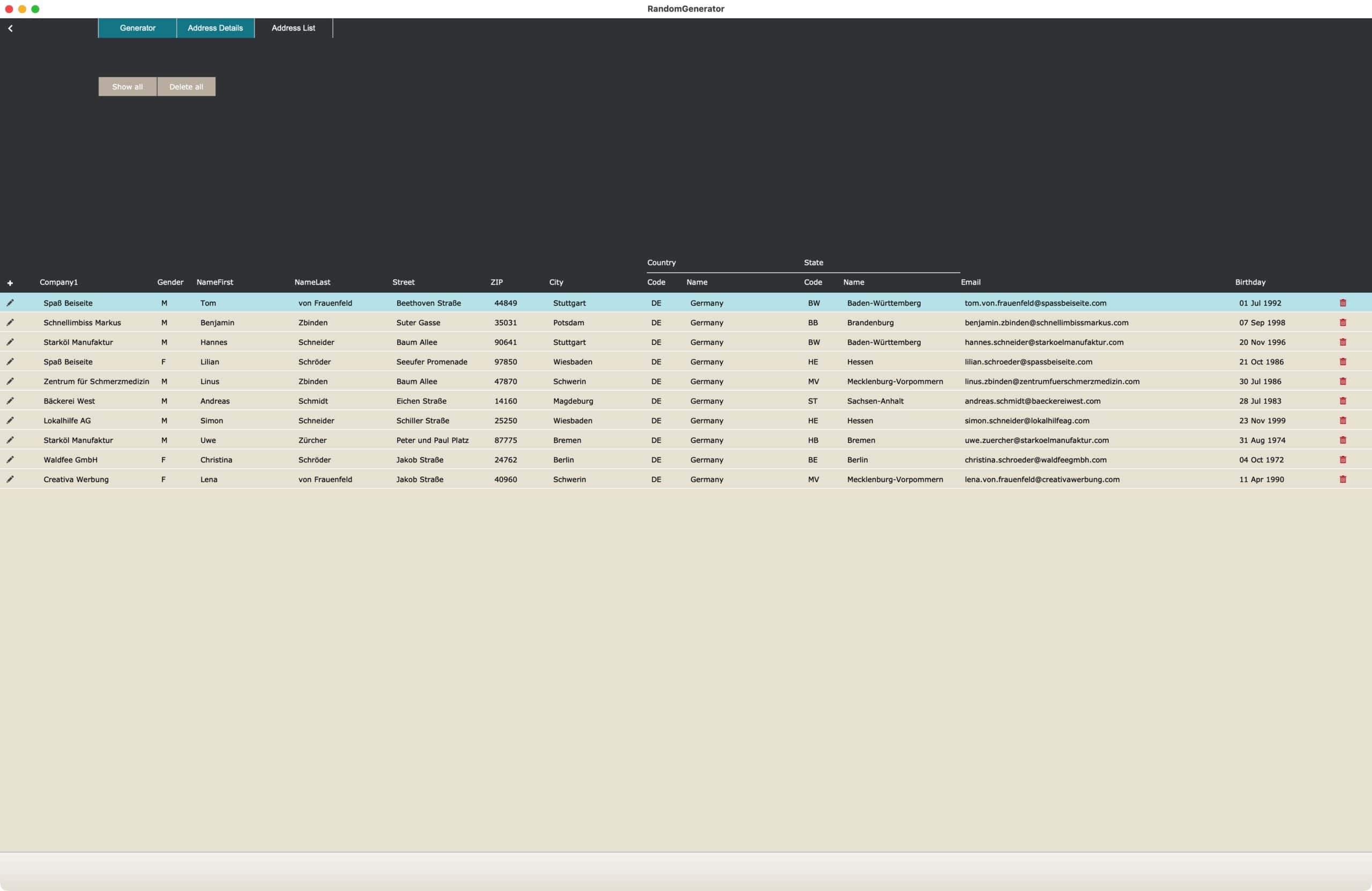
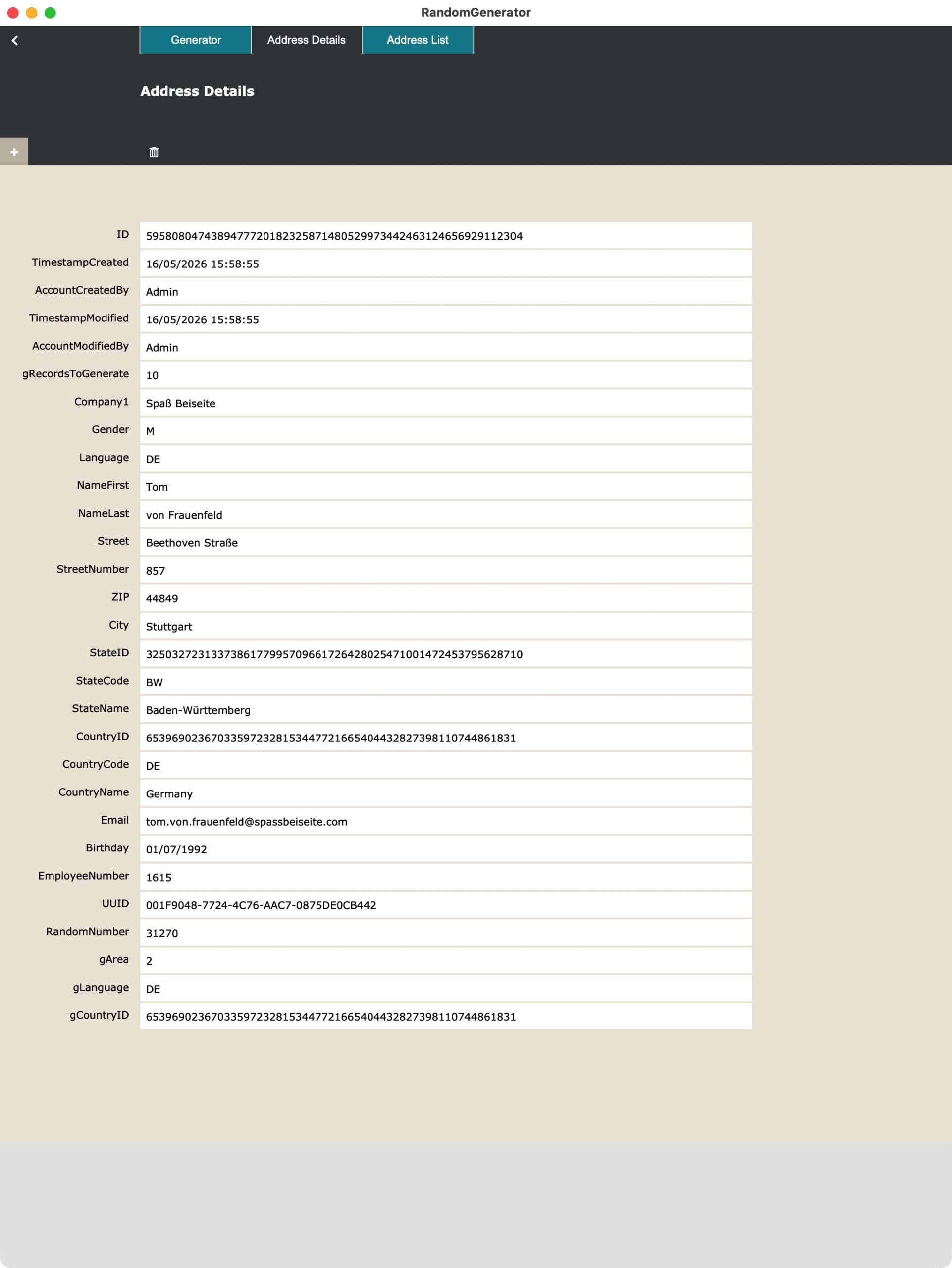
Create random data yourself, with the help of FileMaker. That was the idea behind this little tool. It shows you how you can create random addresses, which you build from the specific information and languages you need. Adapt if you need to adapt. Create new options, as you have a need for it. You can manage, edit, create random data at wish. This might not be the fastest option, but who cares? You need good examples, fitting your needs. That’s what this file is about.
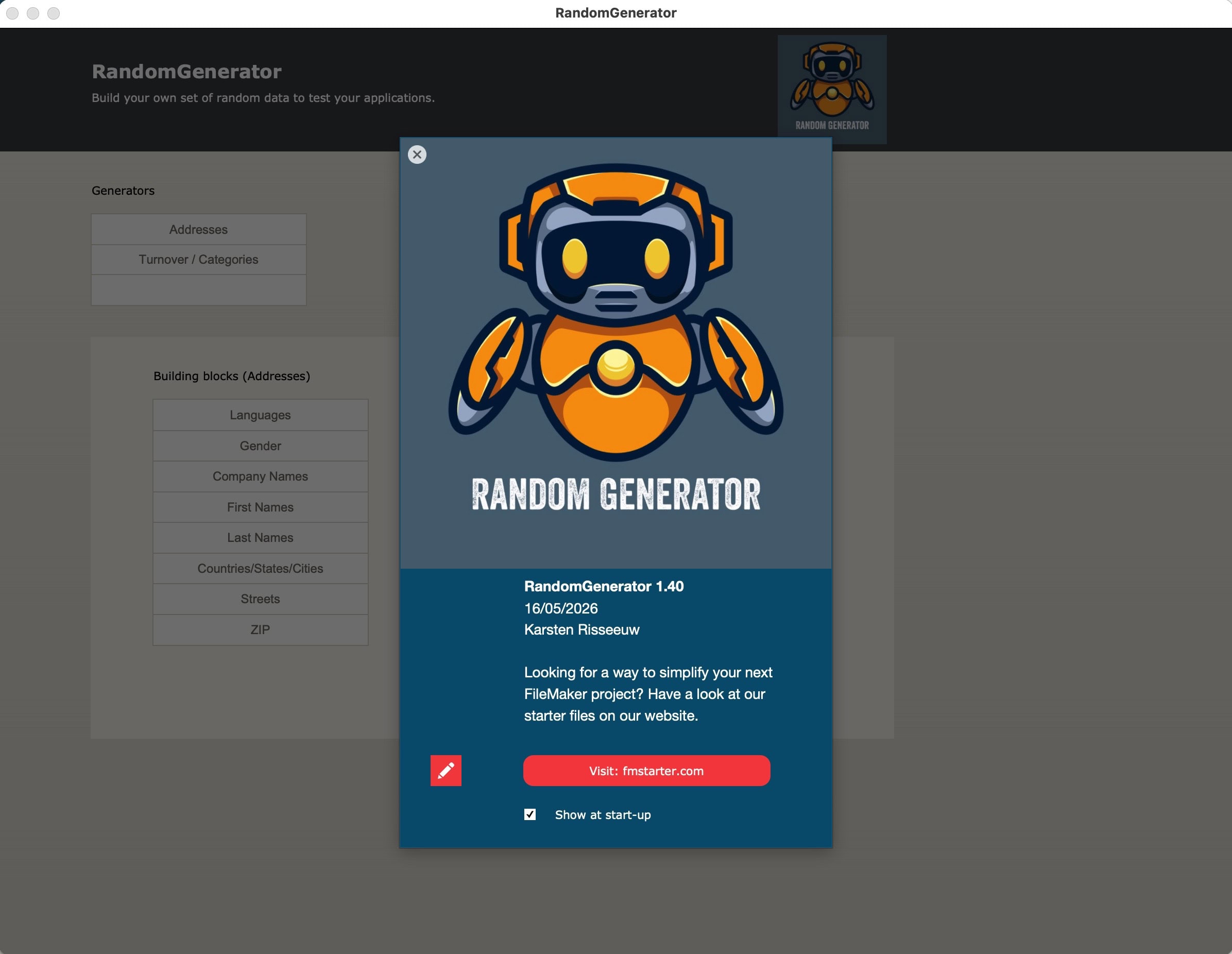
Create building blocks, then randomize
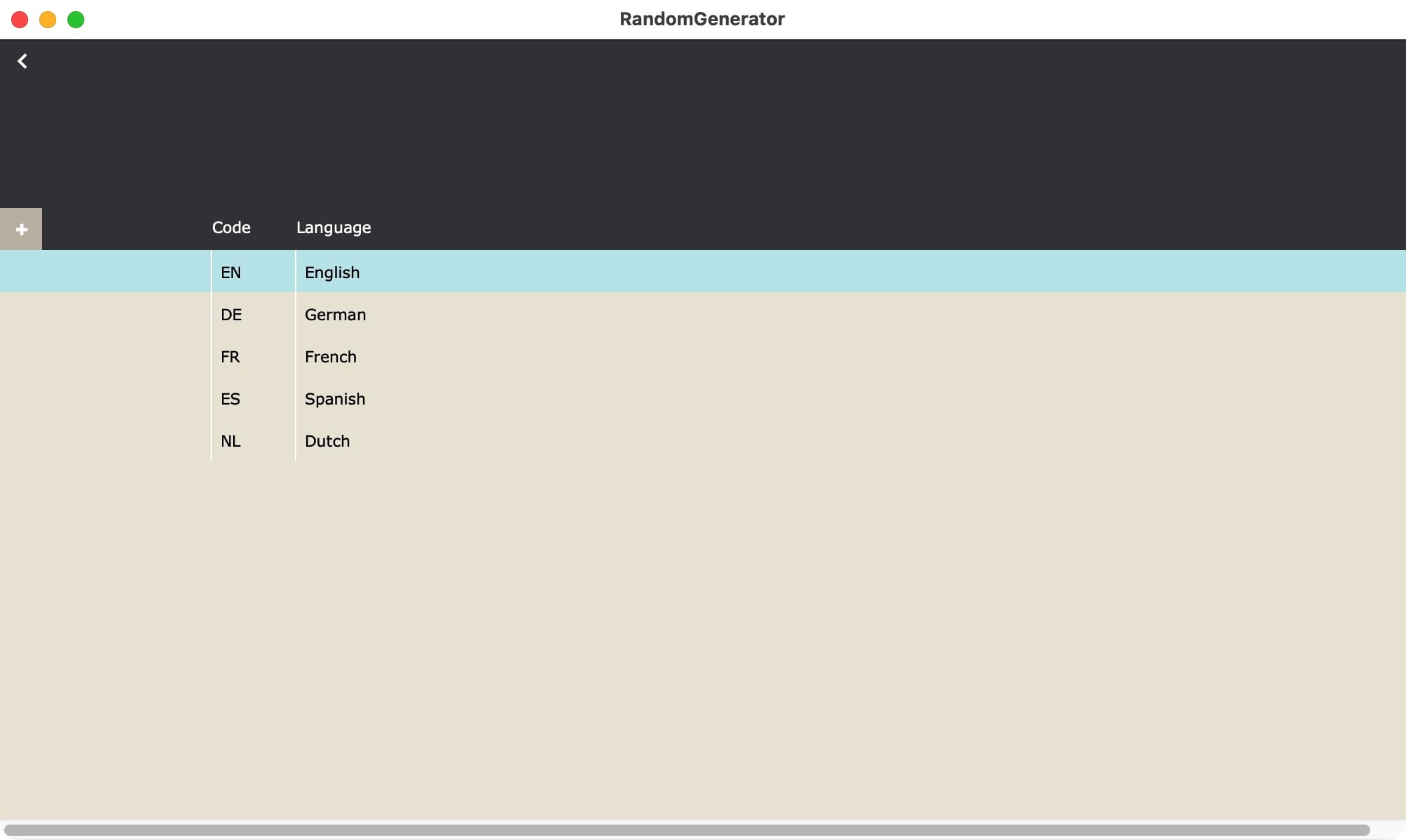
The concept is quite simple: Create building blocks as a basis for variety. Think of countries, genders, languages. Then you can create more complex building blocks, like “female english first names” or “german street names”. Once you have lists in the desired languages, you can randomize the data from these lists, while you build a set of random data.
ZIP Codes
One of the building blocks is about the ZIP codes. You create the structures you need for each country you need. Whatever kind of ZIP Codes you need to make, setup a structure and it will be filled with random data.
Age range
When creating addresses, a random birthday will be set. You can now create an age range, within which the random birthday will be generated.

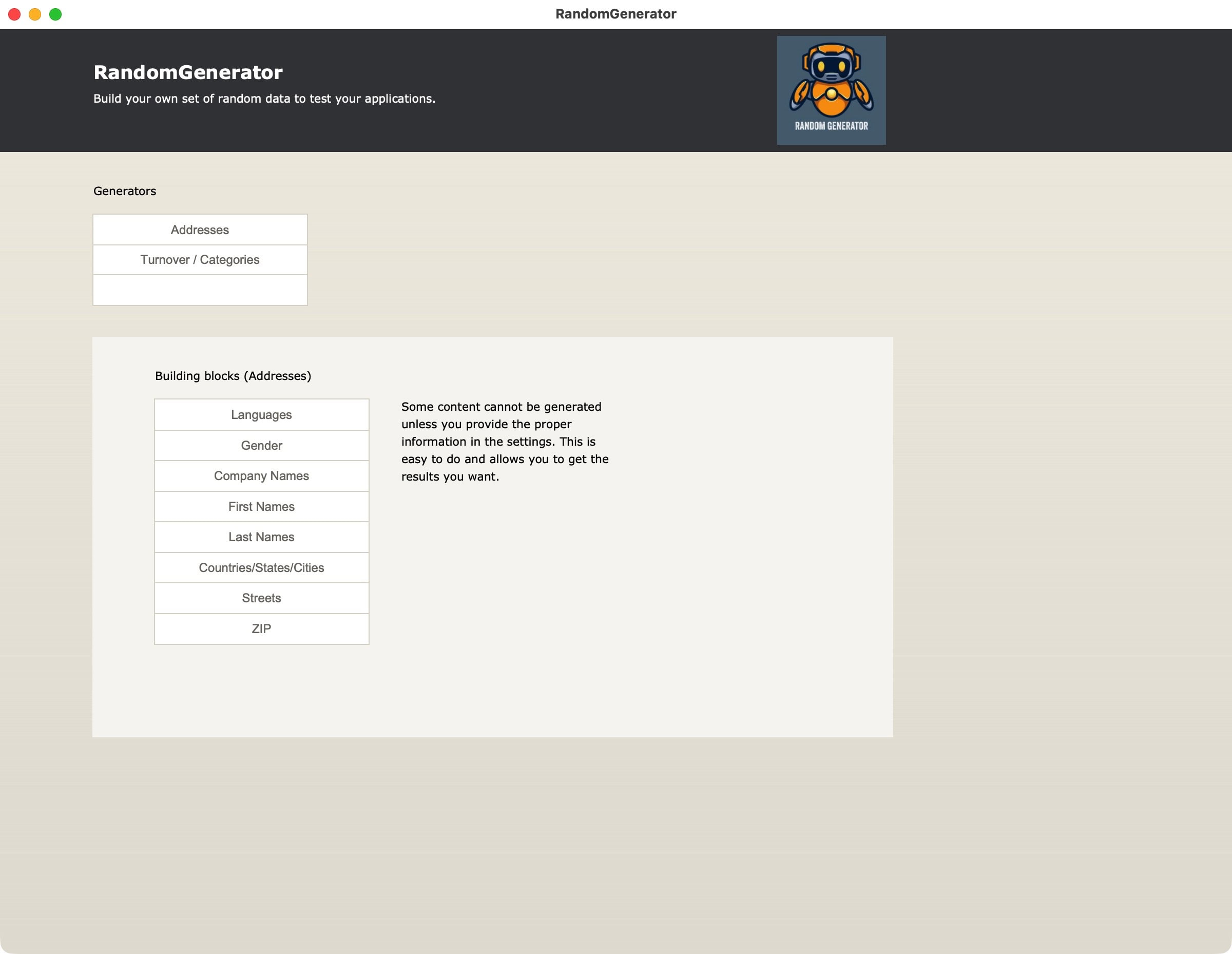
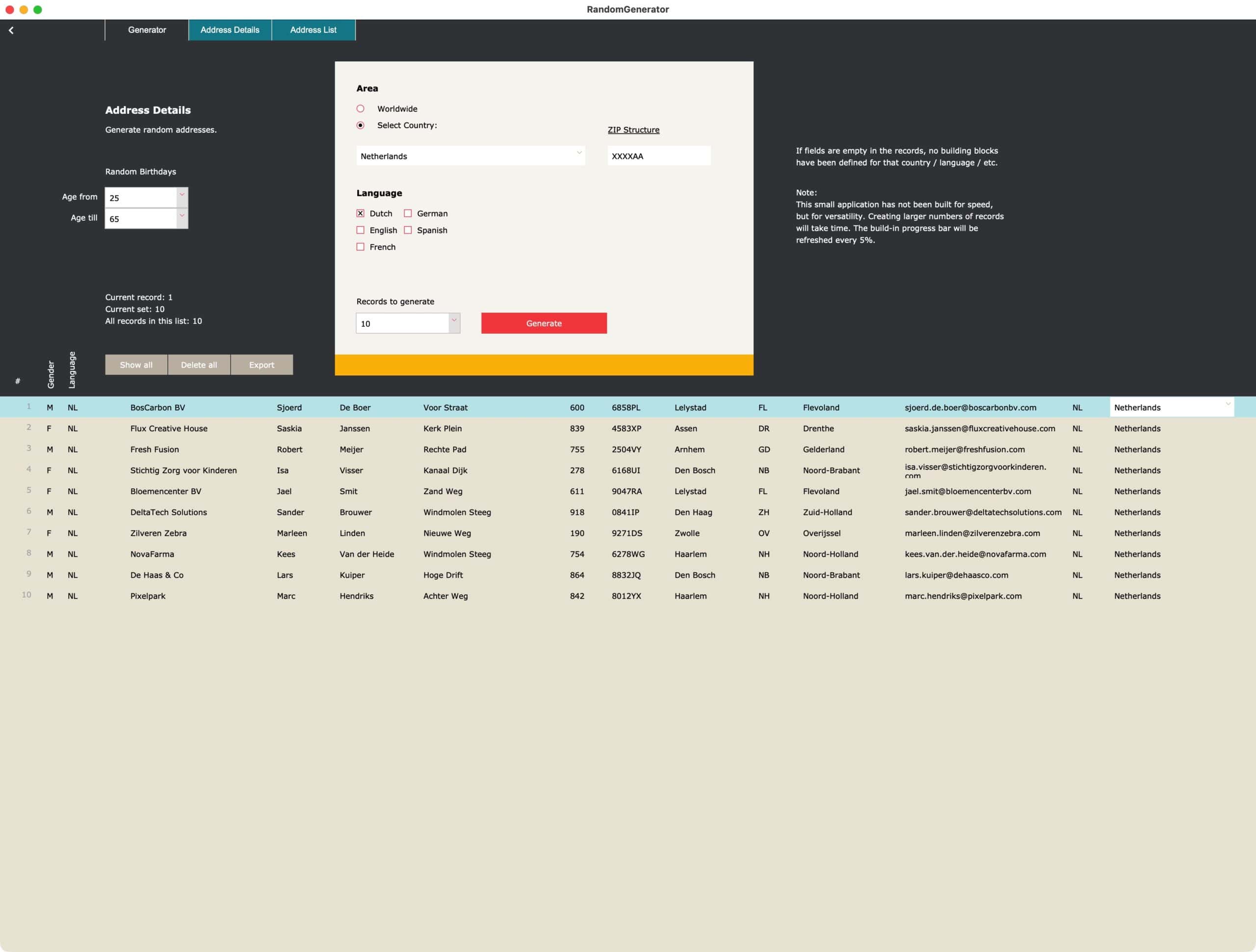
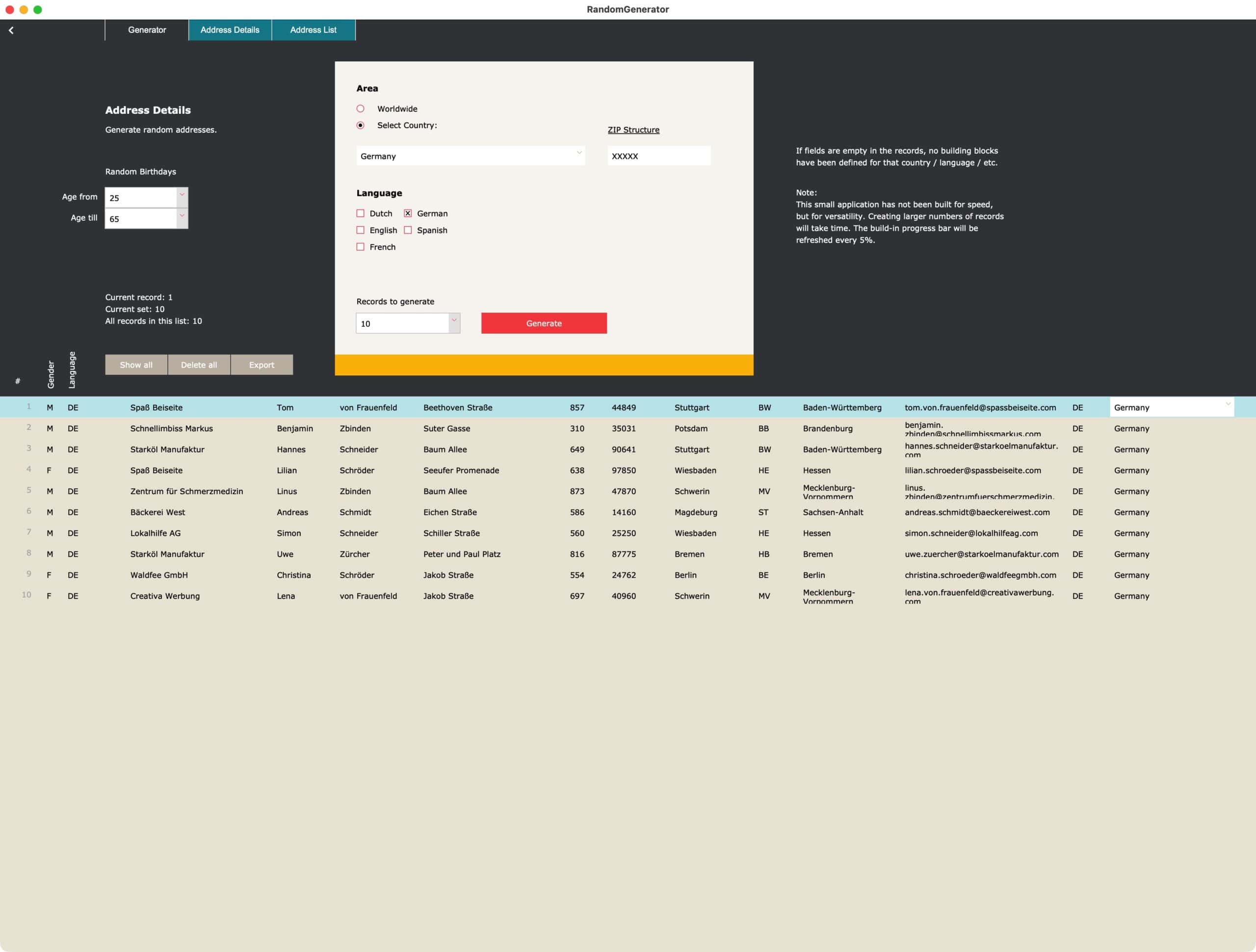
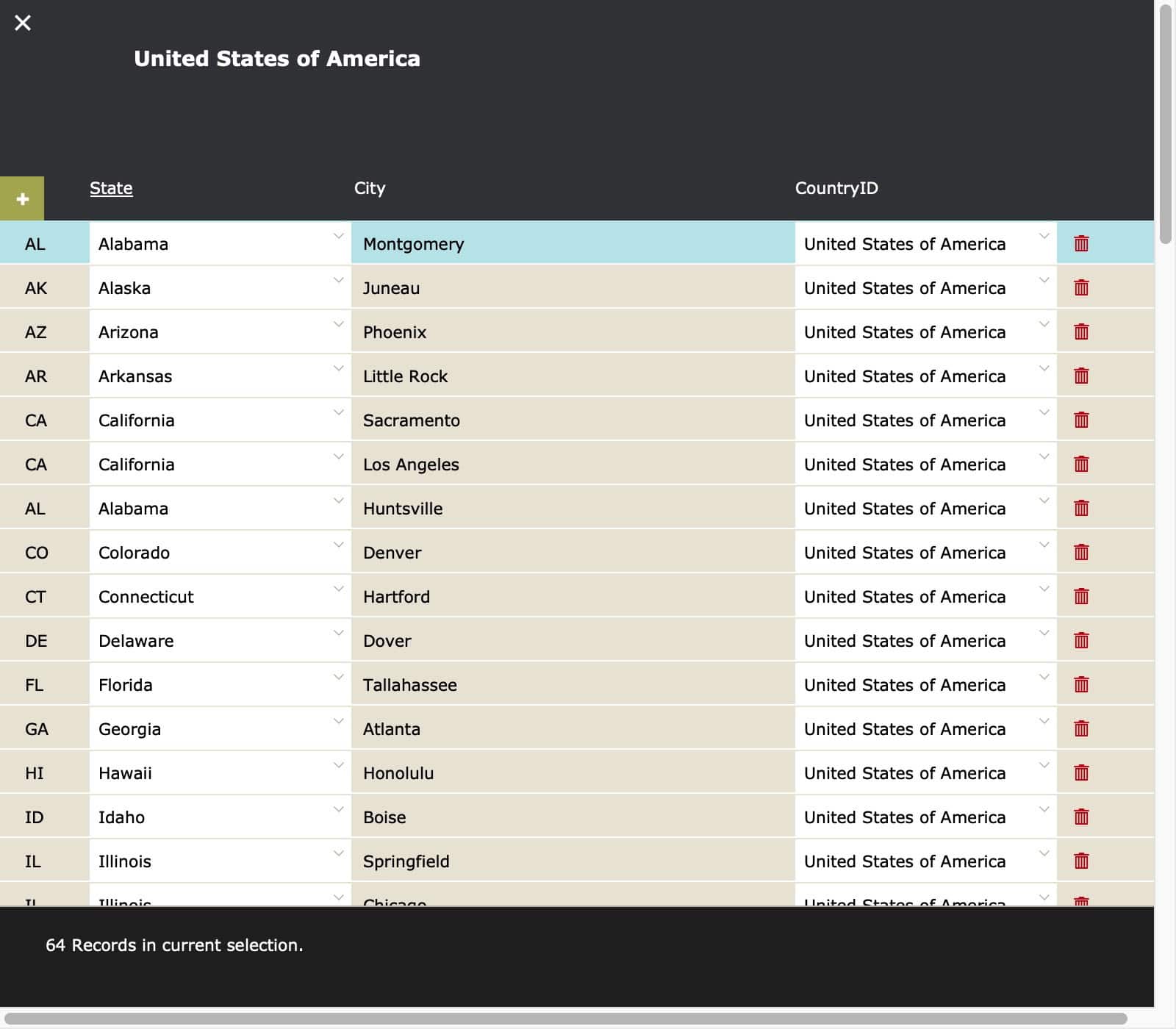
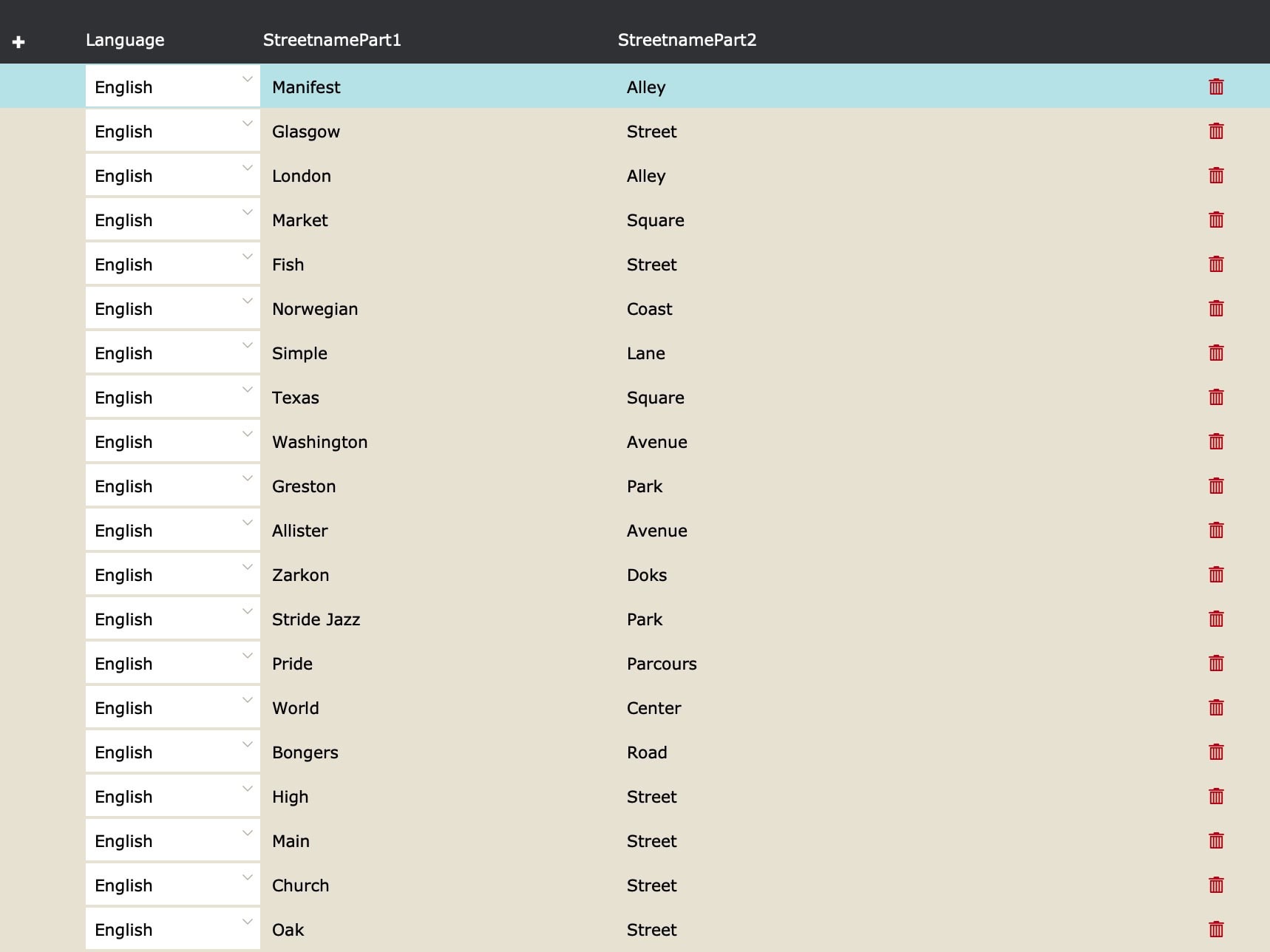
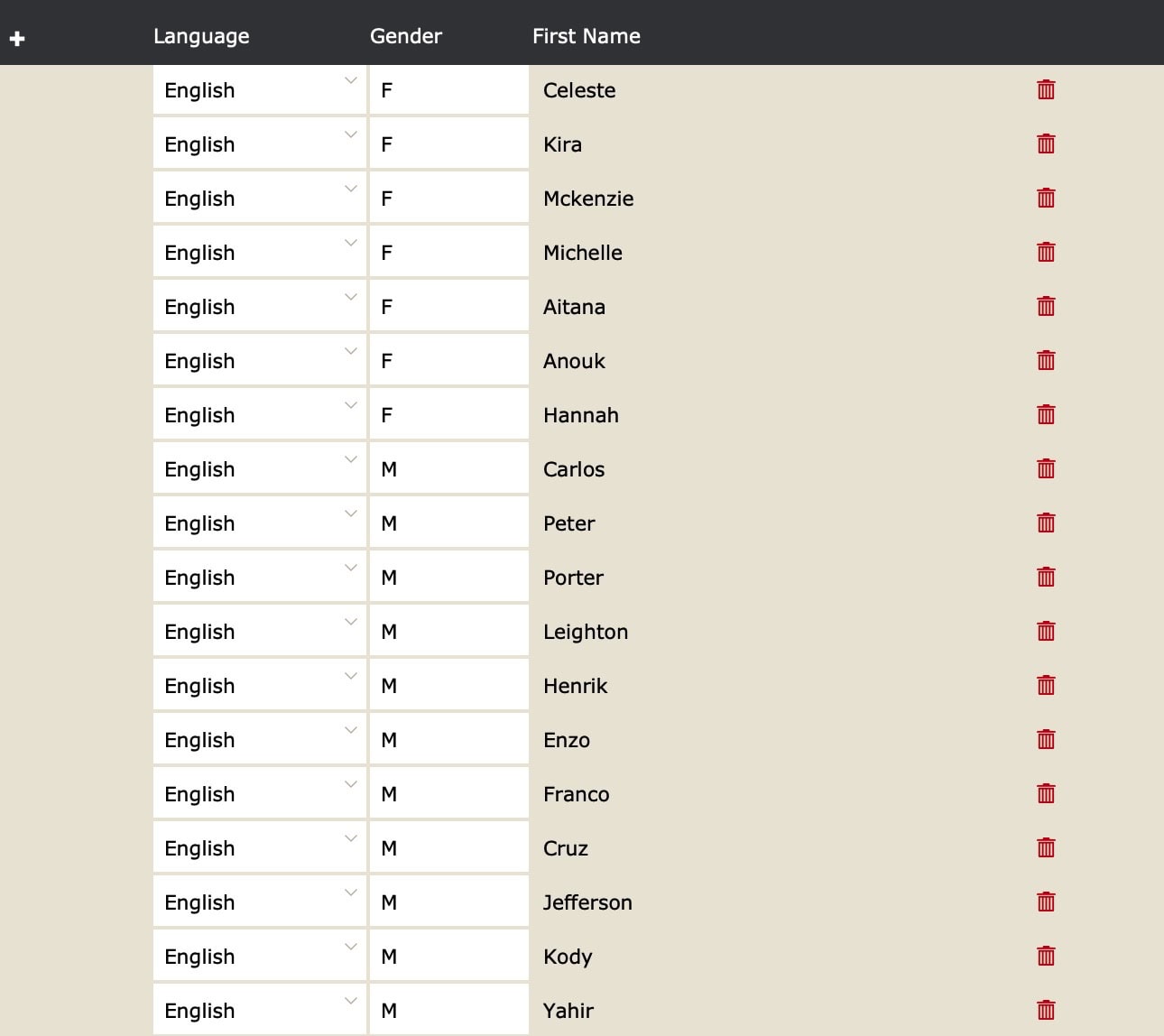
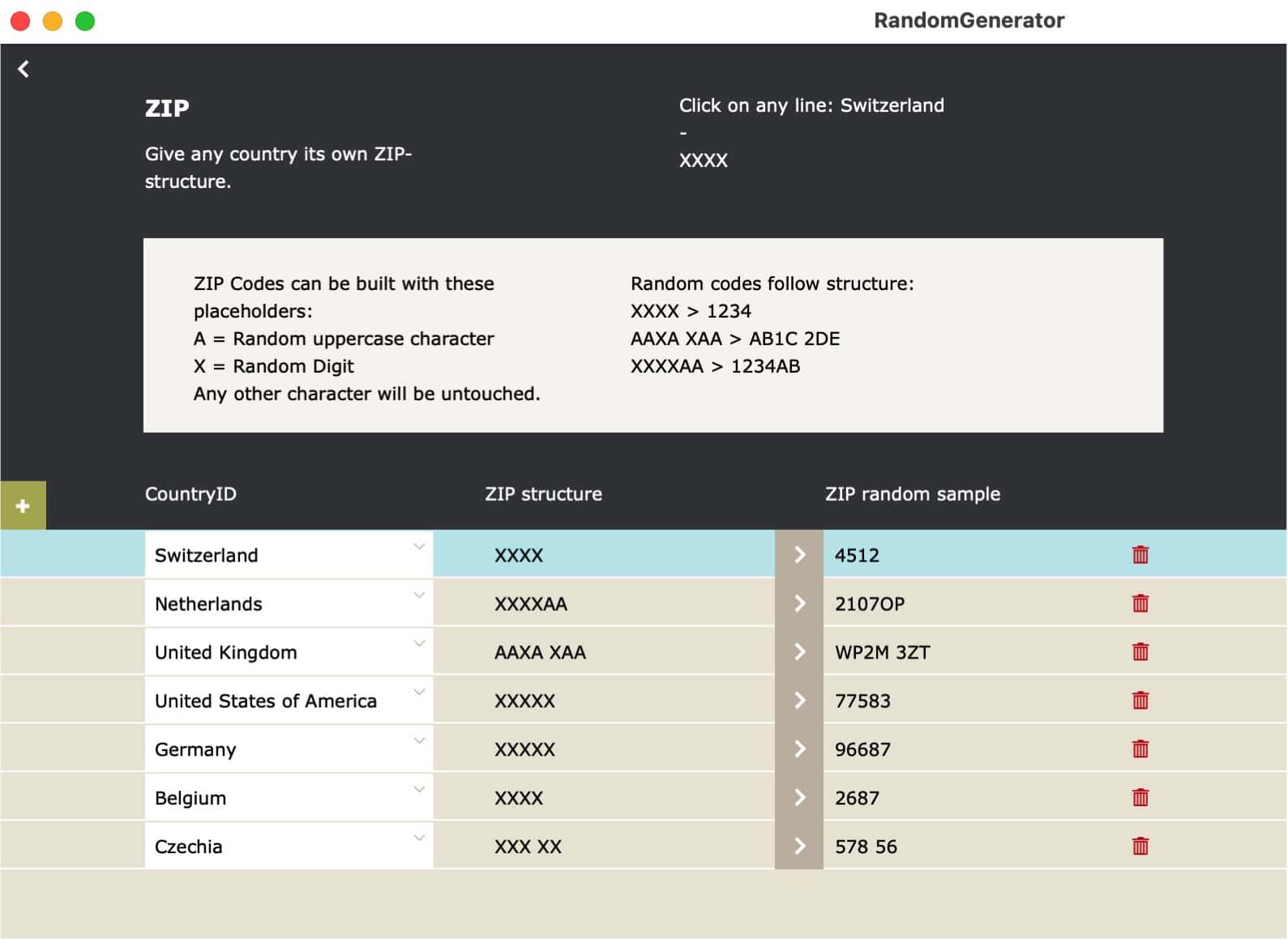
Adapt this to your needs
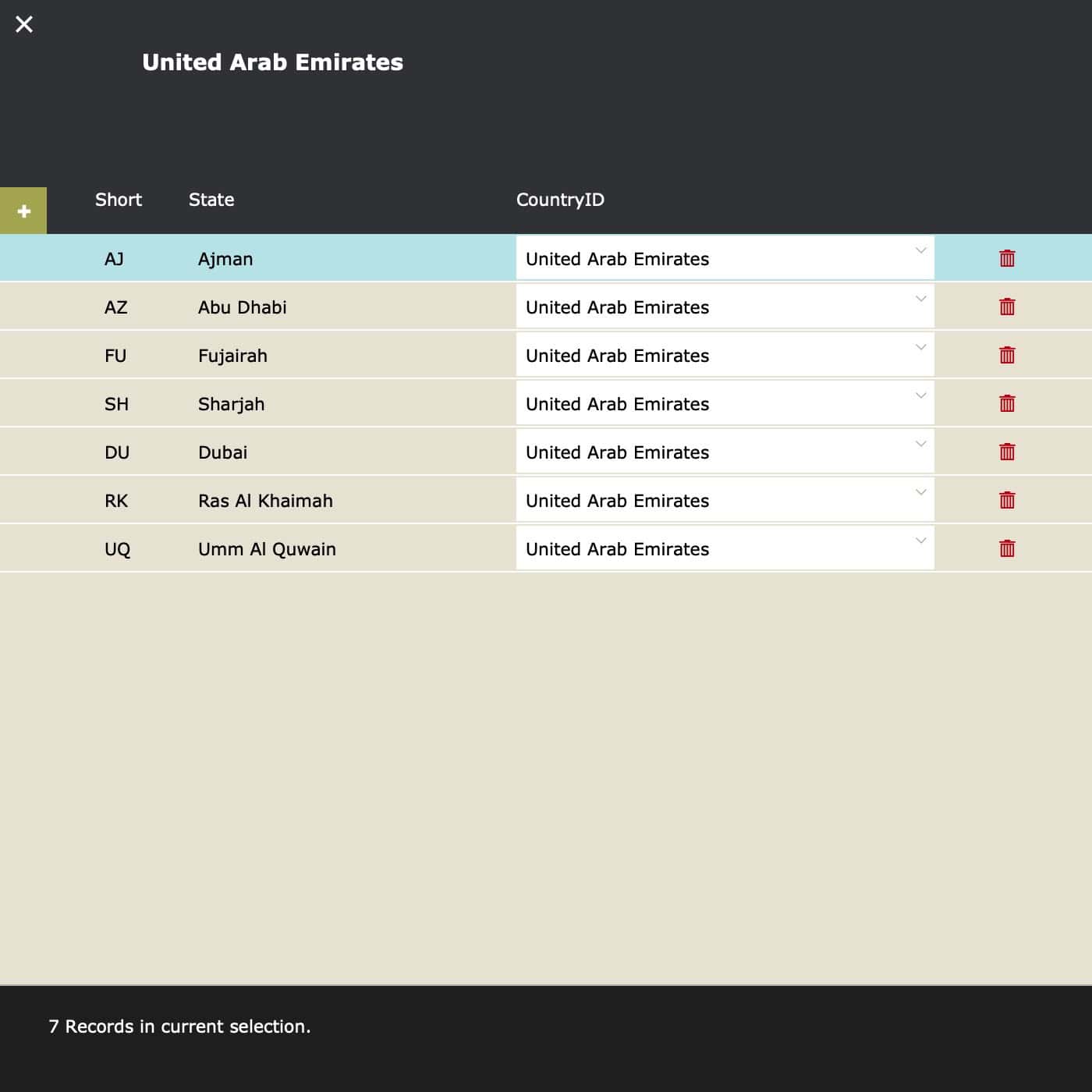
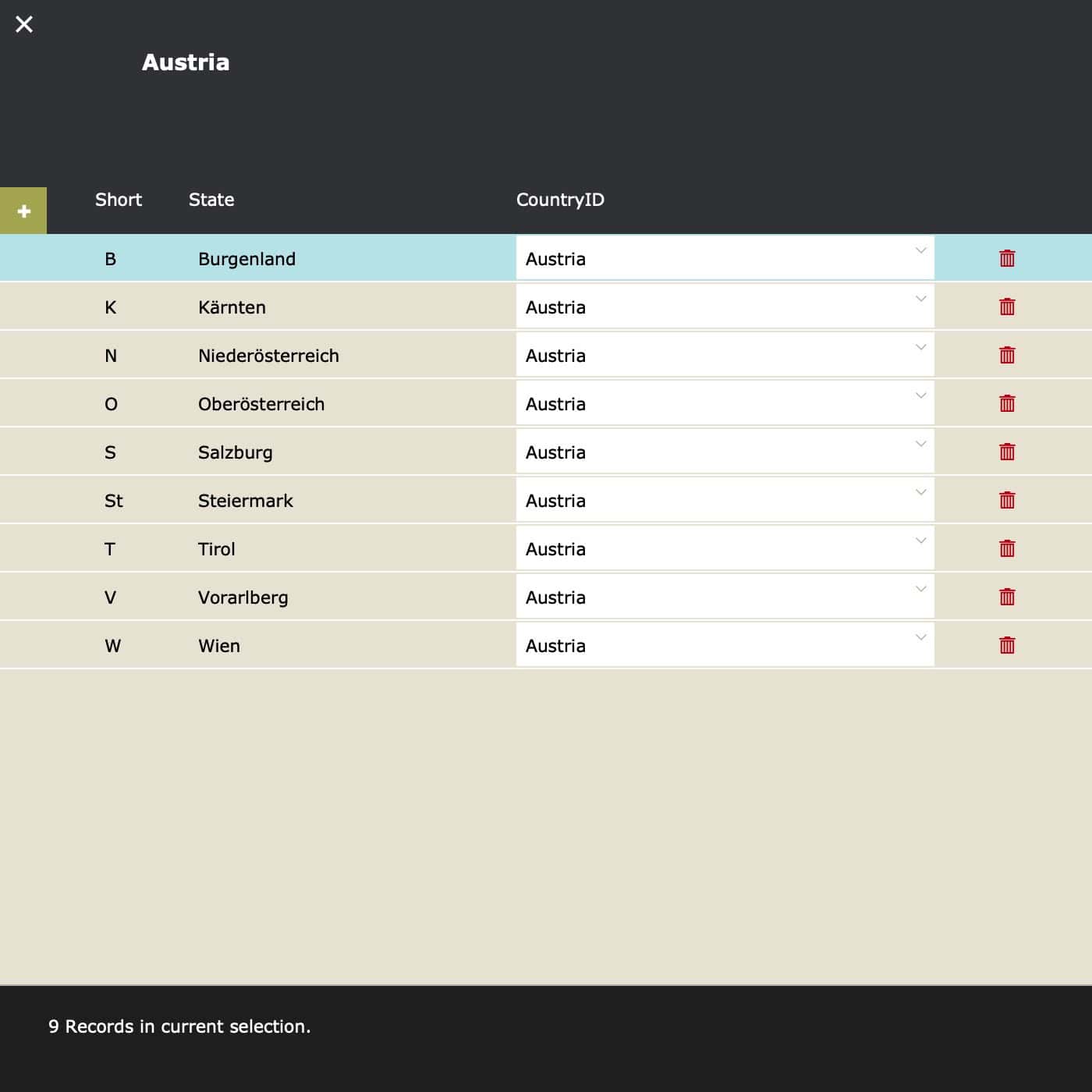
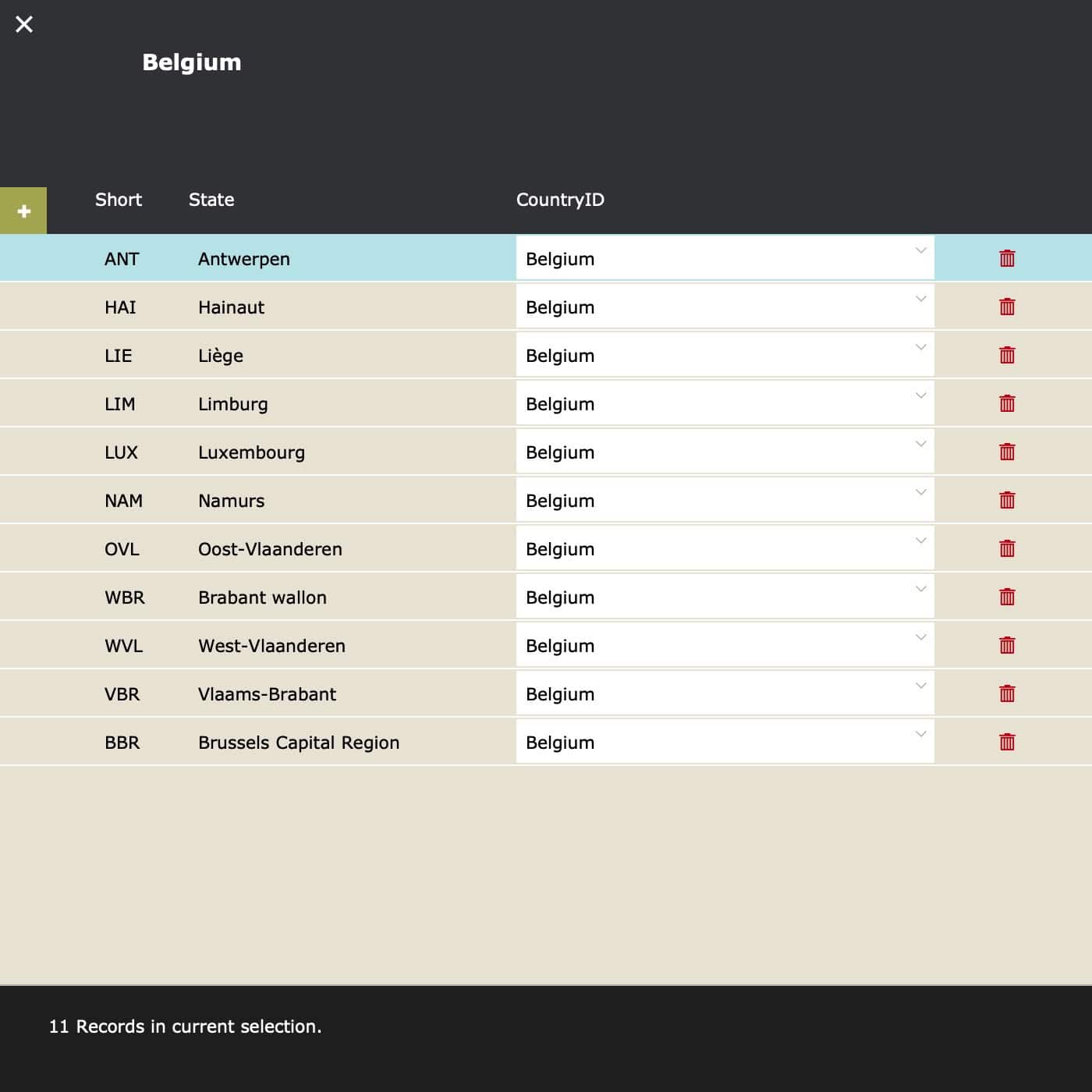
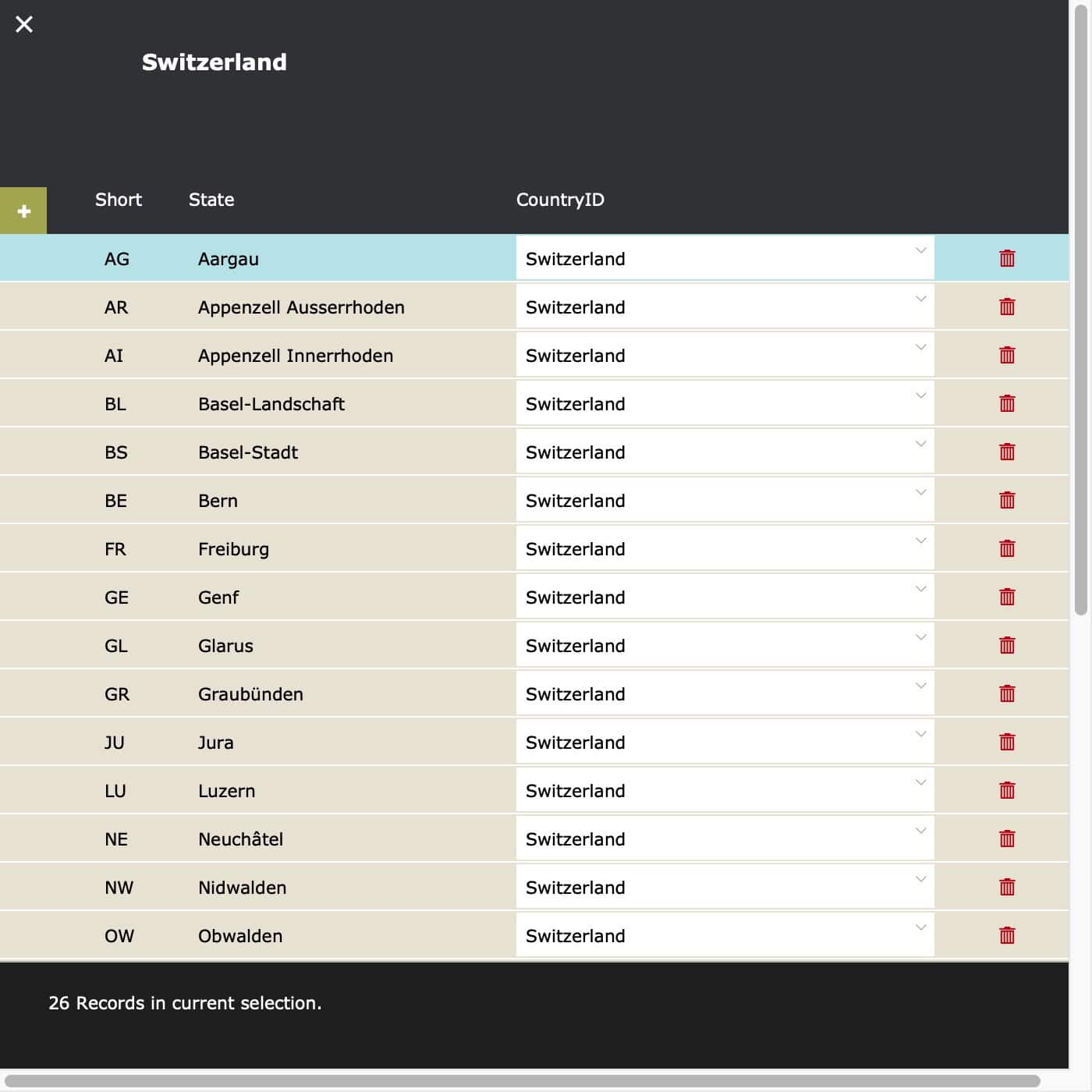
We do not know where you live, what languages you speak or need and what it takes to create a perfect set of random data. For example: Each countries has districts, provinces, states or similar. In each state there are cities and villages. We have filled out some information for a few countries, but you know best what is needed for you. If you want to create your own set of data, build it step by step. We have filled out some data to get you up and running. Now adapt the solution to your needs by adding missing parts or optimizing the scripts.
It’s like magic.
Email does not work?
We are happy to send out free content, but sometimes require you to provide a valid and personal email address. This excludes free, gibberish, or discardable email addresses. We were forced to take action and tighten rules, as we were flooded with hundreds of fake addresses. Usually, a business address works well, as long as it is personal and not a generic address (like info@ or tech@, which are considered unsafe). We will then send you the download link or subscribe you to our newsletter, whatever you applied for. Enjoy your benefits.