

Card windows are one specific variety of windows in FileMaker. They appear like an overlay and indeed are an extra layout. Yet they usually appear over another layout, which brightness is dimmed. Card windows therefor offer a new layout over another layout, making it clear in which context it appears.
Context is everything
If you like to present more information about a specific set of data, you can show that data in a card window. There are multiple benefits:
- a different layout
- a different table (if needed)
- a different set of data (if needed)
- a function or representation of data
- a central dashboard
- a selection of kind (like: print options)
- a search form or any other form
These and many more functions are perfectly possible with card windows. To create a card window, simply create a new window and set the type of window to “Card Window”. You then can select a layout, search for any data to display and do what you can do in FileMaker. The sample file presented here will show you different options for using card windows creatively in FileMaker.
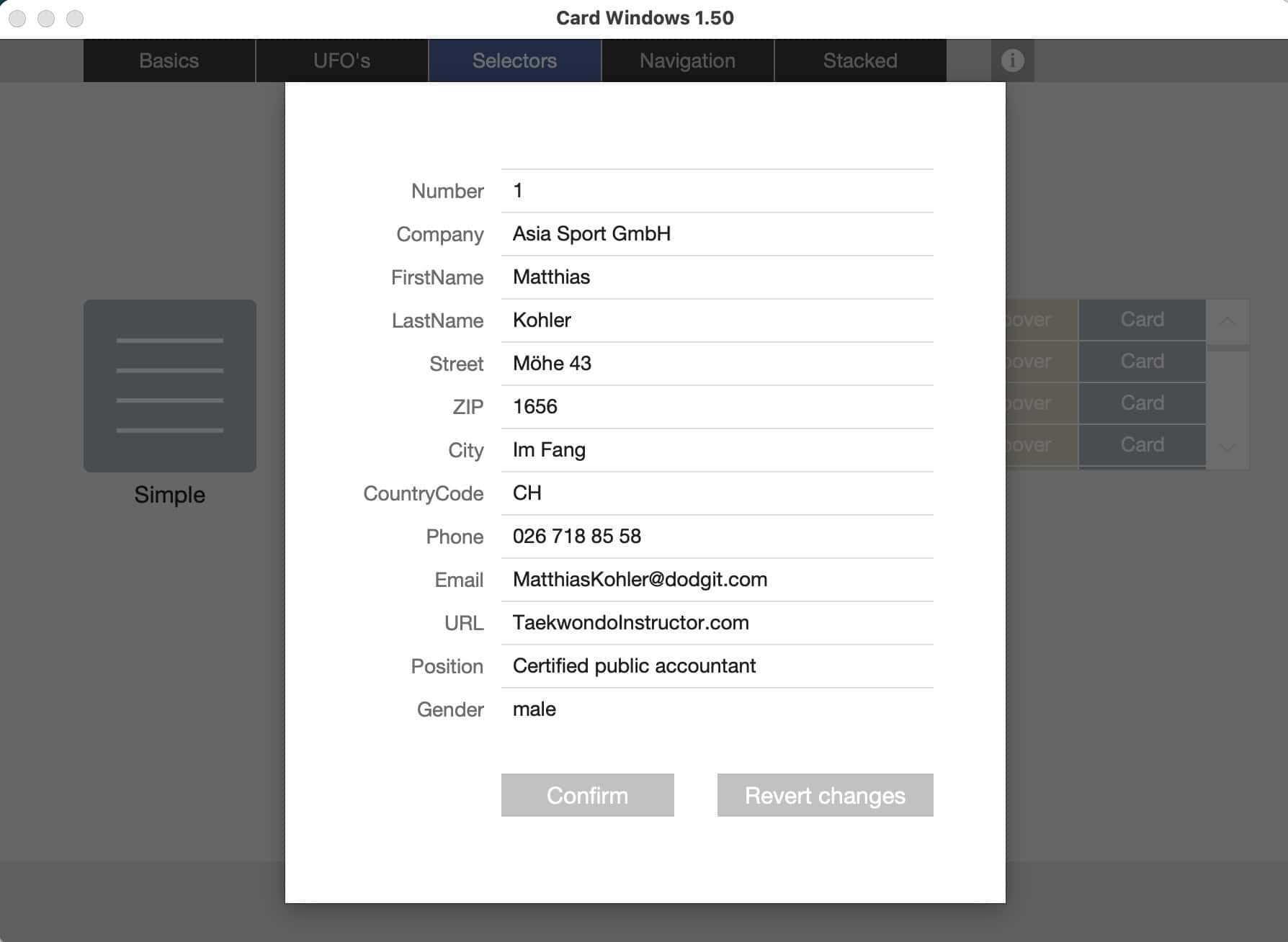
Example: A card window can be an overlay for a list of records, where the card windows allows to edit that record.
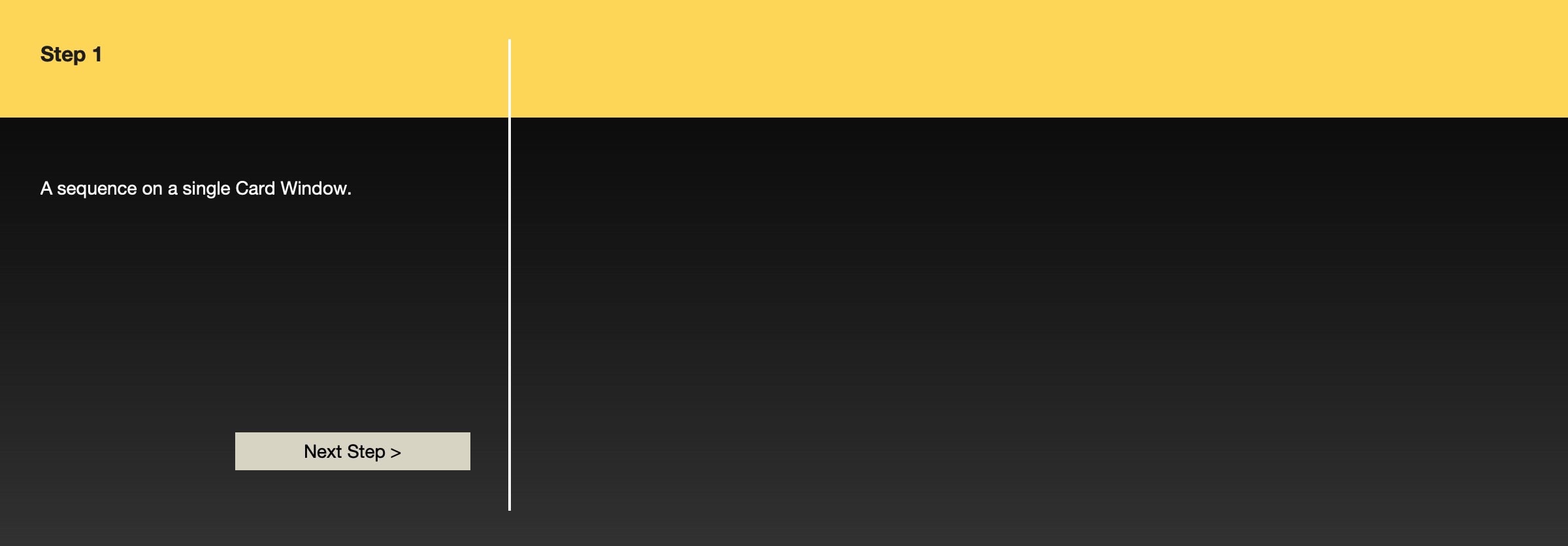

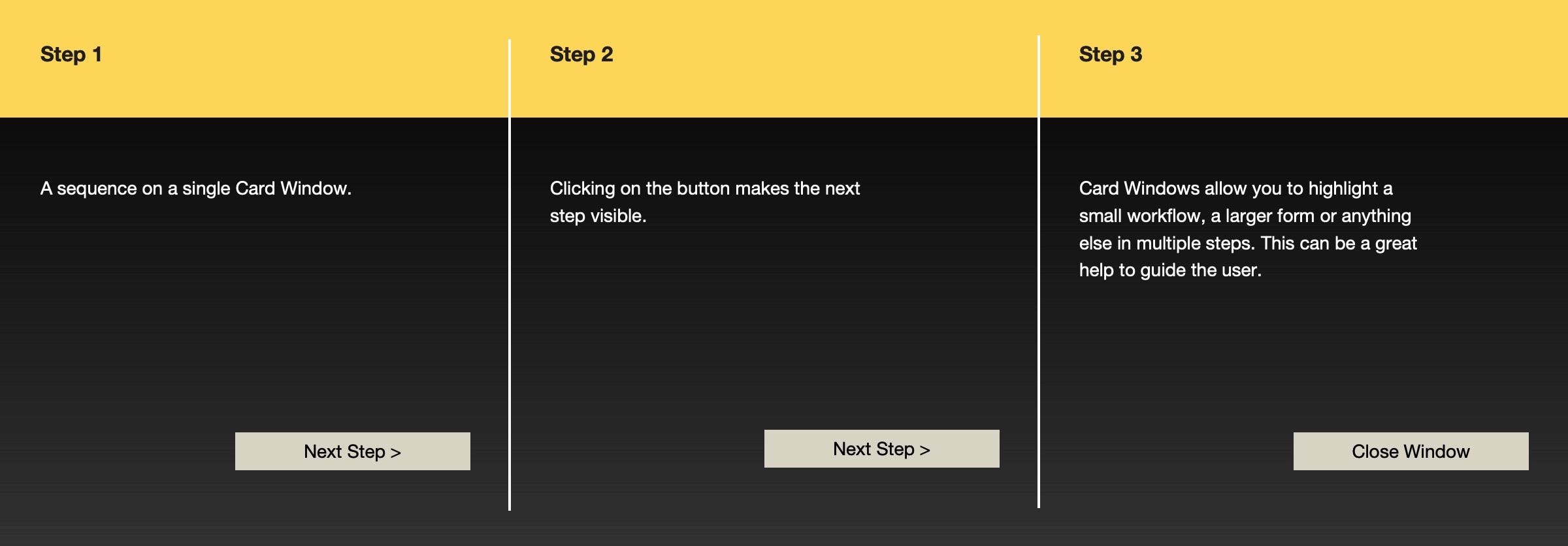
Example: A card window can also be used to explain something step-by-step.
Typical usages
- showing data
- editing data
- collecting data (in multiple steps)
One example is the free addon «GetHelp» on this site. It uses a card window to display a help text from a help text table.



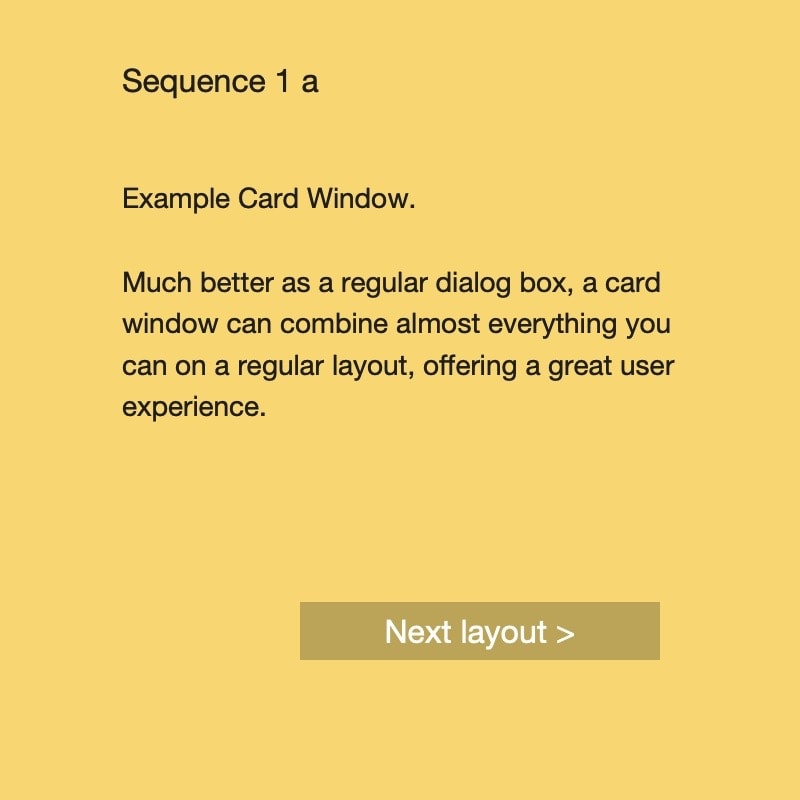


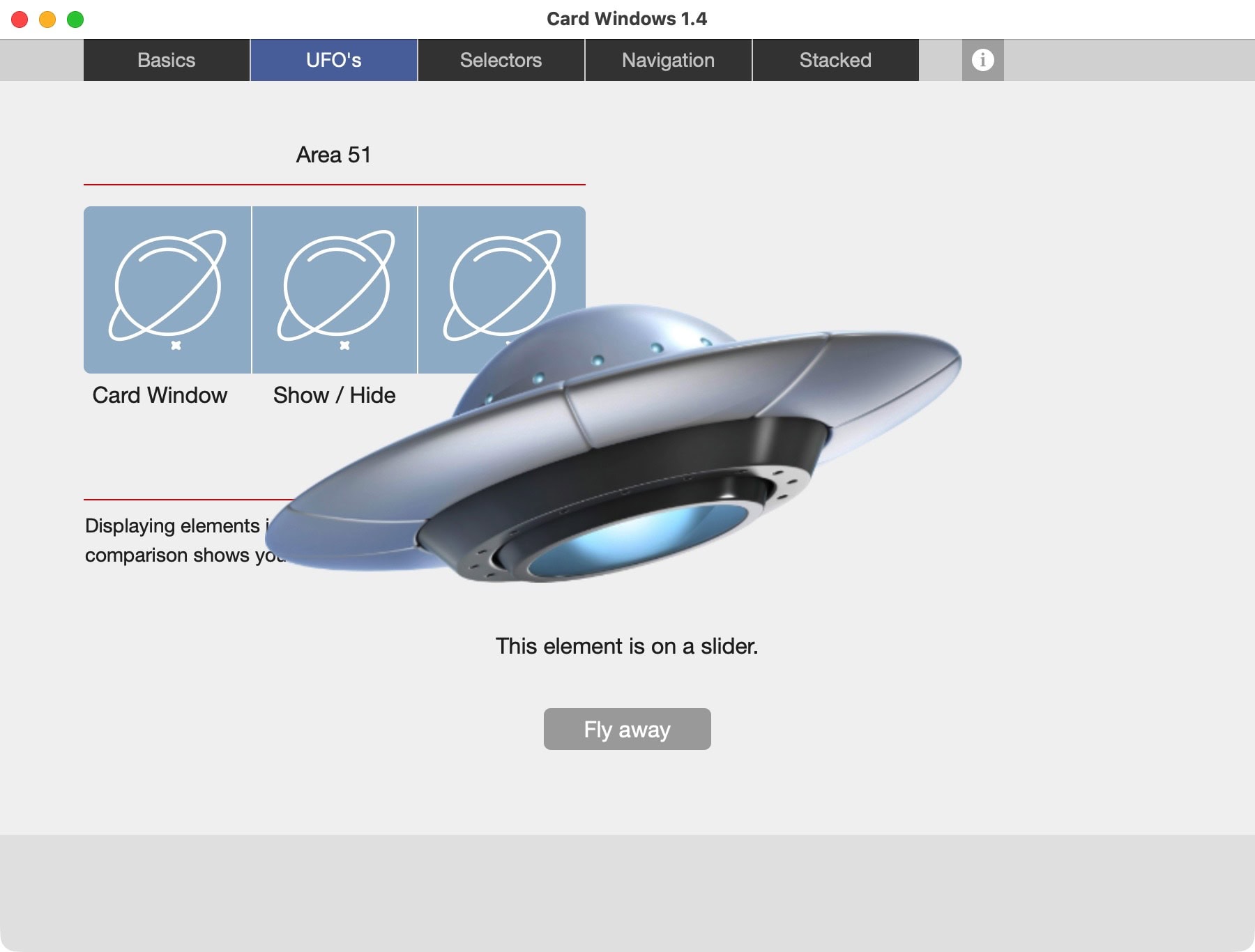


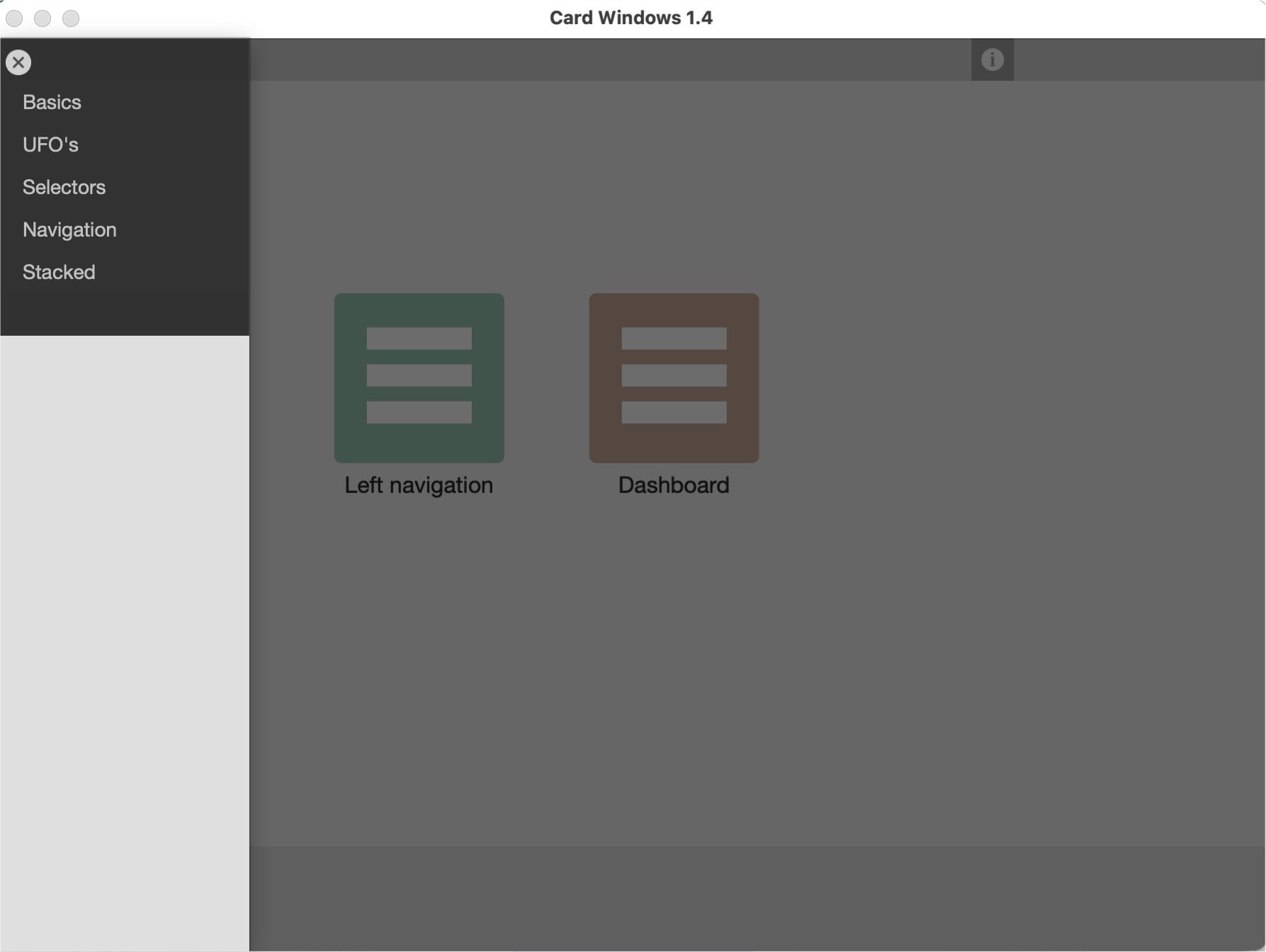

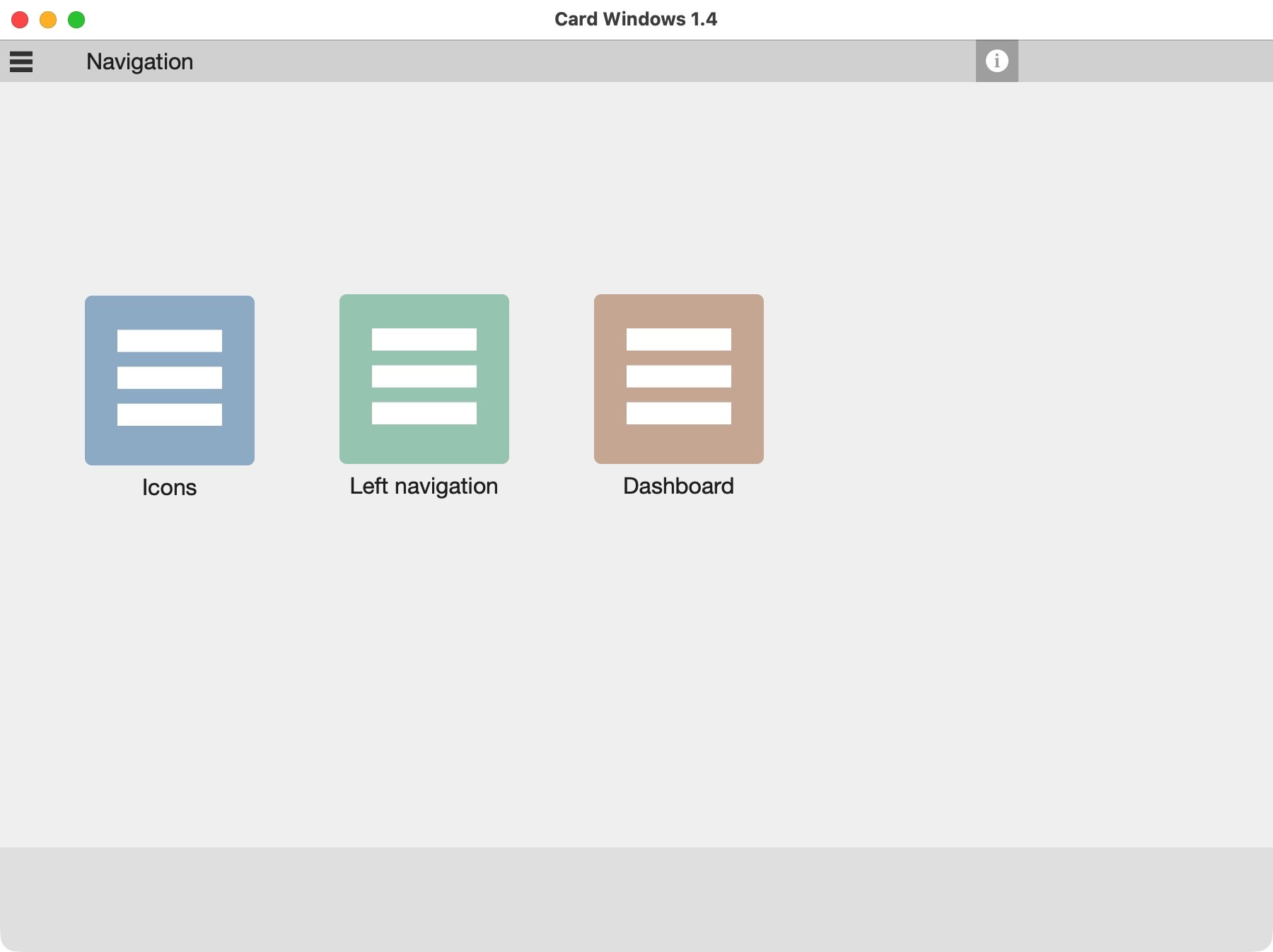

Card windows
A card window is alway related to the layout it is opened from. While the underlying layout will not change, the card window can change.
- Opening a card window is actually comparable to creating a darker dimmed overlay and the size of the card window is a cutout in that scenery. This means that you can move from one card layout to the next, for example by a button, whereas the cutout of the page remains the same. One only needs multiple card layouts of the same size.
- There can only be one card window open at the same time. If you need a second overlay, use a dialog. But if you do so, would a different solution with fewer options not be simpler and thus, better?
- Instead of opening multiple layers, use a script to close the currently open card window, then open a next card window. As this is a new window, it can have a different size. Thus, the perceived effect for the user is, that the card window expands.
Start exploring
Developers use card windows in FileMaker to create menus, dashboards, and guide users through multiple steps to a final result. There is no right or wrong here, just what fits you best. The sample file shows a number of options.
Sample file to show how card windows can be used in FileMaker.